🇺🇸
Open app

When should I start teaching the clock?

Less about the age on the calendar. More about what your child can already see, right now.

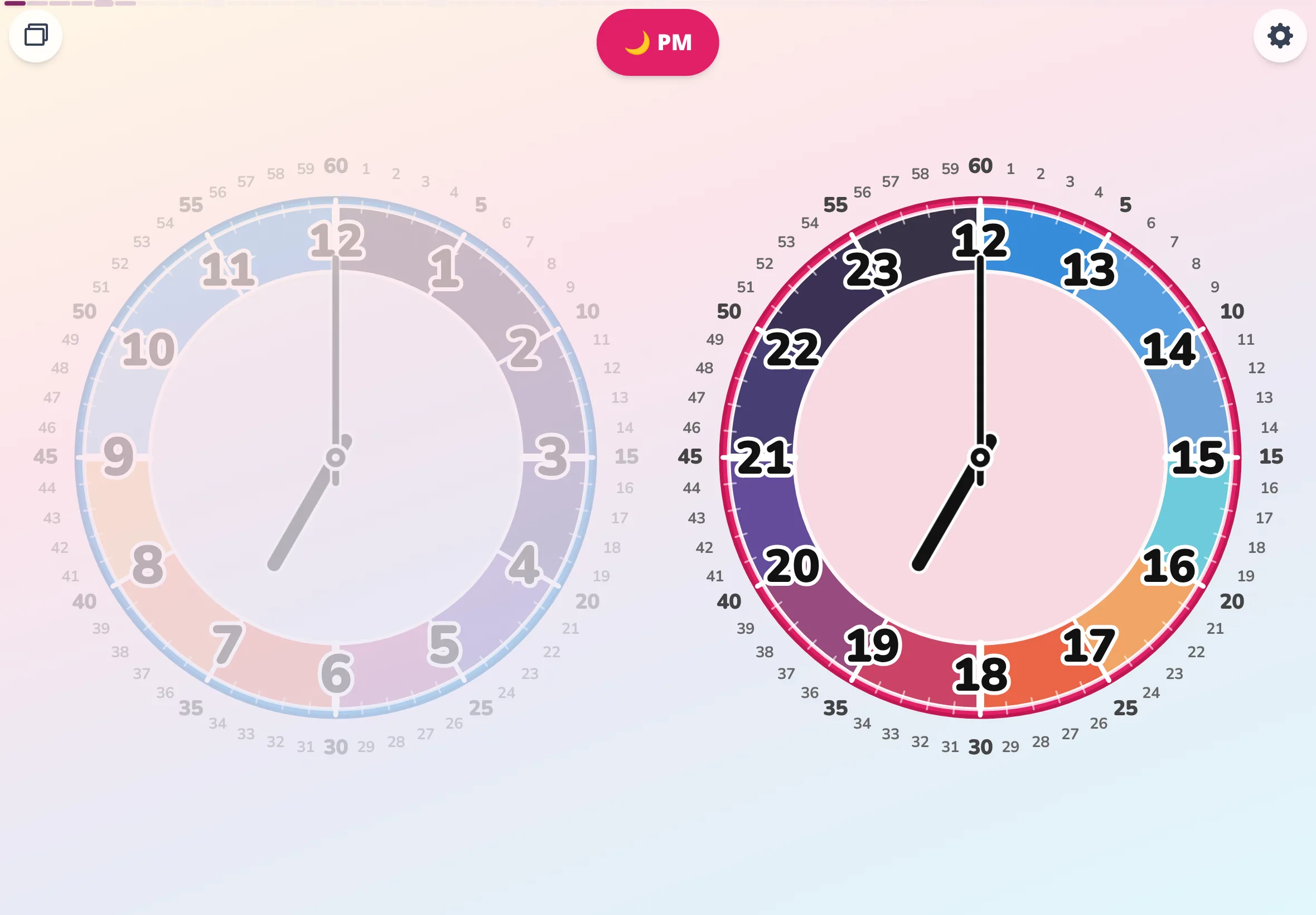
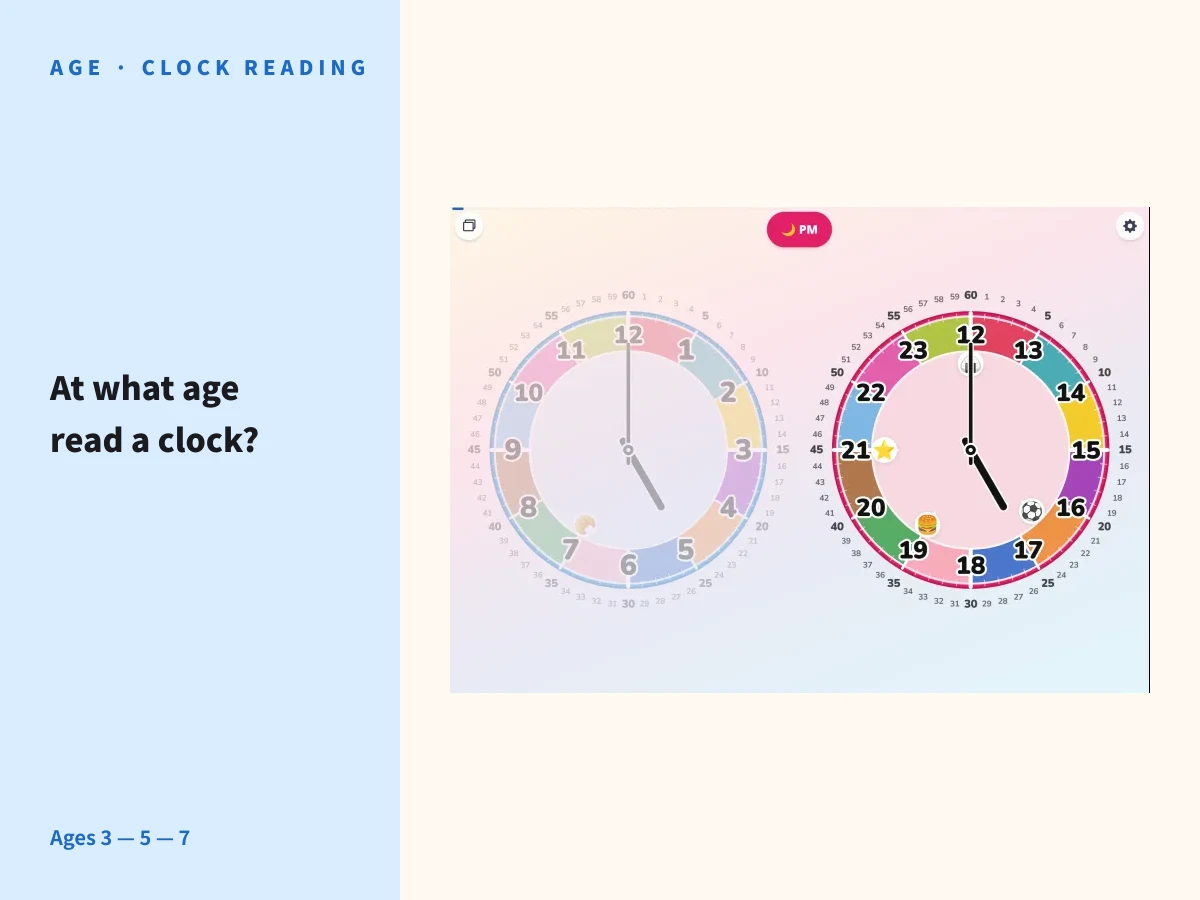
Article hero image of Futatoki the Learning Clock App — title 'When can kids read a clock?' alongside a tablet showing the analog clock at 5 PM with day-rhythm activity stamps for breakfast, lunch, play, dinner, and bedtime.

Preschool teachers, I'm told, hear it all the time: "shouldn't my child be reading the clock by now?" When to teach the clock, though, comes through far more clearly from the look in your child's eye than from the number on the calendar. "What age" is one rough guide. "What can they see right now" is the real starting point.

01

Set "what age" aside, for a moment.

Type "what age should I teach the clock?" into a search box and a long list of ages comes back. Age 3. Age 4. The kindergarten year. First grade. Each has a reason behind it. None of them looked at your child to decide.

Two children, both age 3. One points at the clock and reads the colors out loud. The other quietly takes in the round shape and nothing else. It isn't fast or slow. It's that they're seeing different things. Starting from the age can blind you to what your own child is actually looking at.

Set the "what age" question aside for a moment. Start instead by quietly watching how your child looks at the clock.

02

From age 3, in step with each child's growth — what to show, stage by stage.

Tablet view of Futatoki the Learning Clock App with the information dialed up or down to match the child's stage — a kids' analog clock app that grows with the child from age 3 through early elementary.
Add information, then ease it away — at your child's pace.

Let's not pretend age is completely irrelevant, so here are the rough guides. Just remember: which stage your child is at is something you read from their eyes, not from the calendar.

First. Let your child notice that the clock, which looks frozen, is actually turning slowly clockwise. Auto spin mode shows the sun arcing across the sky, and that becomes the first invitation into how the clock moves. While you're there, point out that the two hands run at very different speeds.

Around age 3. The stage of getting used to the clock being there at all. Don't ask them to read it — just show the round shape and the colors. Settings: "circles × simple" — only the hour badges, with the minute numbers turned off. The minimum setup. Your child picks up that the hand and the circle are connected, through where the hand happens to be pointing.

Around age 4. Time to switch to "slices." "The hour just passed is the current hour" — the core of reading the short hand lands here. If your child has gotten the hang of dates or years, you can say: this works the same way.

When the time comes. The moment the long hand starts to interest them, turn on "slices × detailed" — the minute numbers ring the outside. Now you can talk about how the short hand and the long hand do different jobs. Around this point, the current time and the rhythm of the day can start to attach to each other in memory.

Around age 5. Reading the clock has settled in, and your child starts attaching future times to plans. "We leave in 10 minutes" turns into a small puzzle — reading the time backward from where the hand will be. There's a fun in that.

Around age 6. Strip the minute numbers off, and your child can still read the clock from where the hands are pointing. "slices × simple" brings you close to the final form of the settings.

Around age 7. Time to pull the color hints, too. Switch to the monotone palette, and your child can confirm they can read the ordinary clocks they see out in the world — the one at the train station, the one in the park — in that same plain shape.
03

Between "already" and "not yet."

When you see a child your own child's age reading the clock fluently, "mine still can't" starts whispering in the back of your head. The other direction works too: see a child reading the clock at an age where they probably wouldn't have to yet, and "maybe I should start now" begins to creep in.

But there's nothing especially virtuous about reading the clock early. There's no need to move at an age-appropriate pace, either. Start from where your child's eye lands, and add information slowly. Fit the clock to the world your child is seeing right now, not to a schedule. In the end, that turns out to be the fastest way through.

If "the short hand is still a little wobbly" sounds like your child, drop back to "circles × simple." Adding information and letting it go, exploring the world your child is seeing — that's what Futatoki the Learning Clock App was built for.

04

Your child's pace is the truest measure.

There are no age-locked modes inside Futatoki the Learning Clock App. There are only buttons that change how much information to show. Add a little when your child settles in. Take a little away when things look hard. The app fits your child's pace, not the calendar.

"Now they're 3, so they have to ___" — that kind of pressure carries nothing good, for either of you. Watch your child's "right now," and dial the settings up or down to match. Think of it as translating the number on the calendar into a setting on the clock.

  1. 01. circles × simple (getting used to the clock being there)
  2. 02. slices × detailed (the long hand carries the minutes)
  3. 03. slices × simple (readable even without minute numbers)

There's no reason at all to rush through these three stages.

GUIDE

Growing how to read the clock together

From "getting used to it" through to "reading the clock down to the minute," eight steps with sample lines and setting changes for each.

Read the 8-step parent-and-child guide

Try opening it.

There's no right answer to what age you teach the clock. There's only the small work of meeting your child where their eye is.

Futatoki the Learning Clock App opens right in any browser. No account, no install. Sit next to your child, and start by just looking at the two clocks together.

Back to home