🇺🇸
Open app

Handout materials

Where these tend to land

Classrooms · counselor's corners · PTOs · SPED & therapy · family use · article writing

Newsletter-ready sample blurbs

For the "this week's tools," "around the office," "column," or "feature" slots in classroom newsletters, counselor's corners, PTO bulletins, SPED & OT corners — 12 samples

Sample blurbs you can paste into a school, classroom, or therapy newsletter. Four contexts (Classroom newsletter / Counselor & nurse corner / PTO bulletin / SPED & OT corner) × three lengths (roughly 50 / 100 / 200 words). Trim, stitch, or rewrite to fit whatever column you've got.

No credit needed. If you want one anyway, this line is plenty:

Futatoki the Learning Clock App (free, no sign-up) — futatoki.app

Counselor & nurse corner ~200 words Seeing the daily rhythm
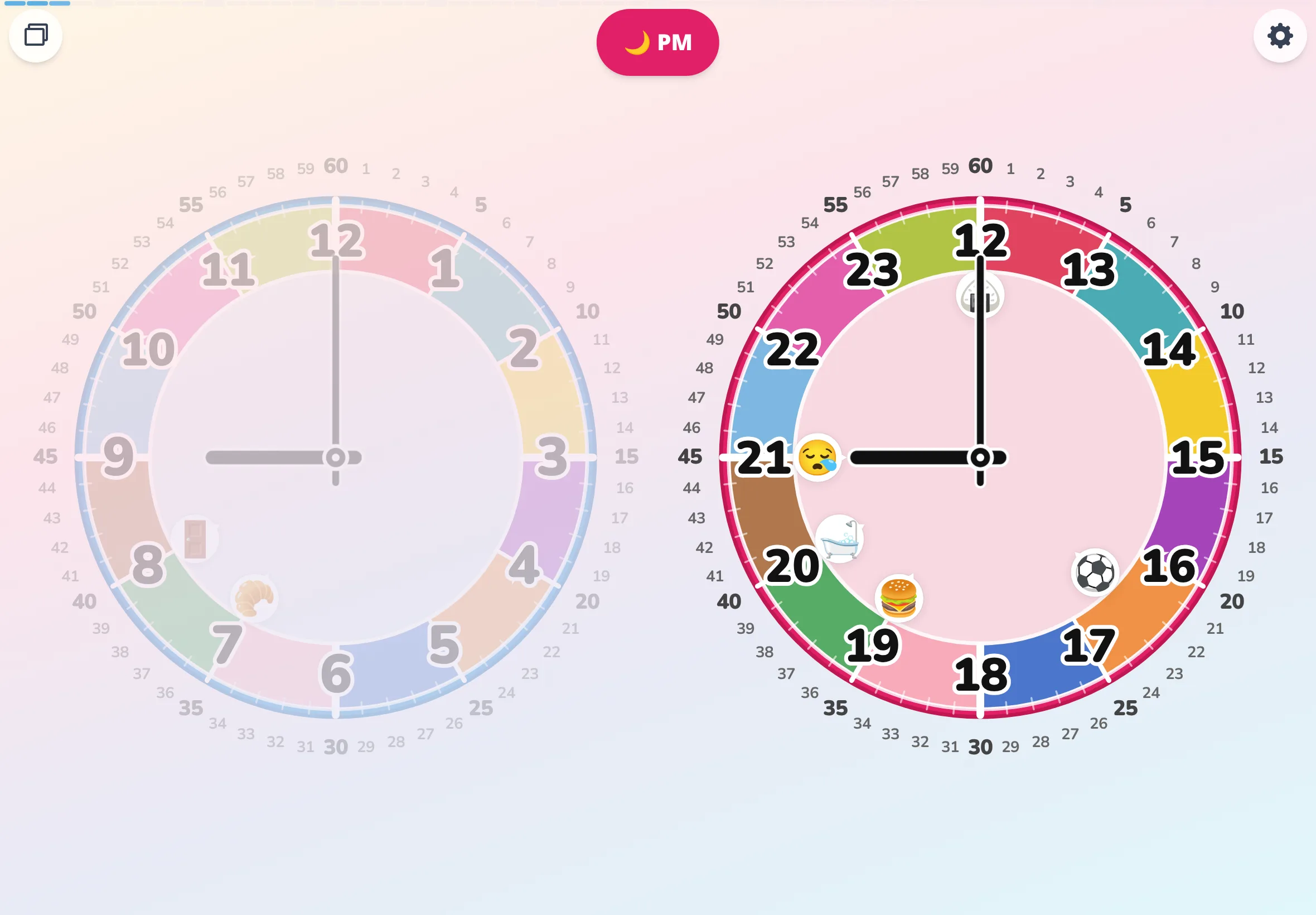
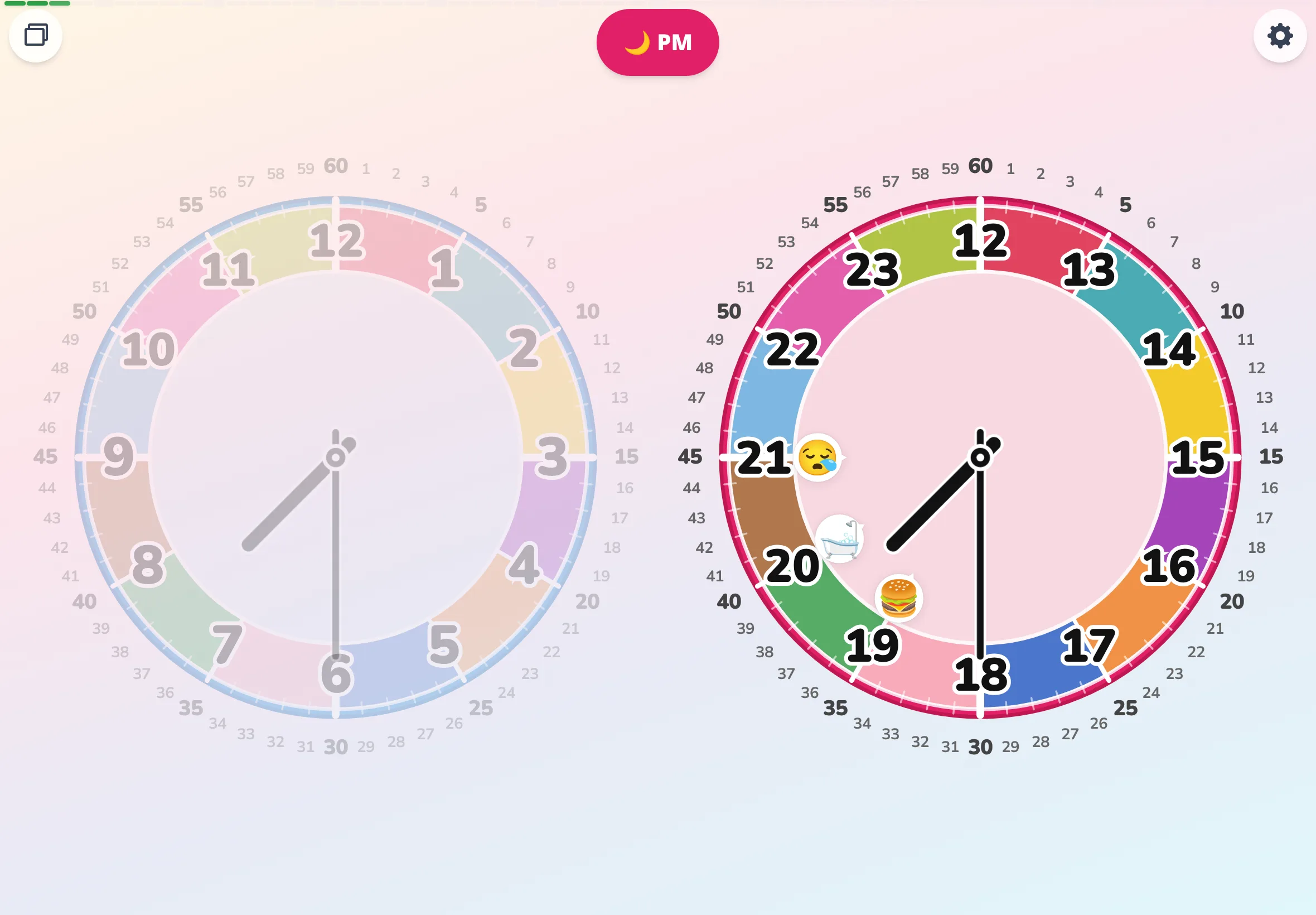
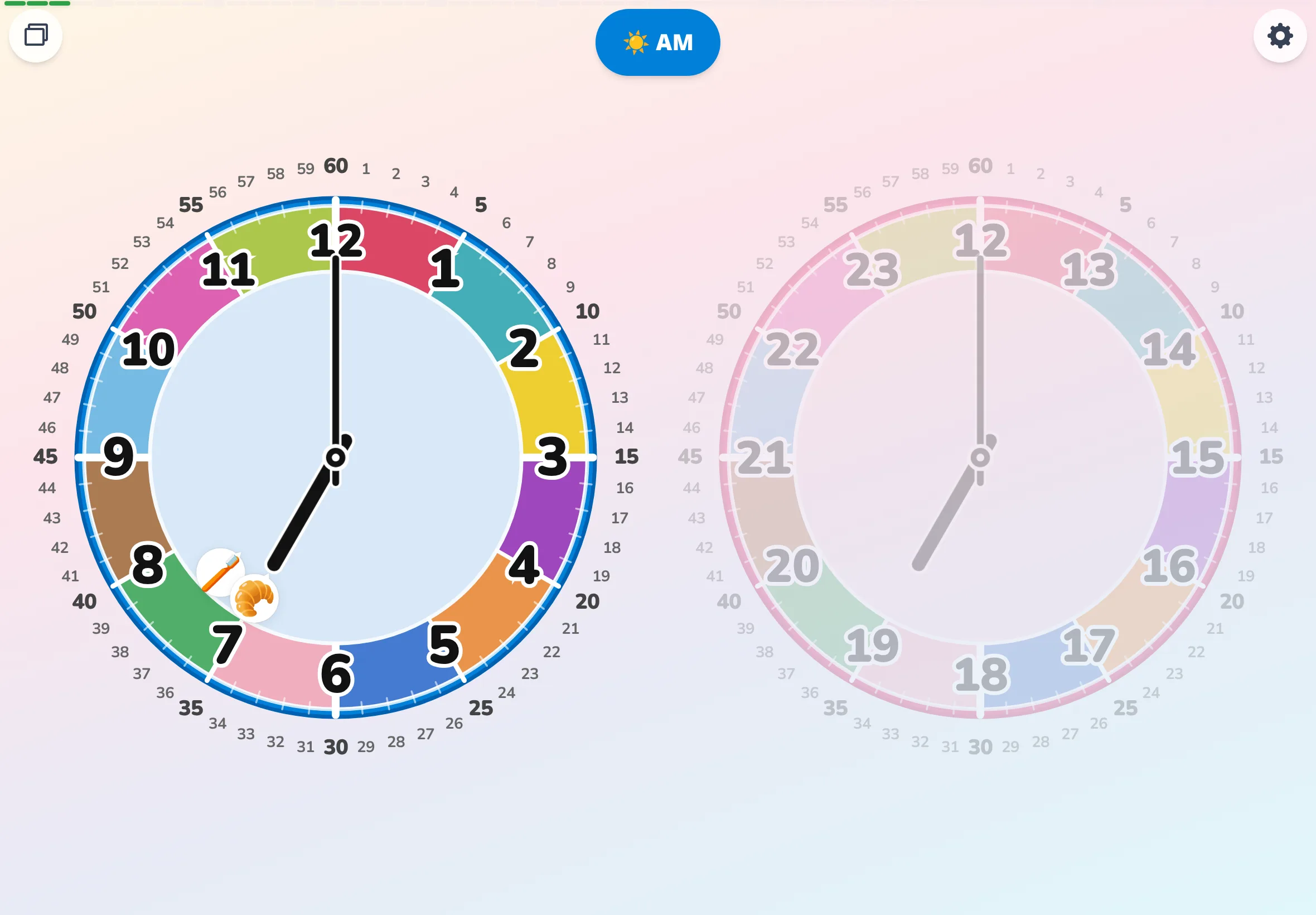
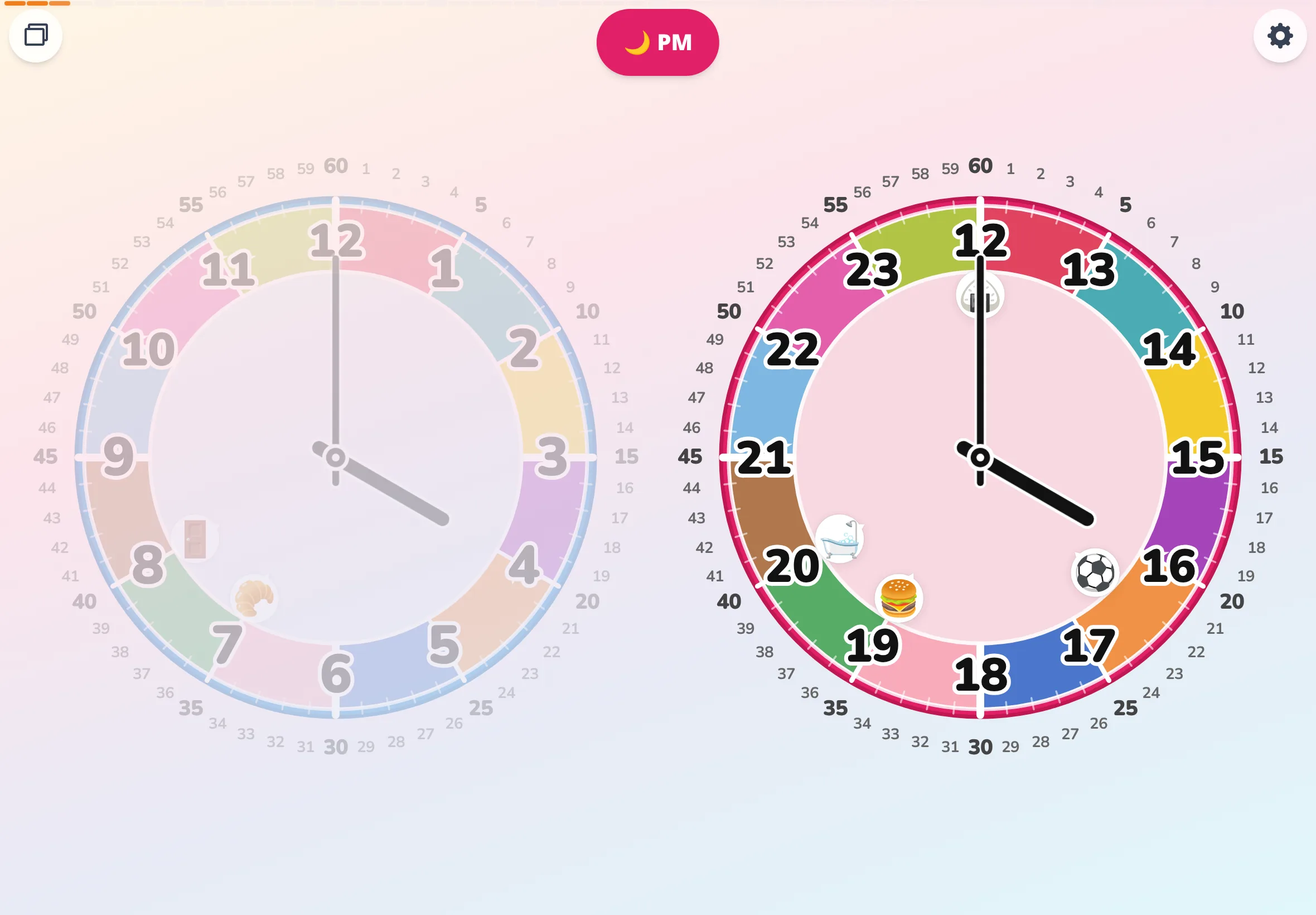
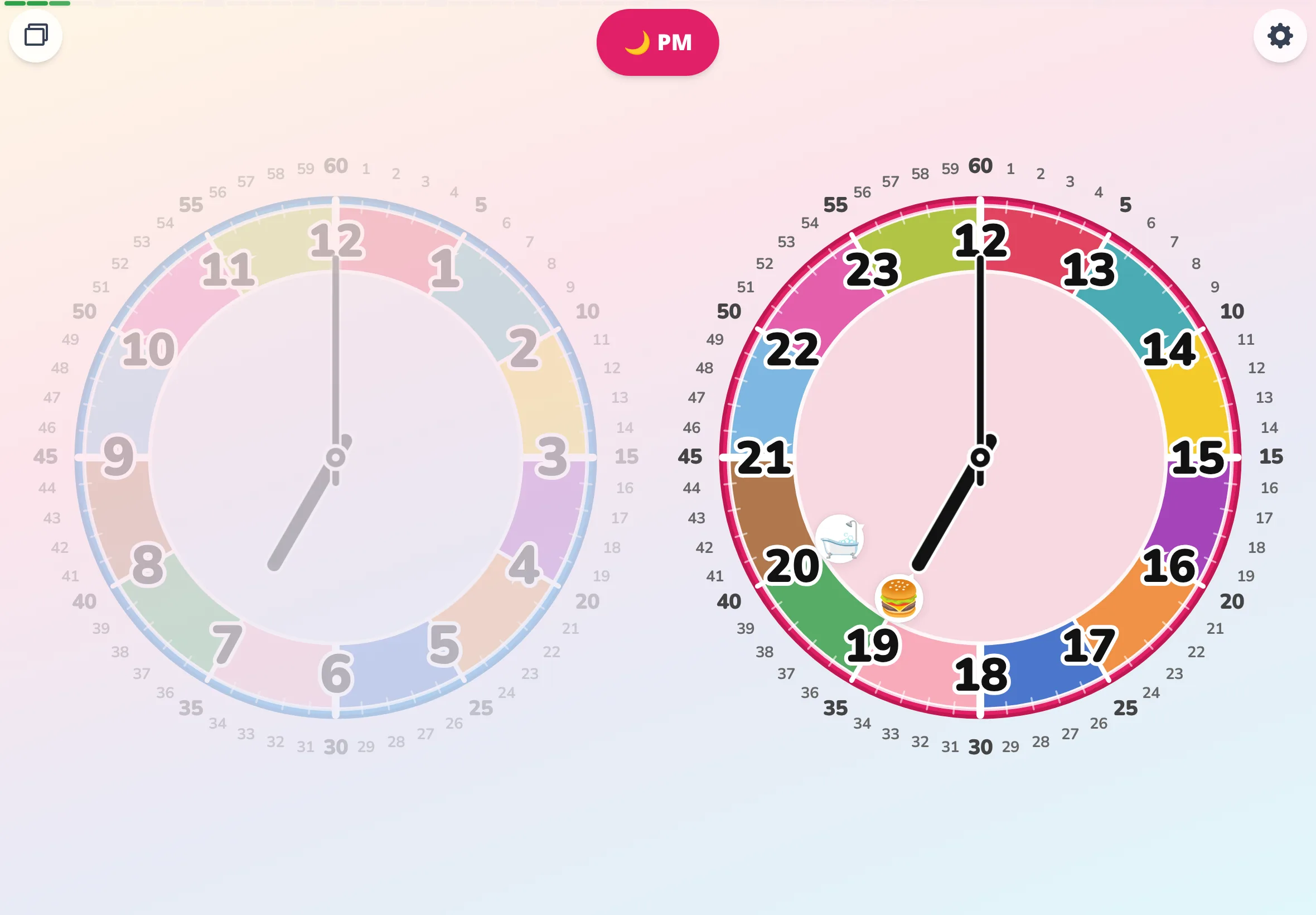
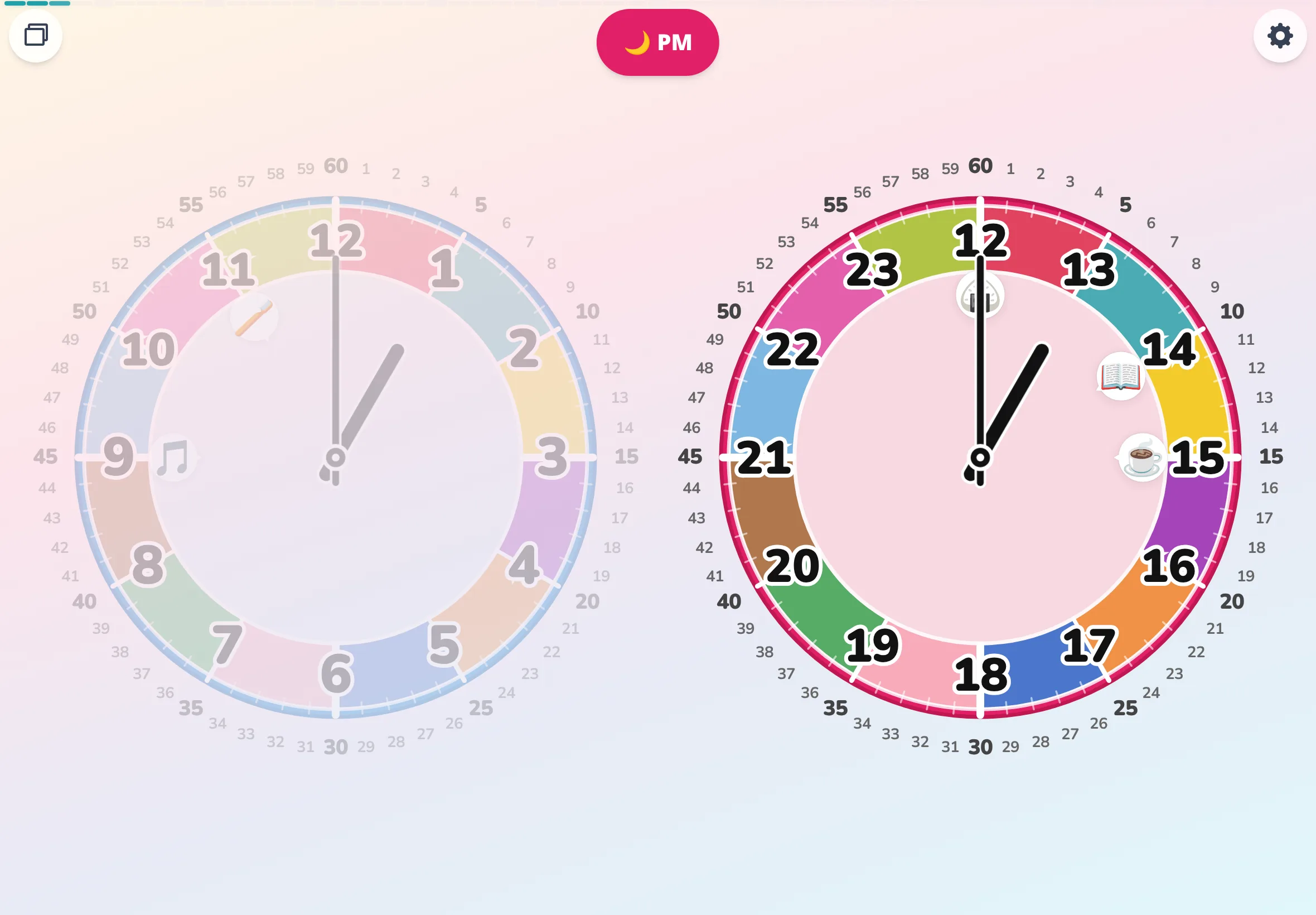
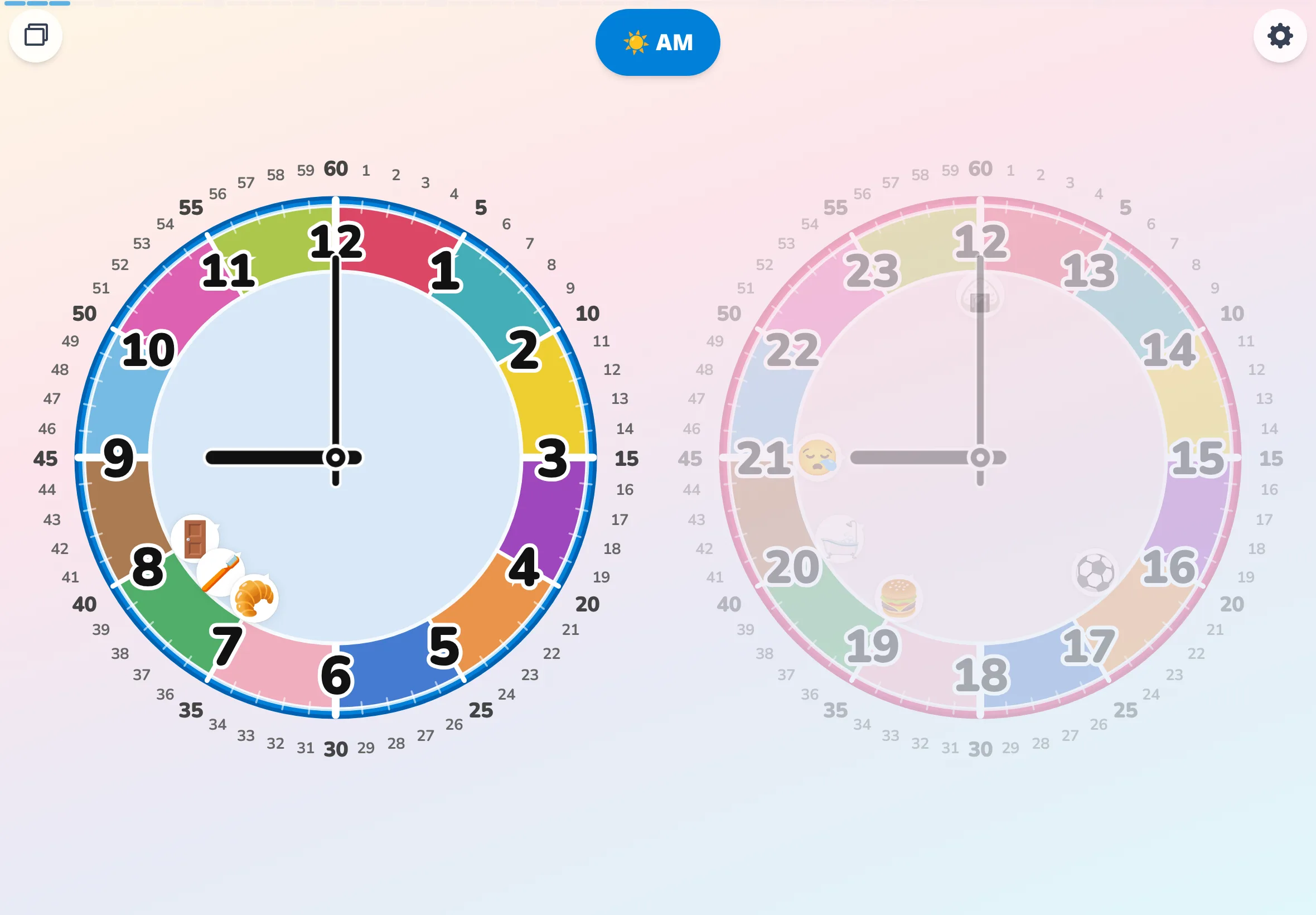
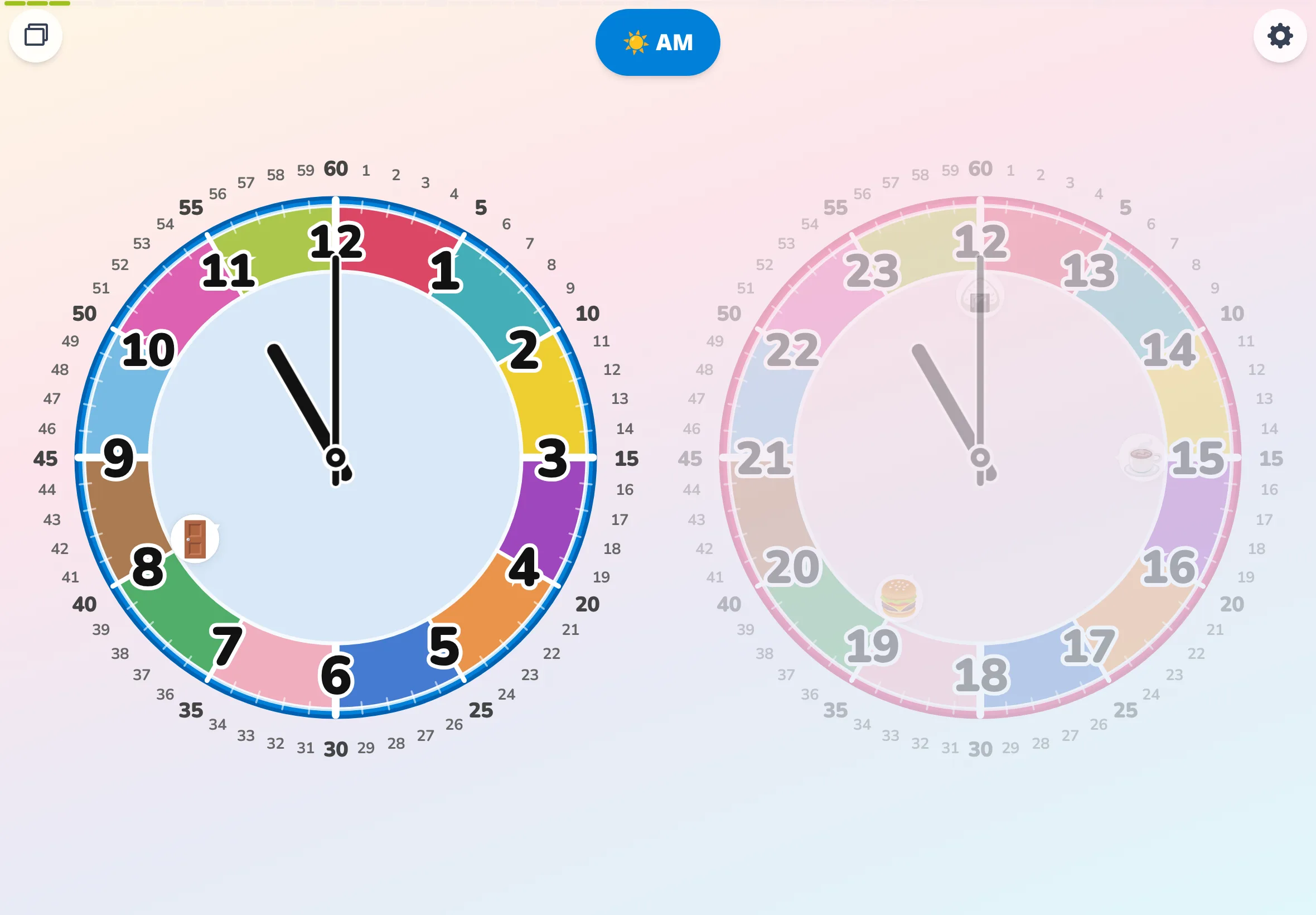
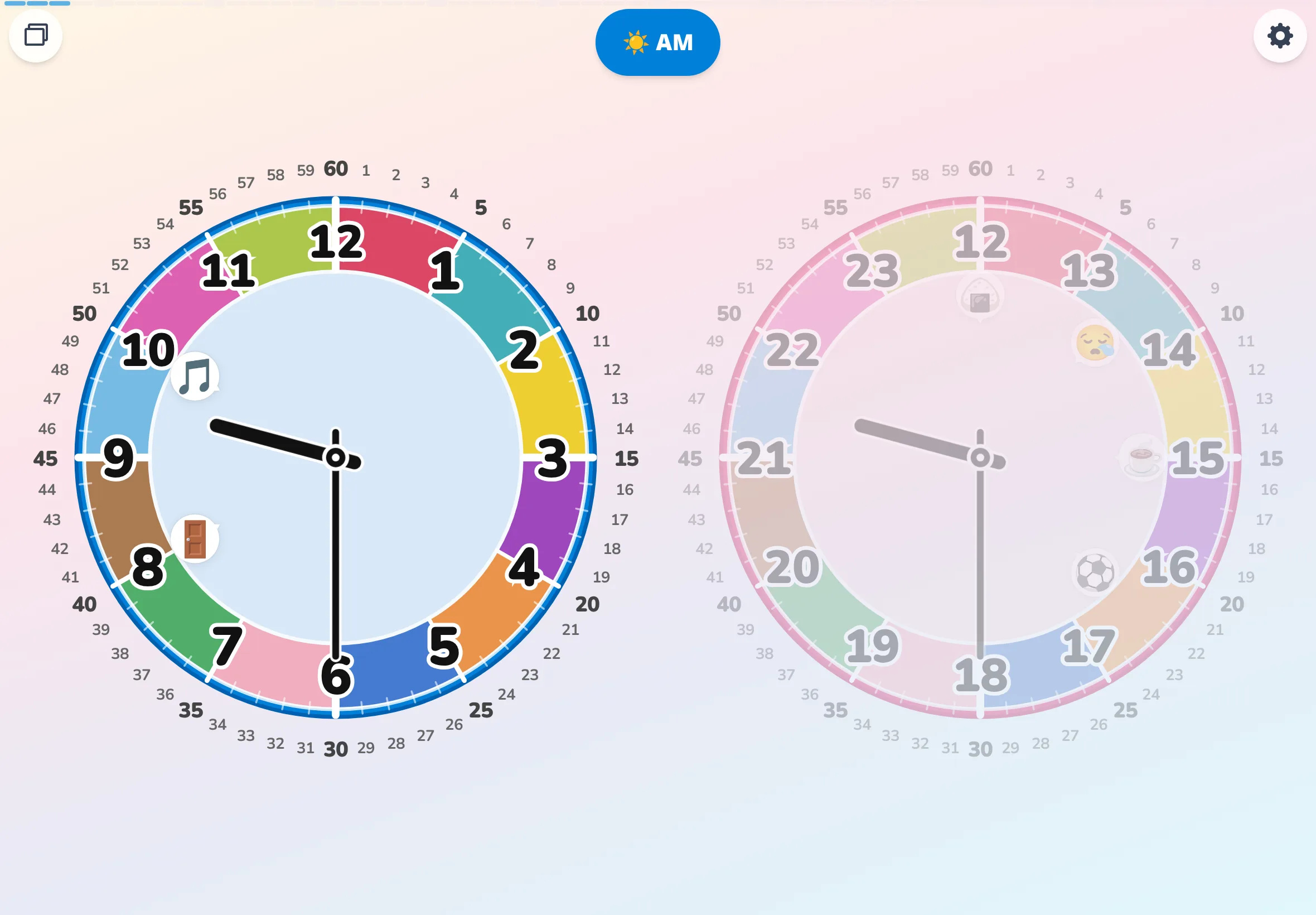
"For young children, an analog clock is a mysterious shape-shifting thing." That line, from the intro of an app called Futatoki, stopped me mid-scroll. The hands move slowly, so to a child the clock probably reads as a tool whose shape quietly changes when nobody is looking. In this app, you drop small icons onto the face — bath, bedtime, breakfast — and when the hand draws close, the icon wiggles a friendly "I'm here!" The thing that changes without anyone noticing becomes something a child can actually watch shift. That one small extra step seems to do a lot. No install, no sign-up, no ads — that part is a relief too, in a school setting. If "how long until bedtime?" or "what time did you wake up?" keep coming back at your house, it might be worth a quiet look together.
Counselor & nurse corner ~100 words Seeing the daily rhythm
When I ask the kids who come to the nurse's office, "what time did you wake up today?", a fair number of them tilt their heads, unsure. Whether or not there's a visible clock somewhere in the living room turns out to matter more than I'd guessed. I've started leaving an unused tablet propped up at home with Futatoki on the screen all day, and suddenly the whole family glances at the clock more often. A small experiment families might try at home too.
Counselor & nurse corner ~50 words Seeing the daily rhythm
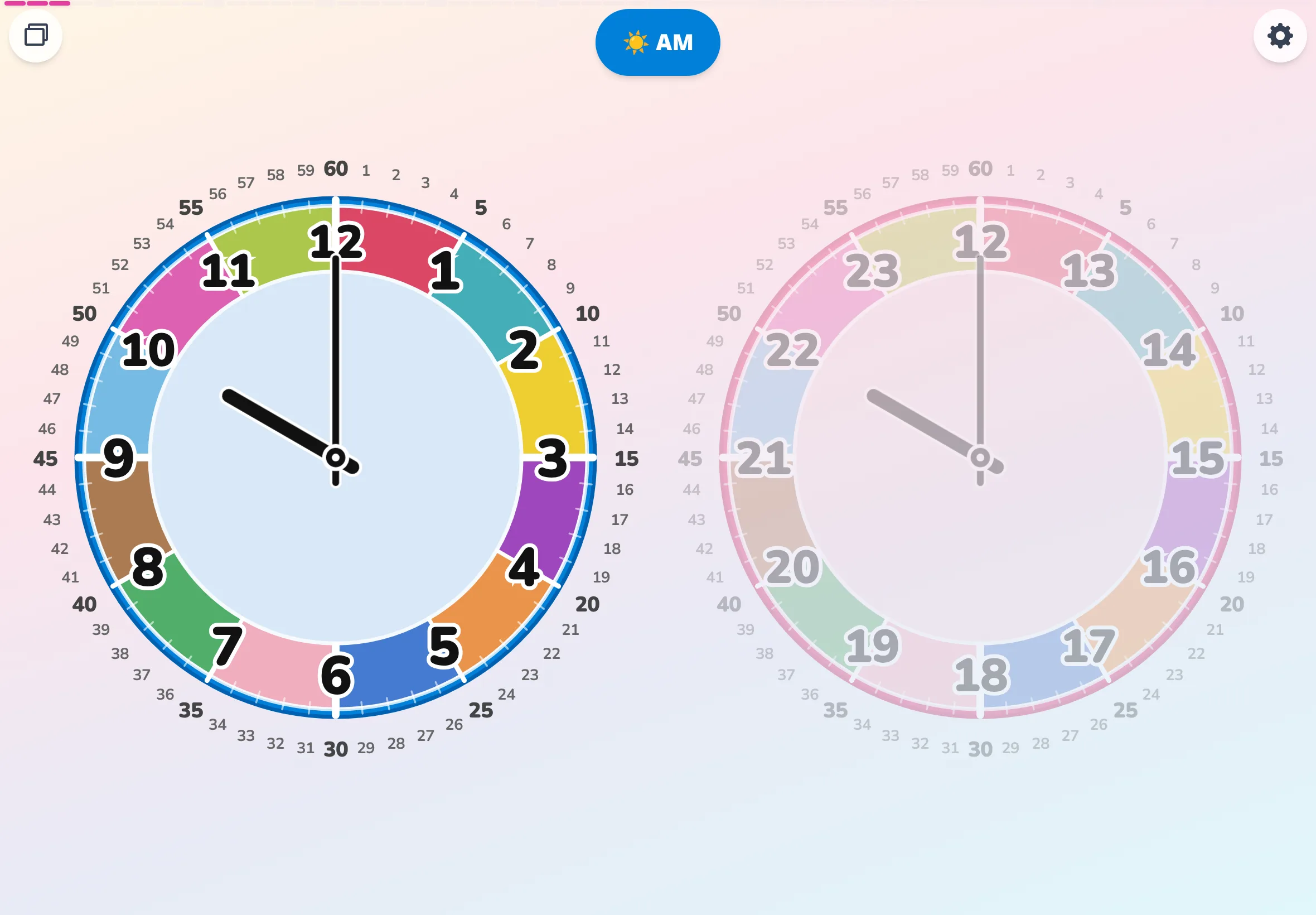
A browser app called Futatoki has a mode where a full day cycles in about 24 seconds. I showed it to my own child at home and got "morning!" and "night!" pointed at the screen, back to back — a small doorway into seeing the rhythm of a day with your eyes.
Classroom newsletter ~200 words Math corner — telling time
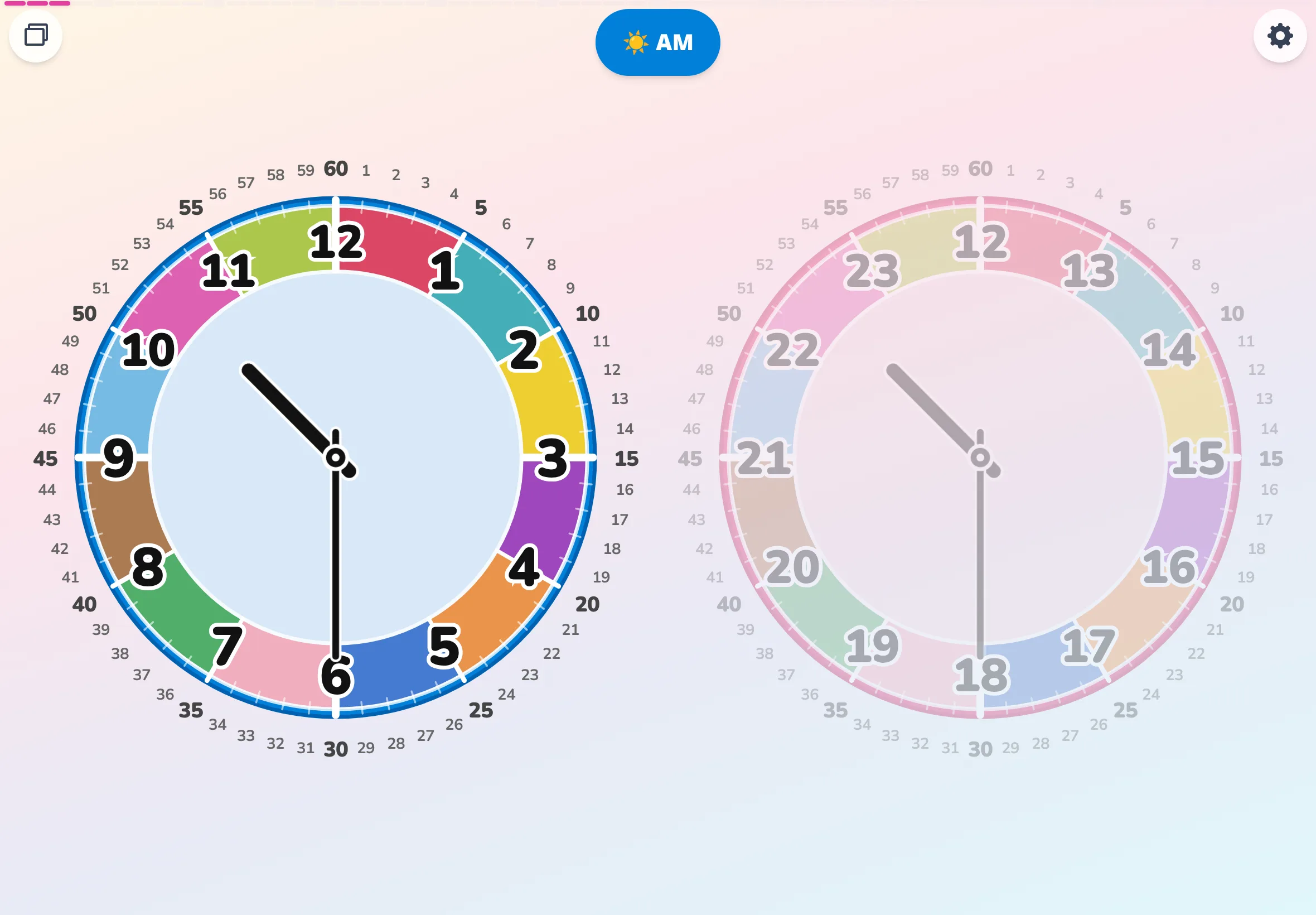
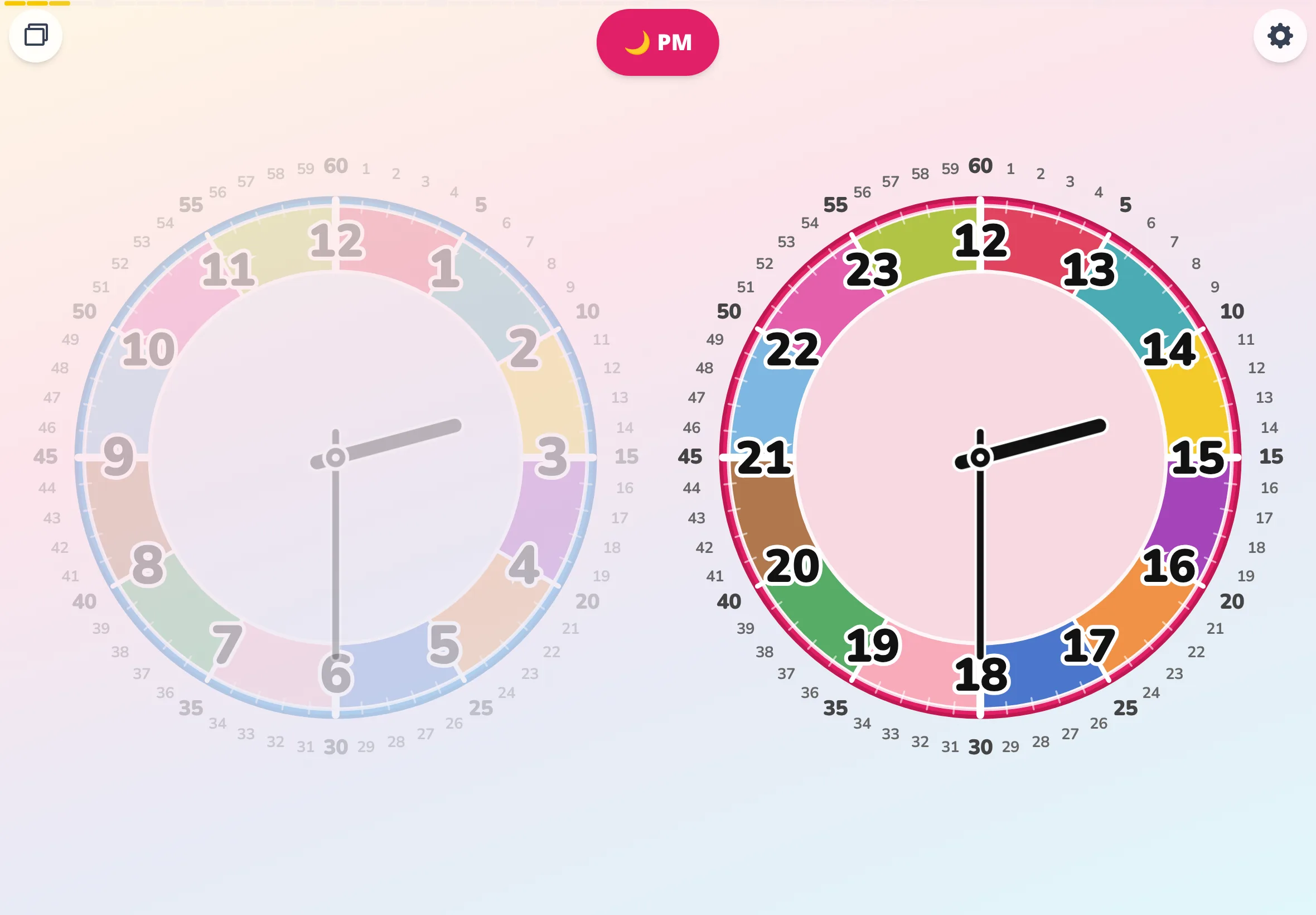
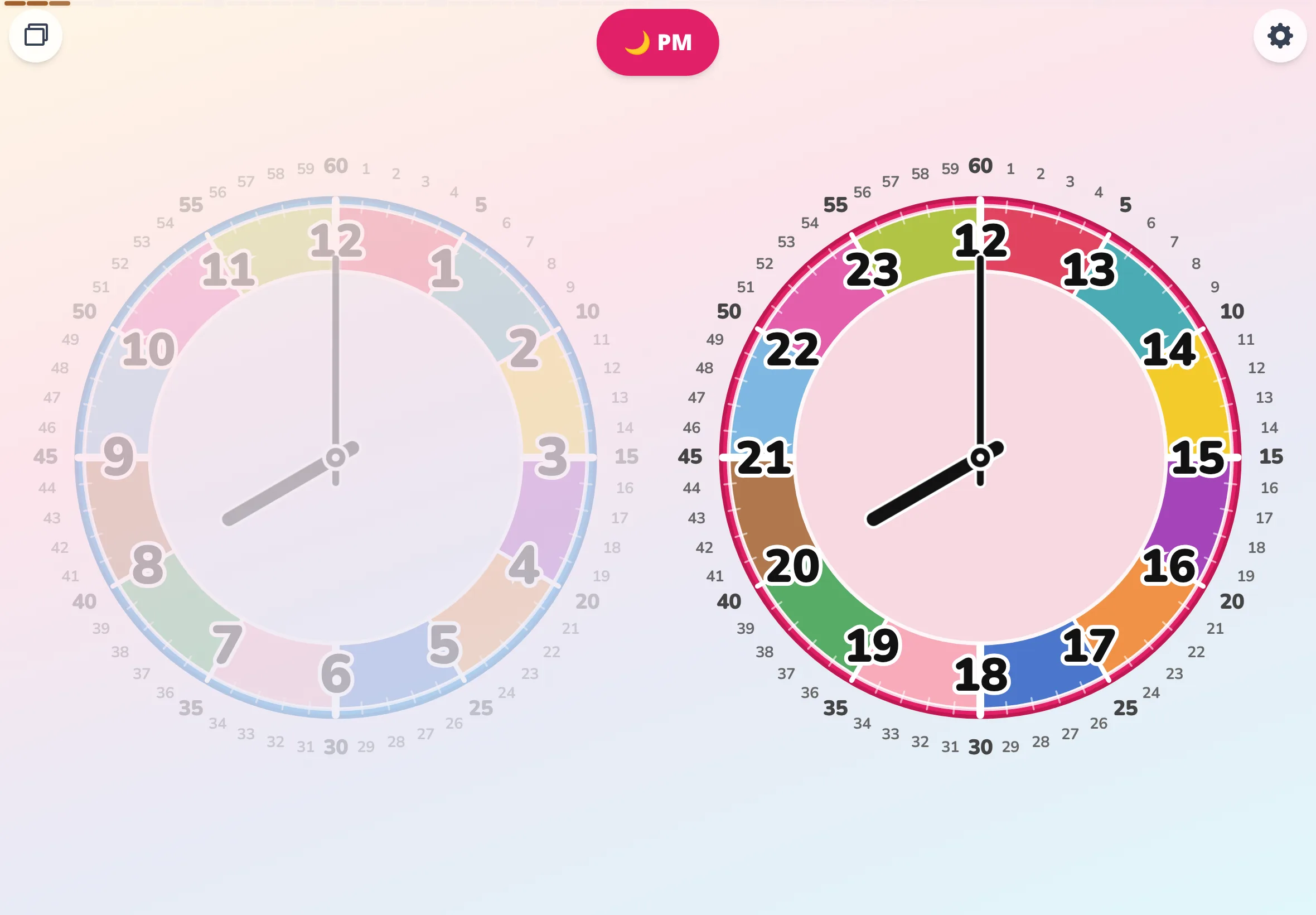
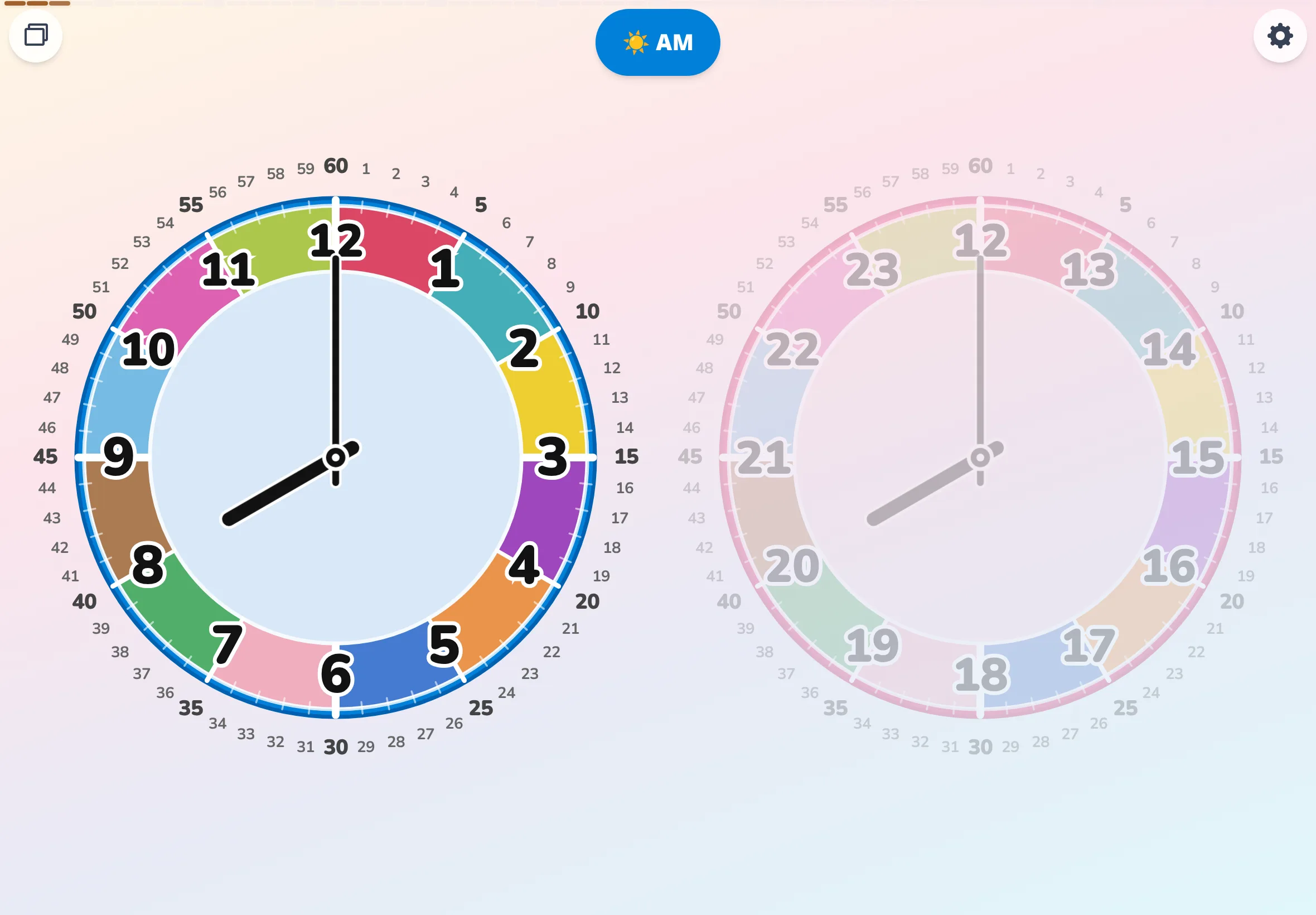
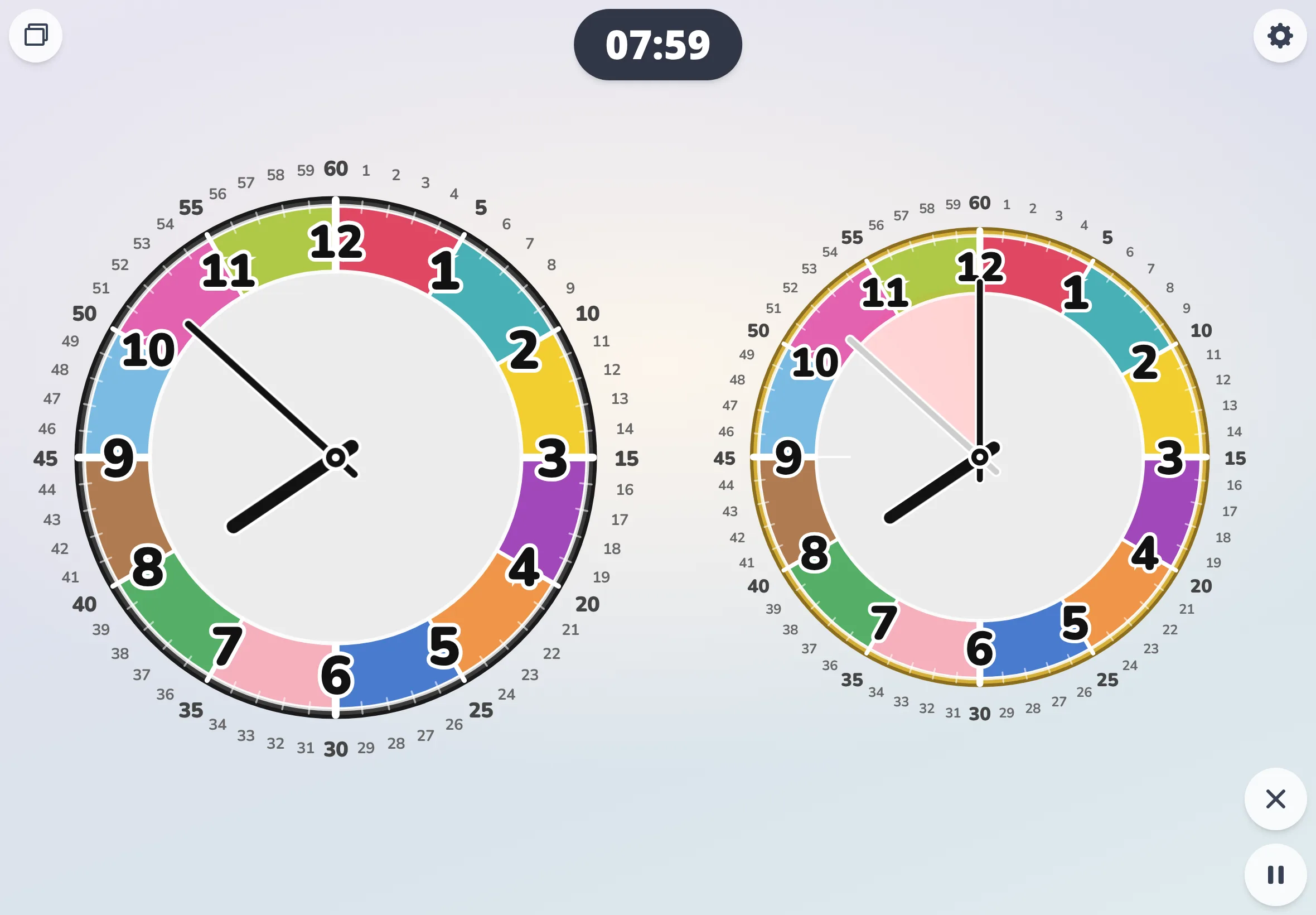
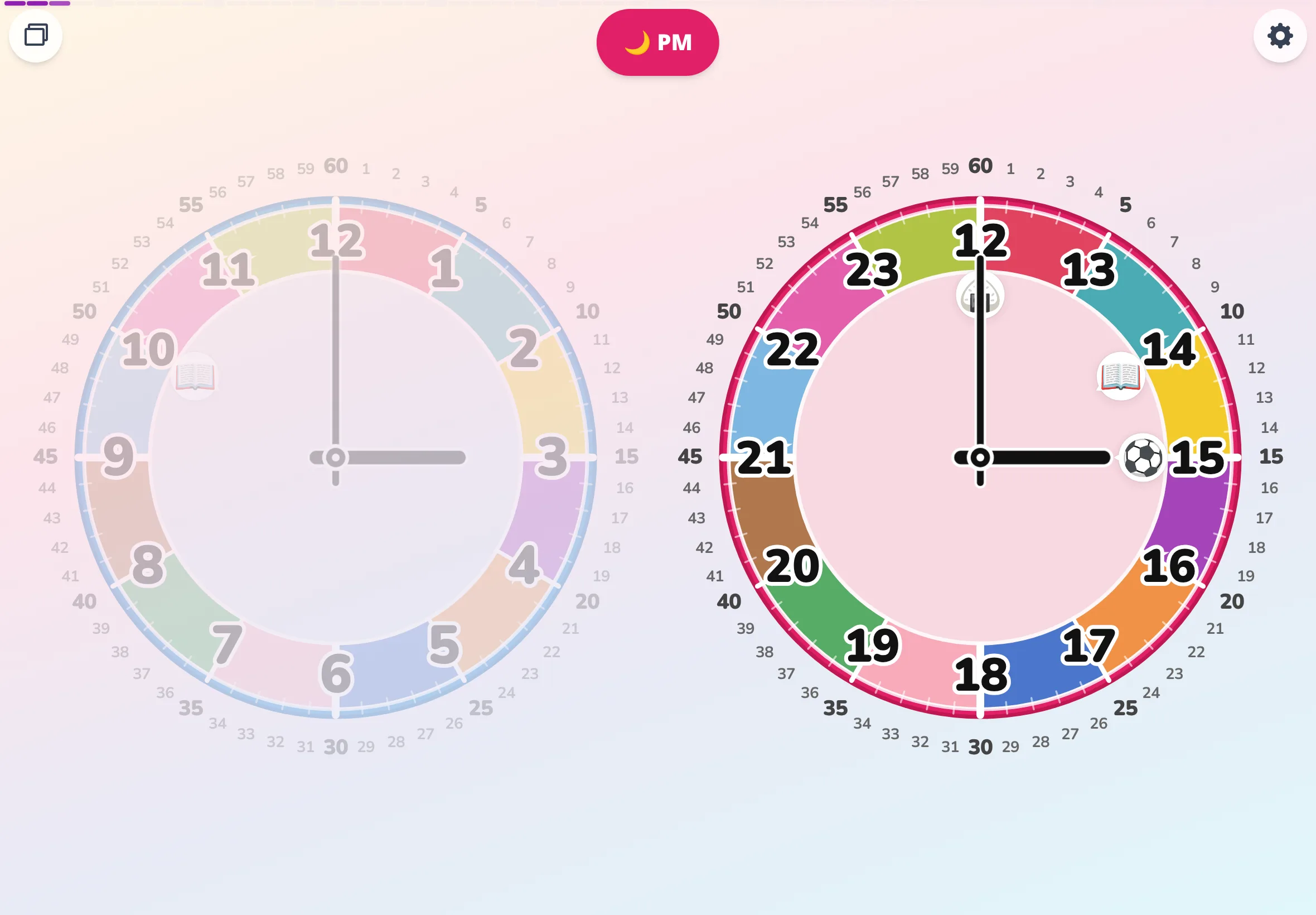
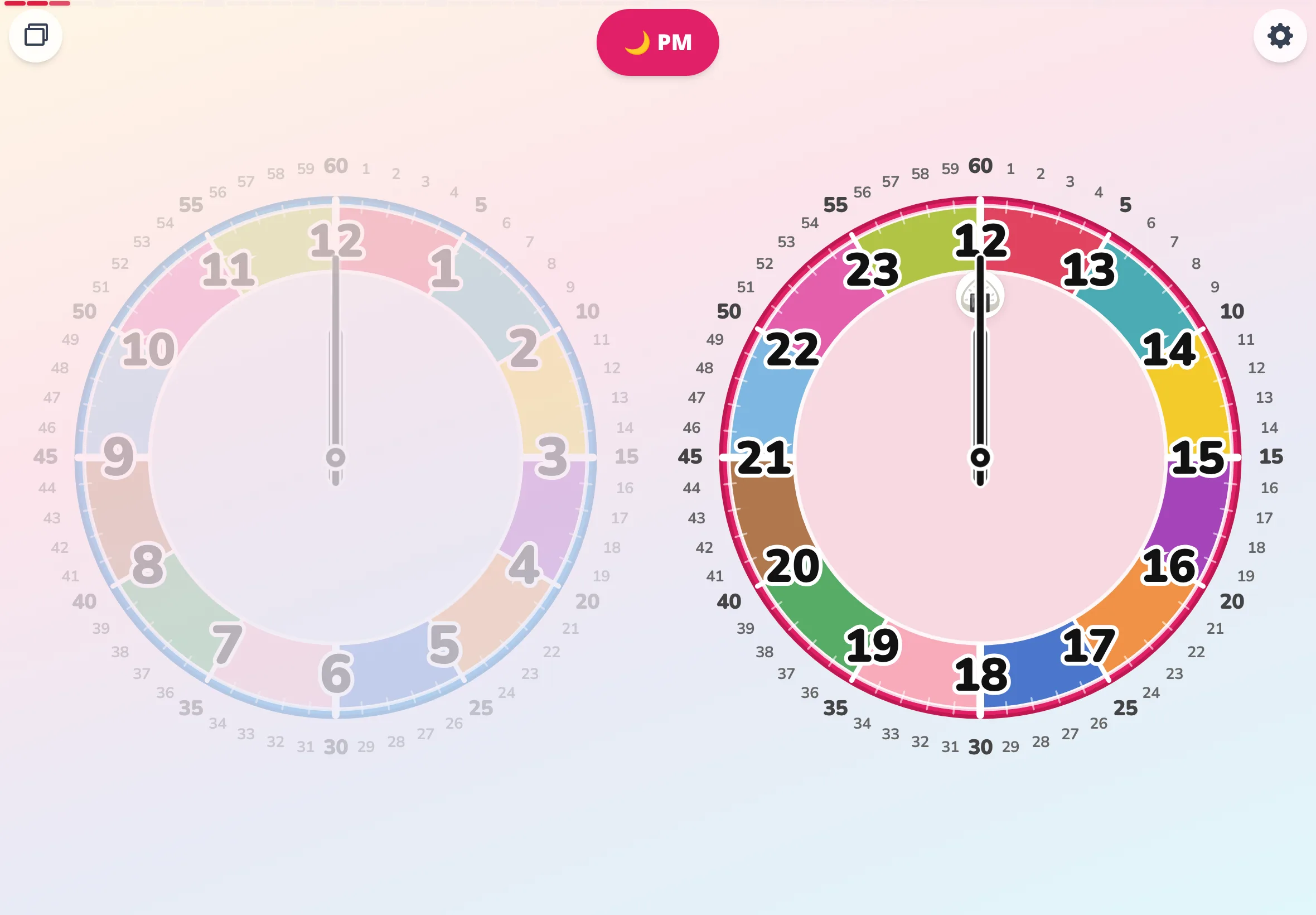
Telling time is the unit where a handful of kids in every class suddenly hit a wall. We've been doing hand-moving practice on the demo clock again and again. The other week, almost out of curiosity, I tried a browser app called Futatoki at home. I expected something like "two clocks lined up — that's all." But somehow the AM face and the PM face, sitting politely side by side, started to look strangely sweet. And you can drag anywhere on the screen to spin the hands, which made it hard to put down. I think there's a real chance the kids in class would want to "touch it for a second" too. The app runs in the browser — no install, no sign-up, no sign-in. If telling time is a sore spot for your child right now, it might be worth ten minutes of trying together.
Classroom newsletter ~100 words Math corner — telling time
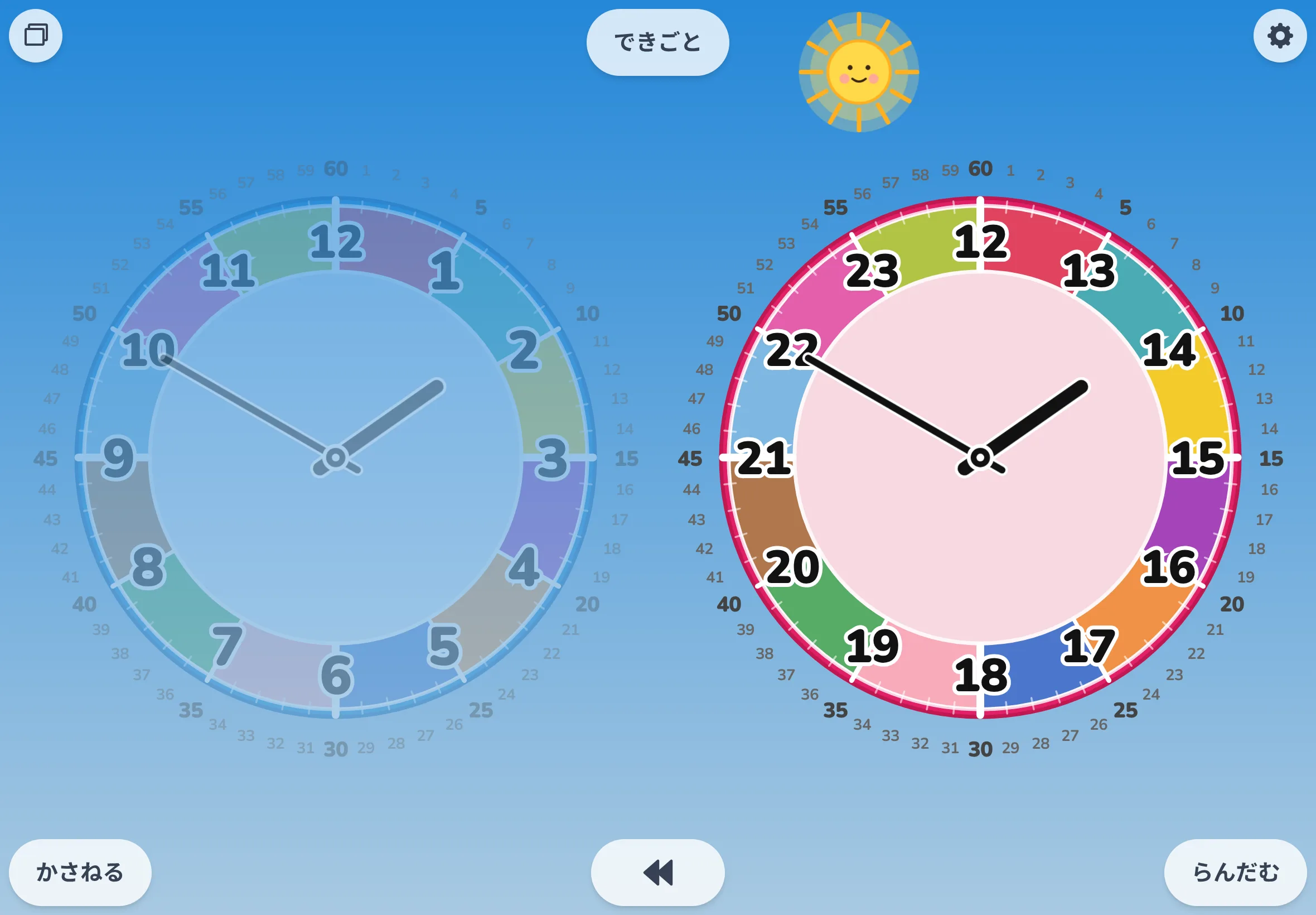
Here's a small thing I keep coming back to, called Futatoki. The clock face can switch palettes, and at home one evening my own kid and I ended up arguing over which one was cuter. A clock that sparks a tiny color-preference debate at the dinner table — honestly, that was new. I'm half tempted to pull it up in class and let the kids weigh in. A vote on "cutest dial" might just be a quieter doorway into looking at the face more carefully.
Classroom newsletter ~50 words Math corner — telling time
Telling time keeps tripping up a handful of kids each year. The other day I tried an app called Futatoki, expecting just "two clocks side by side" — but you can drag anywhere on screen to spin the hands, and I lost ten minutes to it.
PTO bulletin ~200 words What's working at home
At a parents' coffee a couple weeks back, this came up: the age when kids start reading an analog clock varies a lot from child to child, and plenty of them can read a digital clock long before analog ever clicks. I'd been quietly worrying about the same thing at our house. Someone passed around a browser app they'd come across, called Futatoki. It lays AM and PM side by side, showing the hidden conversion adults usually do in their heads, and the amount of information on the face can be turned up or down step by step. You start with the busy, brightly color-coded face. Once that feels familiar, you strip the color and switch to a single-tone palette. Beyond that, only the four cardinal numbers remain — the same minimalist look you see at a train station or in a school hallway. If a step feels too hard, you drop right back down. We've been using it on and off, and it's been a relief to have something that just meets the kid wherever they are.
PTO bulletin ~100 words What's working at home
At our house, we've made up a little game on a browser app called Futatoki we call "what time is it?" One of us spins the hands and lets go on a random spot, and the other guesses the time. As the hands go around, the sun and moon rise and set behind the face — that part alone had the kids absolutely cracking up. A small after-dinner thing, no setup, no buy-in.
PTO bulletin ~50 words What's working at home
Honestly, when I first saw Futatoki I thought, "okay, two clocks next to each other, so what?" But it landed with our kid for whatever reason, and they've been pulling it up on their own at home.
SPED & OT corner ~200 words Visual time support
We hear it over and over in visual-schedule work: some kids just don't bite on picture cards or standard clock manipulatives. A browser app called Futatoki lets you drop schedule icons directly onto the clock face — and the way they come off again is, somehow, just interesting enough that some students stay with it. When you enter delete mode, a little X button appears next to each icon, swaying gently. Press it, and the icon spins around a few times, then disappears. "I finished this routine — I get to take it off myself." That tiny moment of agency, sitting right at the fingertips. It's surprising how much that kind of small flourish can do to keep a kid engaged with a visual support over time. No install, no sign-up — also genuinely helpful in our setting.
SPED & OT corner ~100 words Visual time support
At a stage where "how many minutes until lunch?" is still hard to express, the colorful face of an app called Futatoki lets a child count "four colors until lunch" — time turns into something to count, not yet something to read. It's a way of building a feel for duration before clock-reading itself lands. We've been quietly using it during pull-out time and self-management sessions, and it's earned a spot in the toolkit.
SPED & OT corner ~50 words Visual time support
In Futatoki, the seconds aren't a hand on the face — they live as a small bar at the top of the screen. The face stays uncluttered, which works in our favor when we're keeping the visual load down for a kid.
QR code PNG for Futatoki the Learning Clock App — links to futatoki.app, for use on handouts, newsletters, and worksheets in a kids' clock app context.

QR code PNG

A standalone QR image that links straight to futatoki.app — for sticking onto a classroom newsletter, a counselor's corner, a PTO bulletin, a handout, or a worksheet.

Download PNG 348×348 / ~1 KB

No advance permission, no credit needed. Edit, crop, redistribute — all fine. Terms of use →

← Back to the materials index