App screenshots
Kids' clock app illustrations — for classroom slides, take-home packets, articles, and decks
Newly shot screenshots, free to use in classroom slides, take-home packets, and articles. Right-click to save a thumbnail, or grab them all in a ZIP. Edit, crop, redistribute — all fine. No credit needed.
Mode combinations
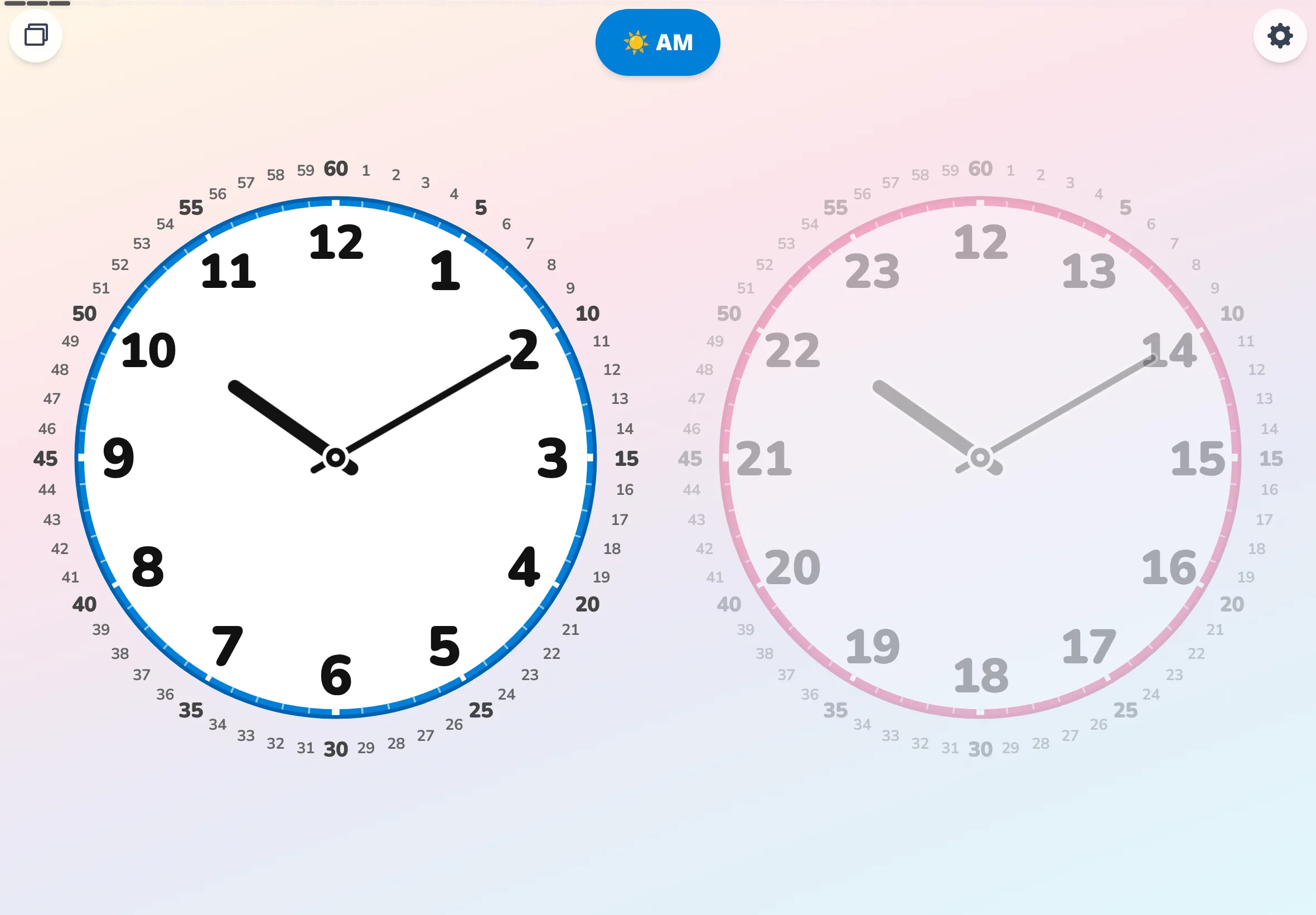
Segmentation mode (circles / slices) × detail mode (simple / detailed) × time notation (12h / 24h). Same time (14:30), same palette (crisp colors), all lined up.
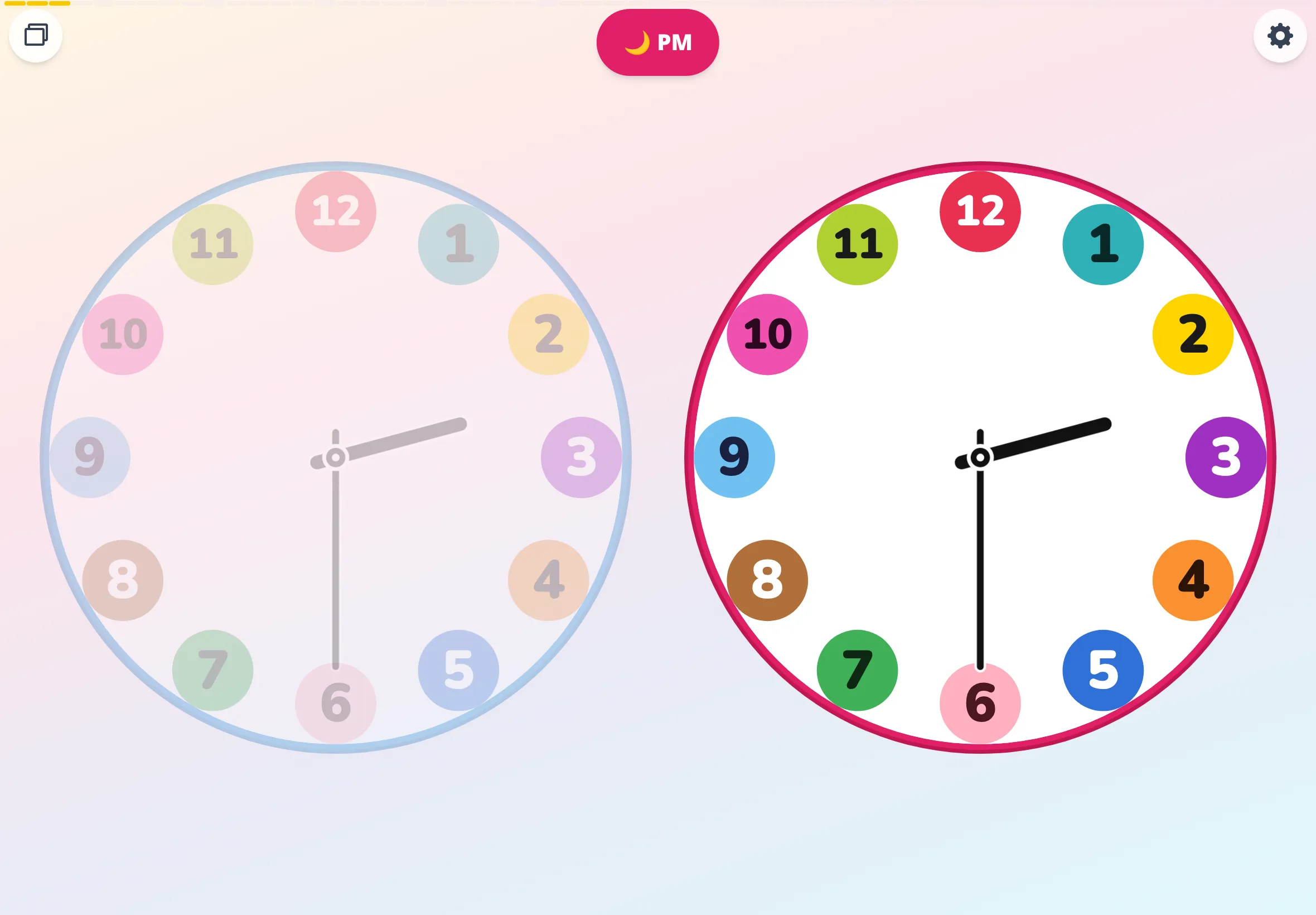
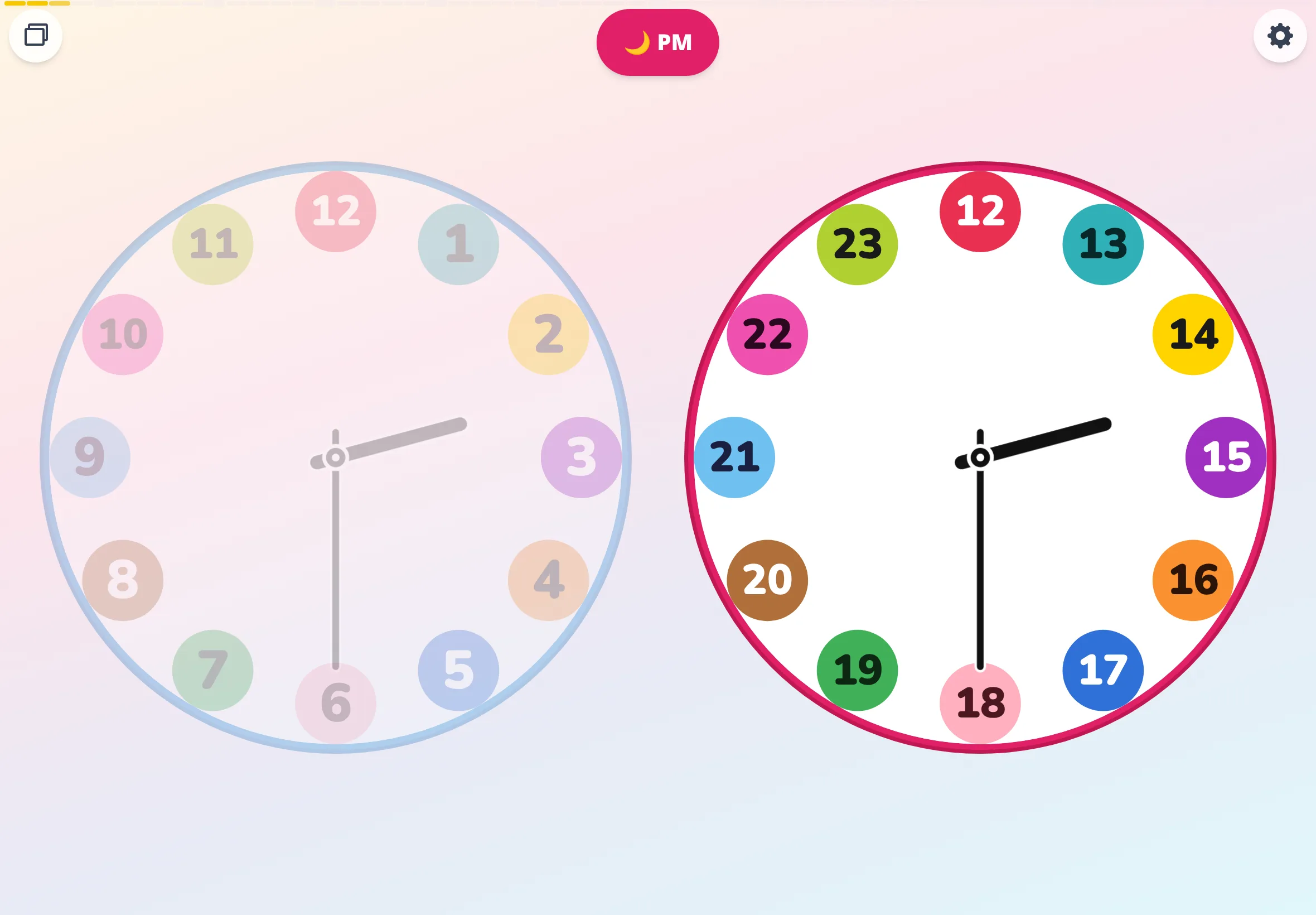
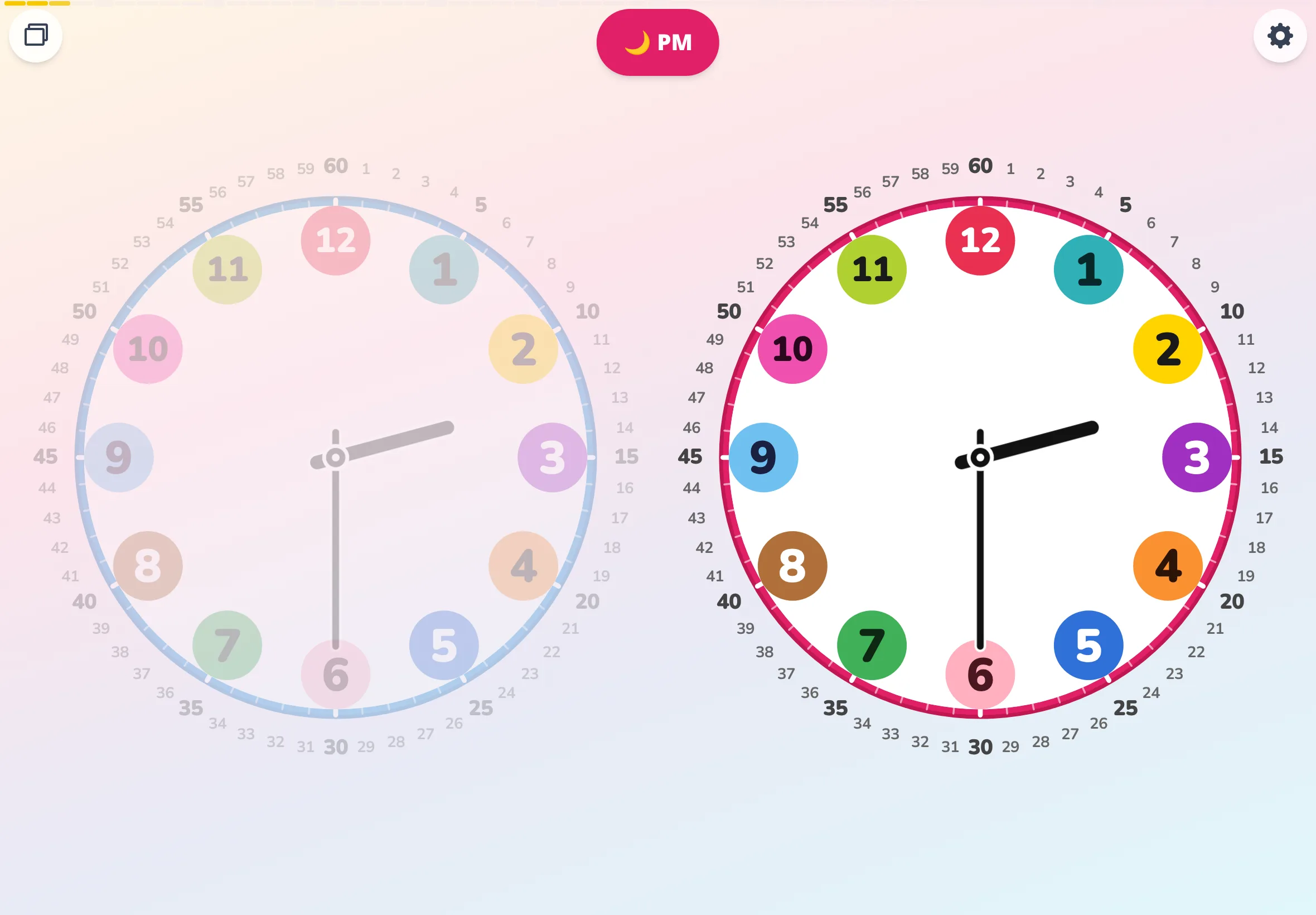
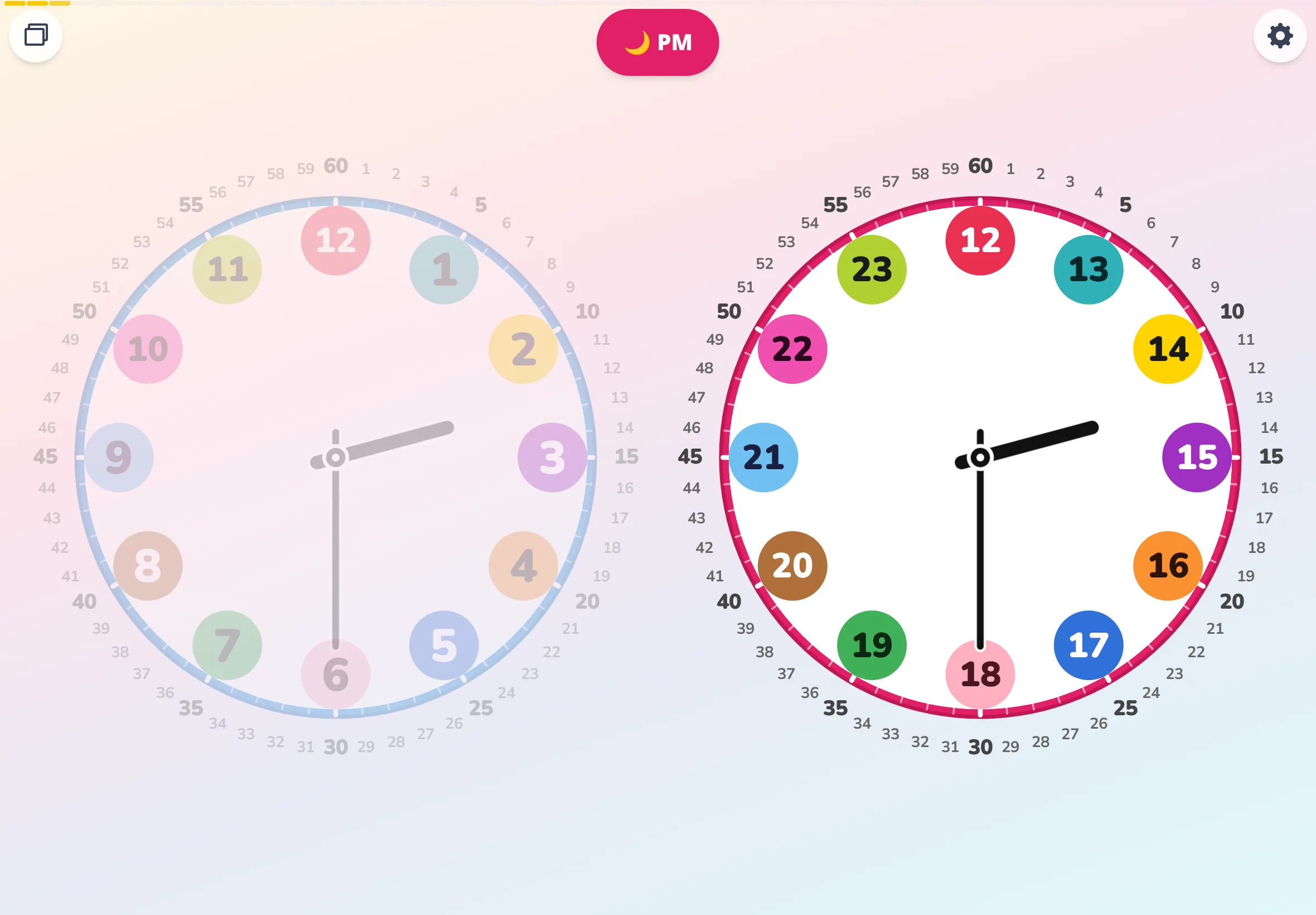
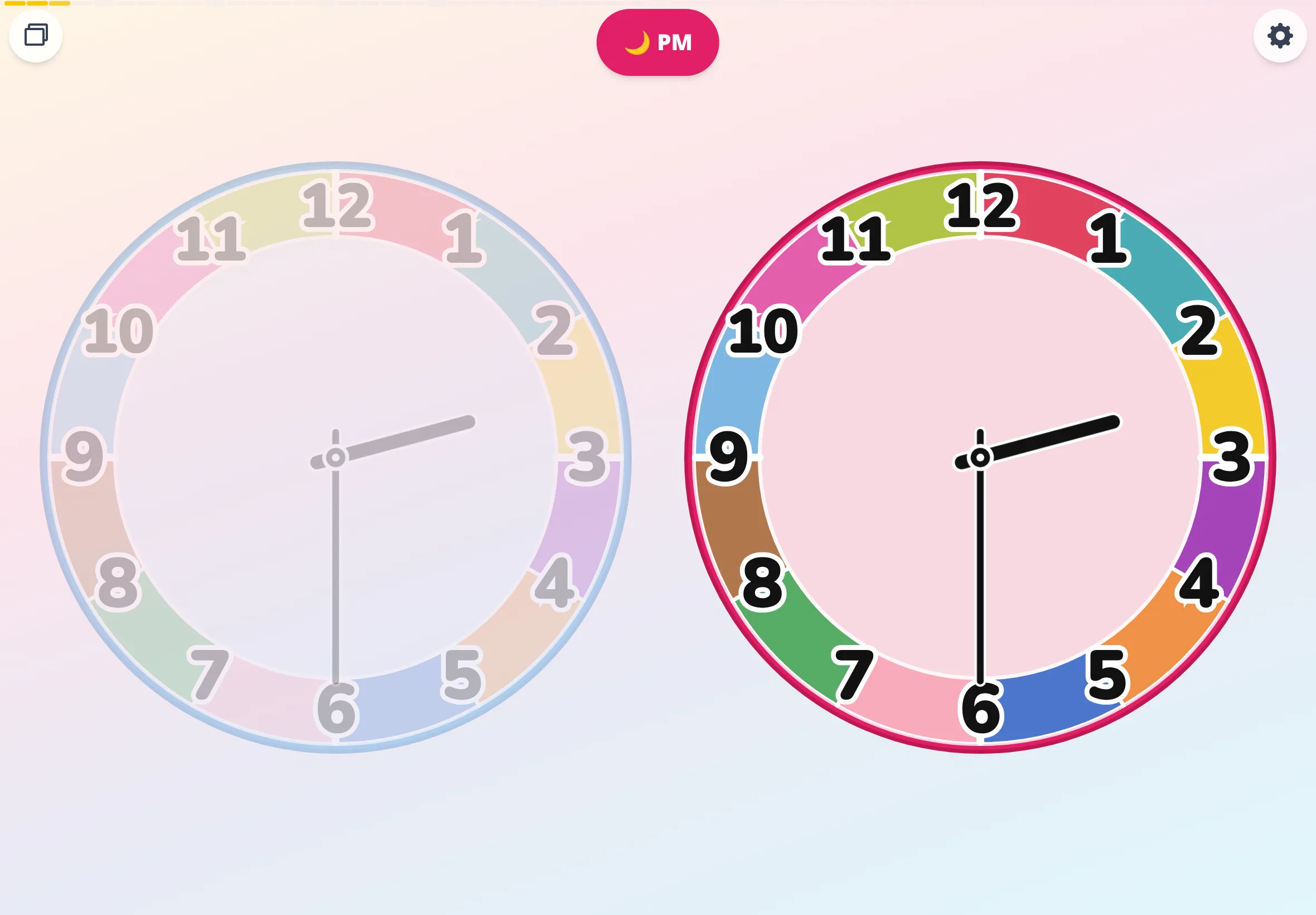
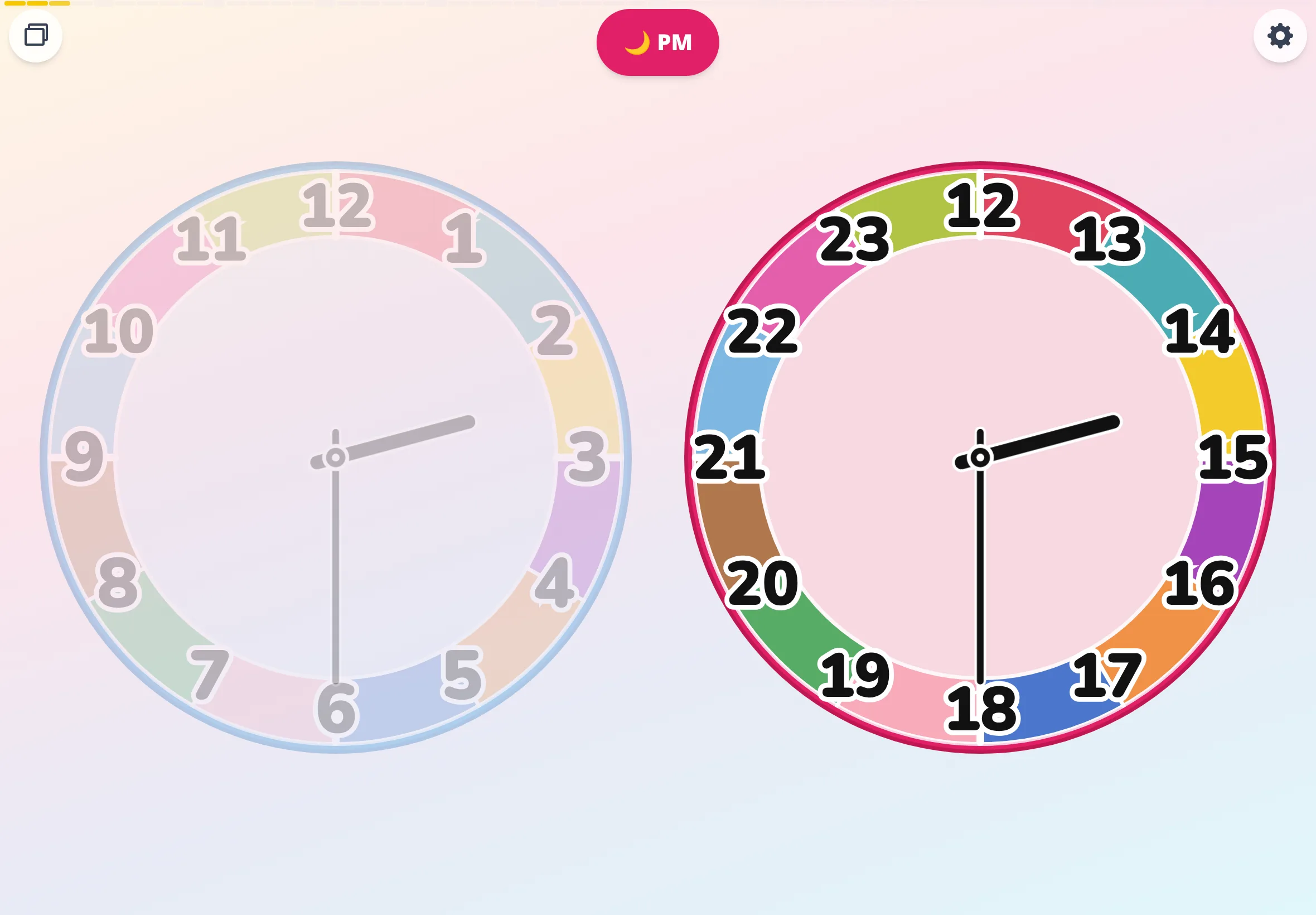
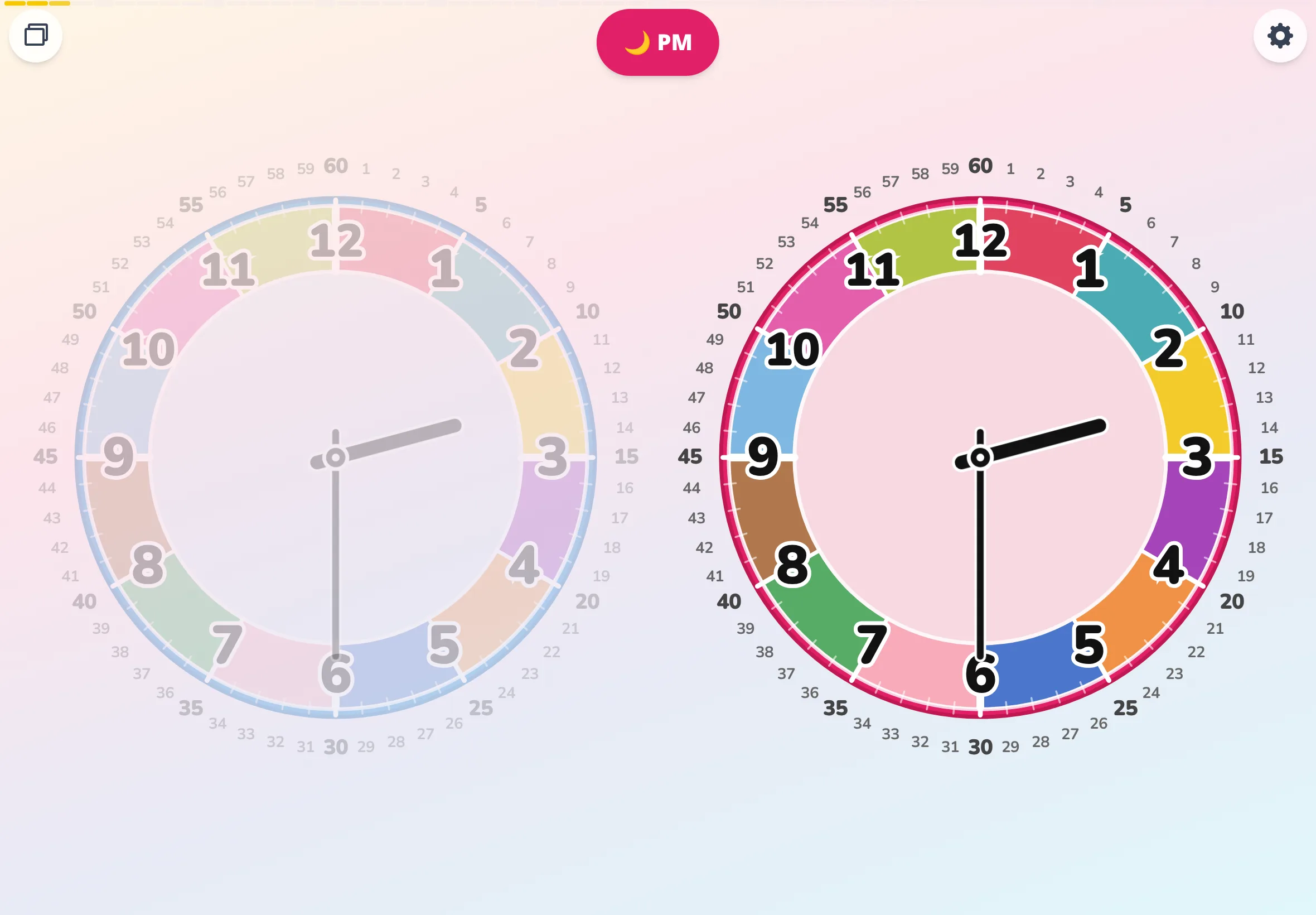
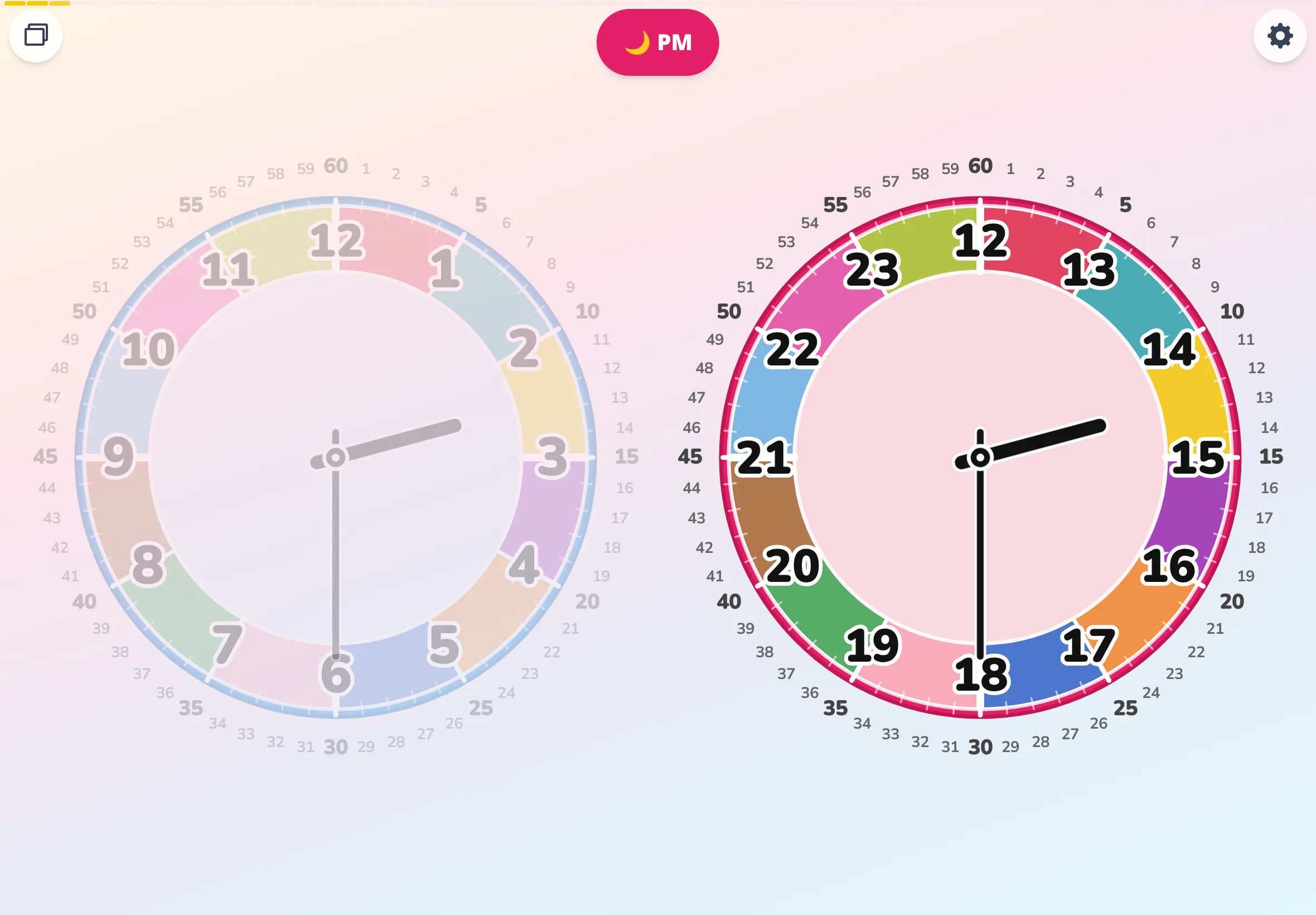
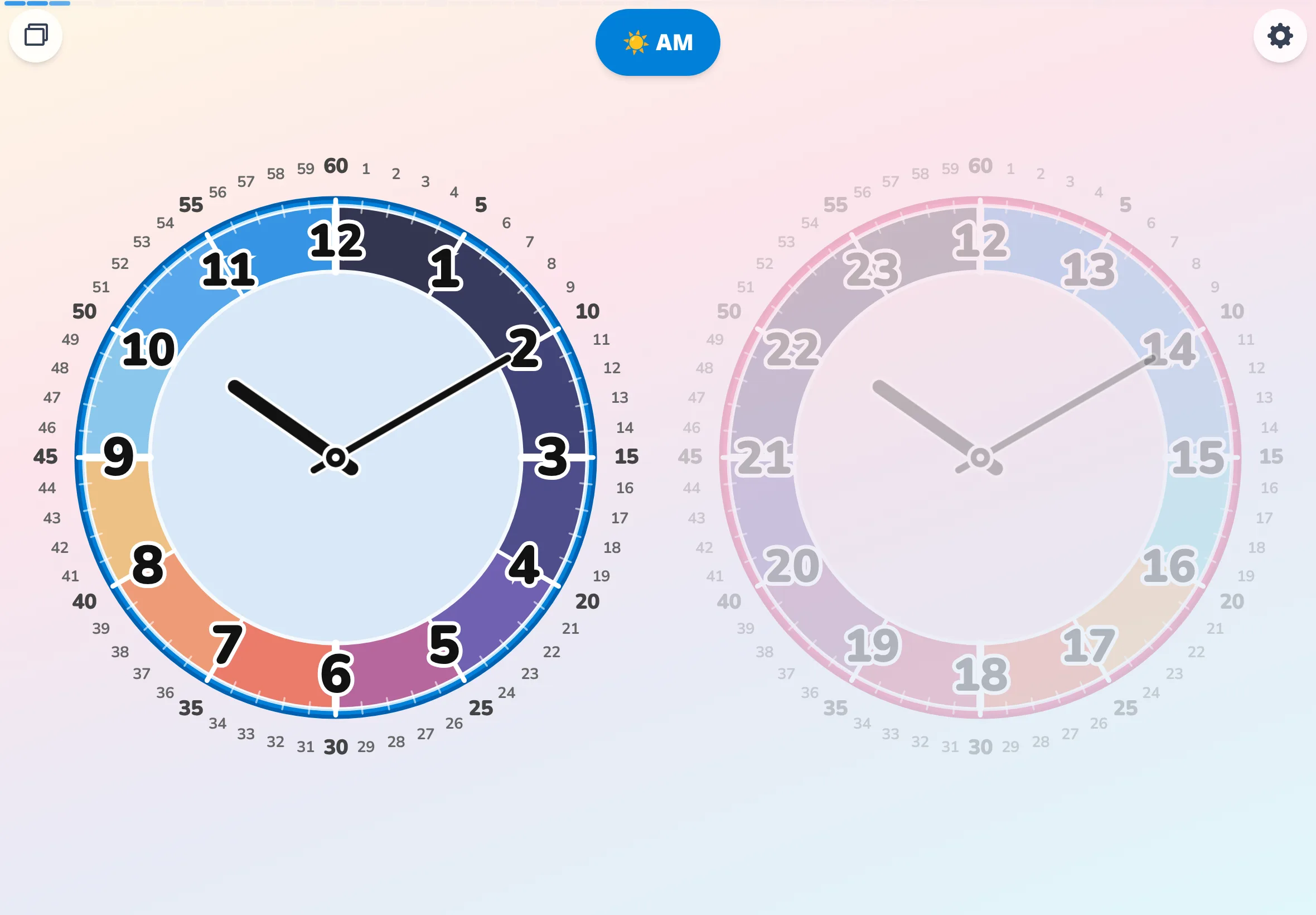
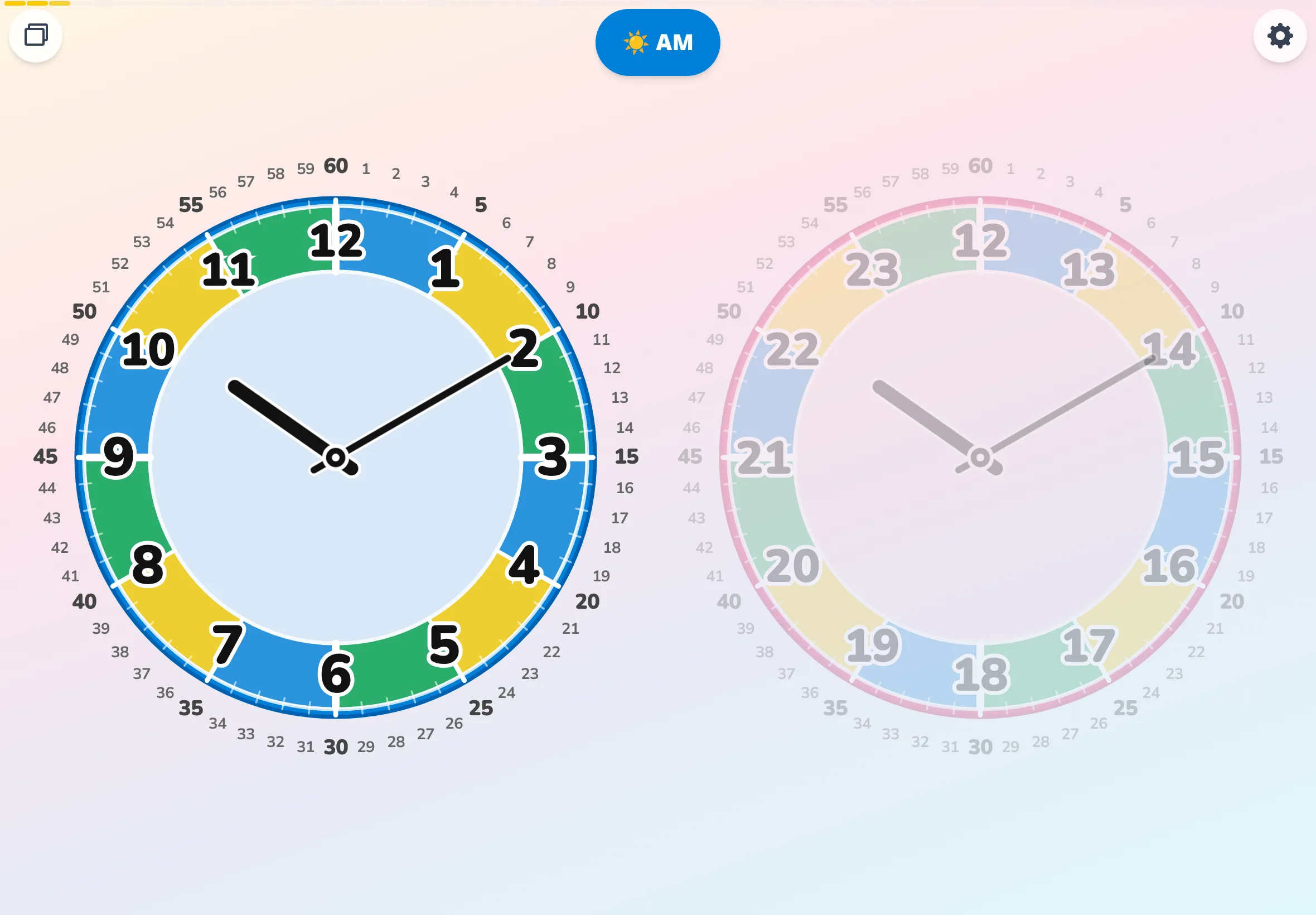
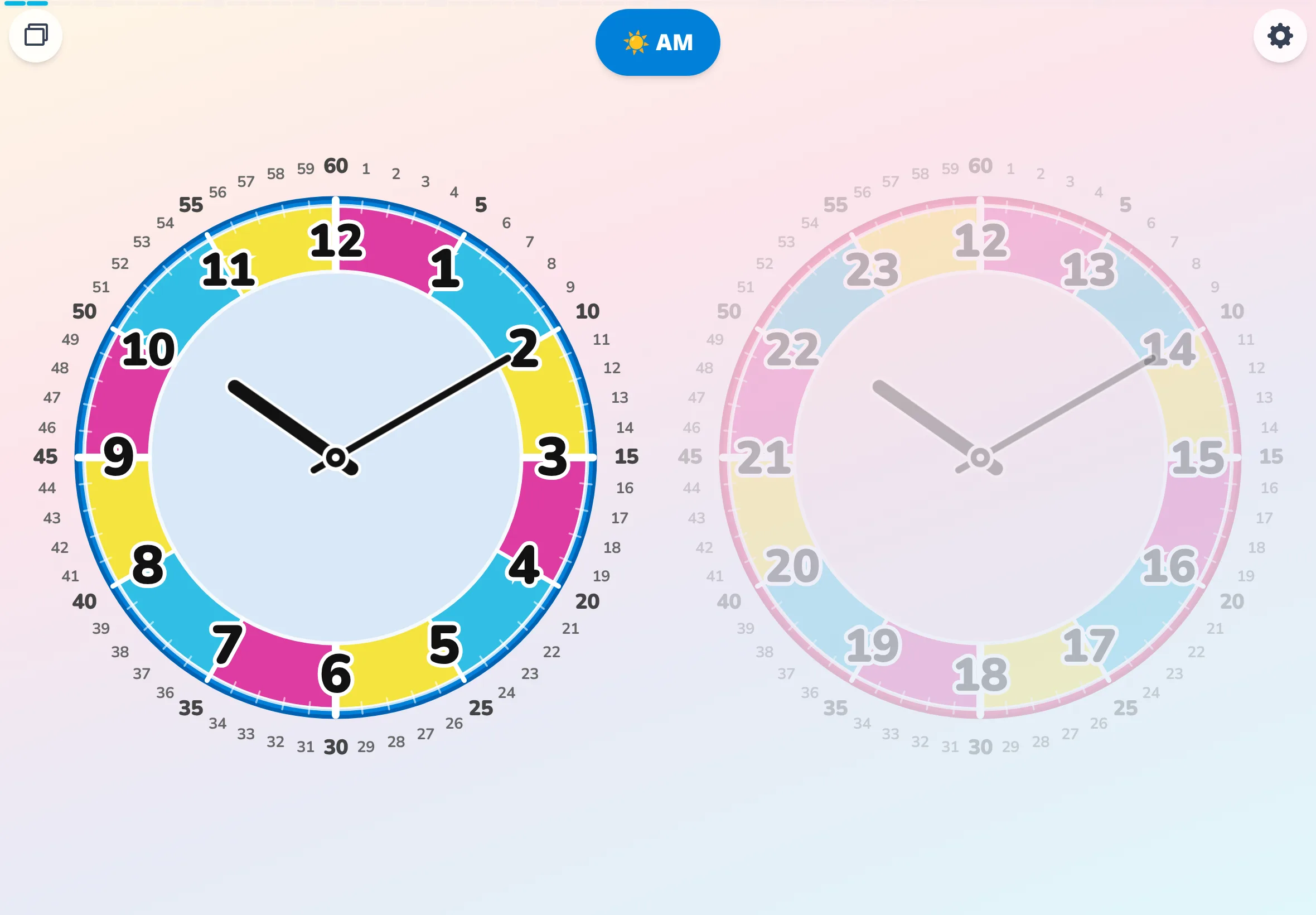
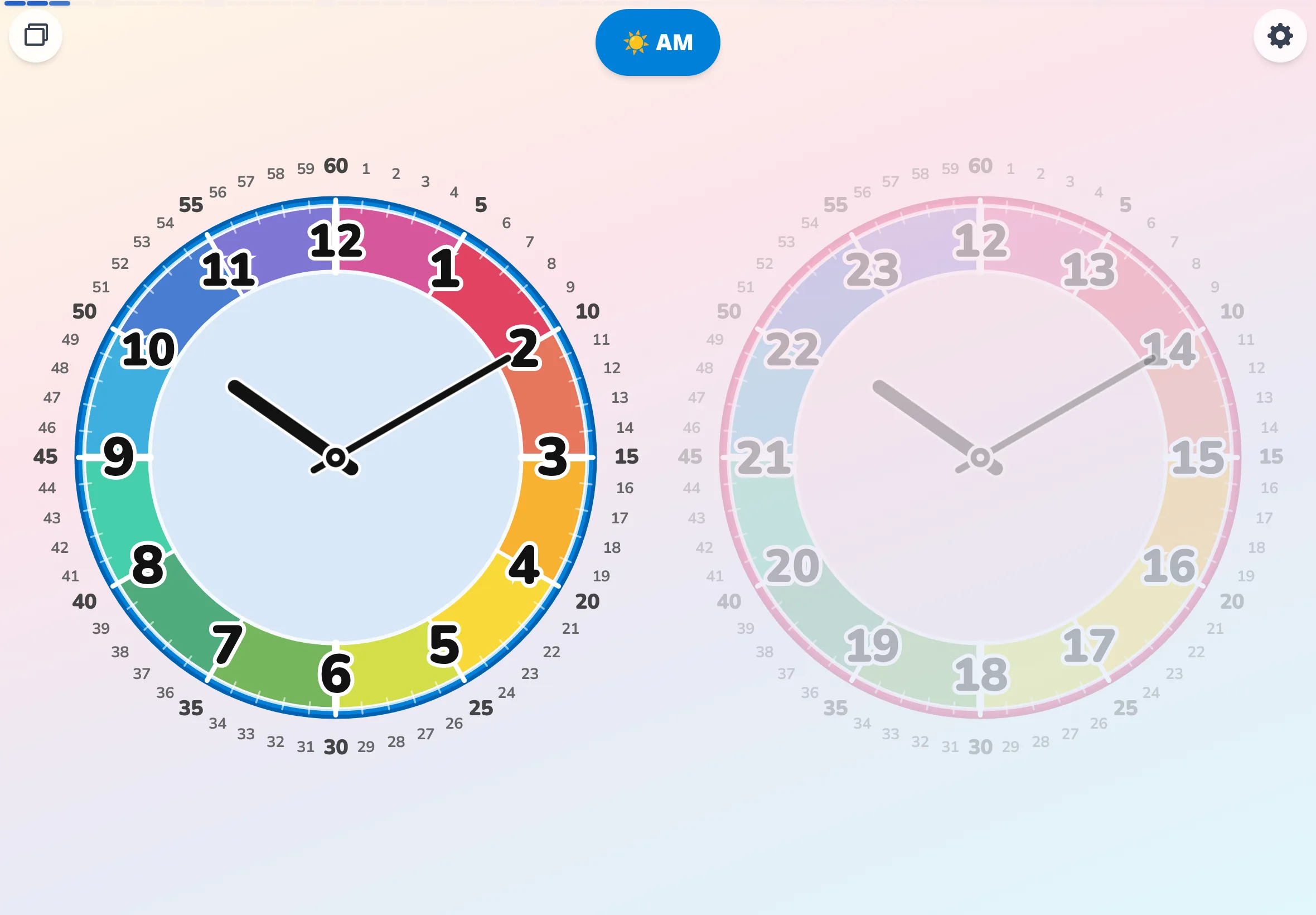
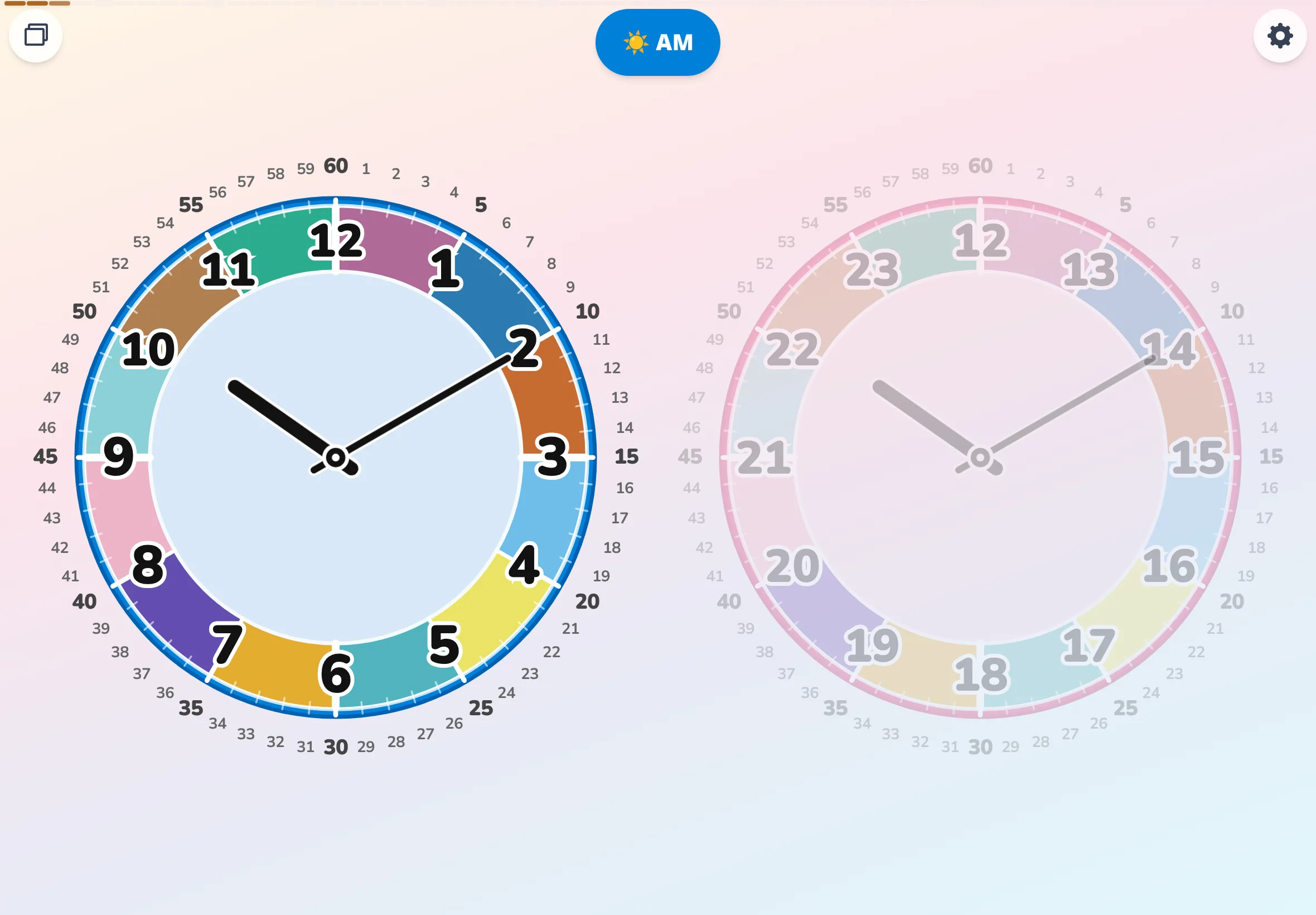
Palette comparison (slices × detailed)
Same conditions, switched to slices × detailed. Background sector colors fill the face — the boldest read of each palette.
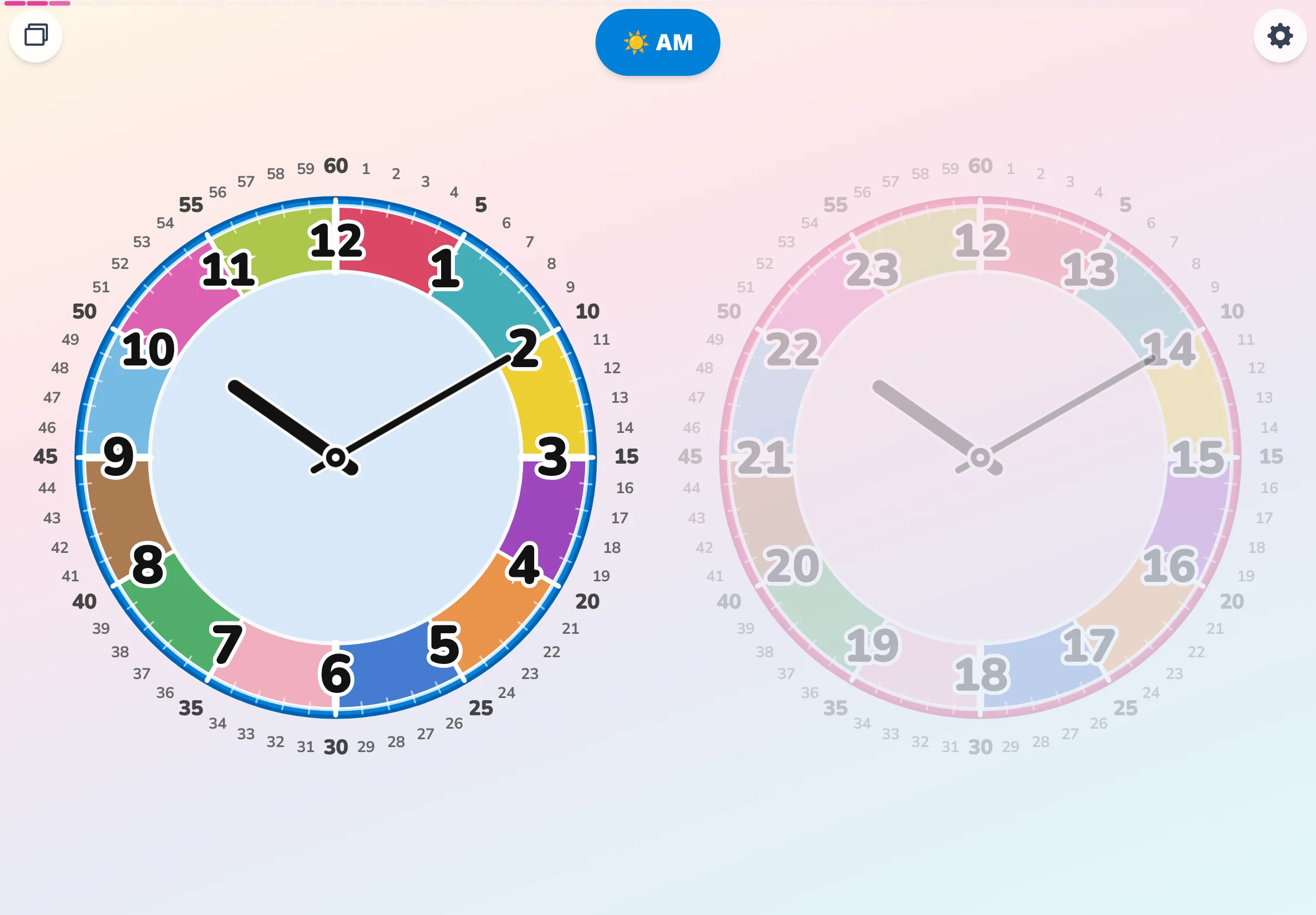
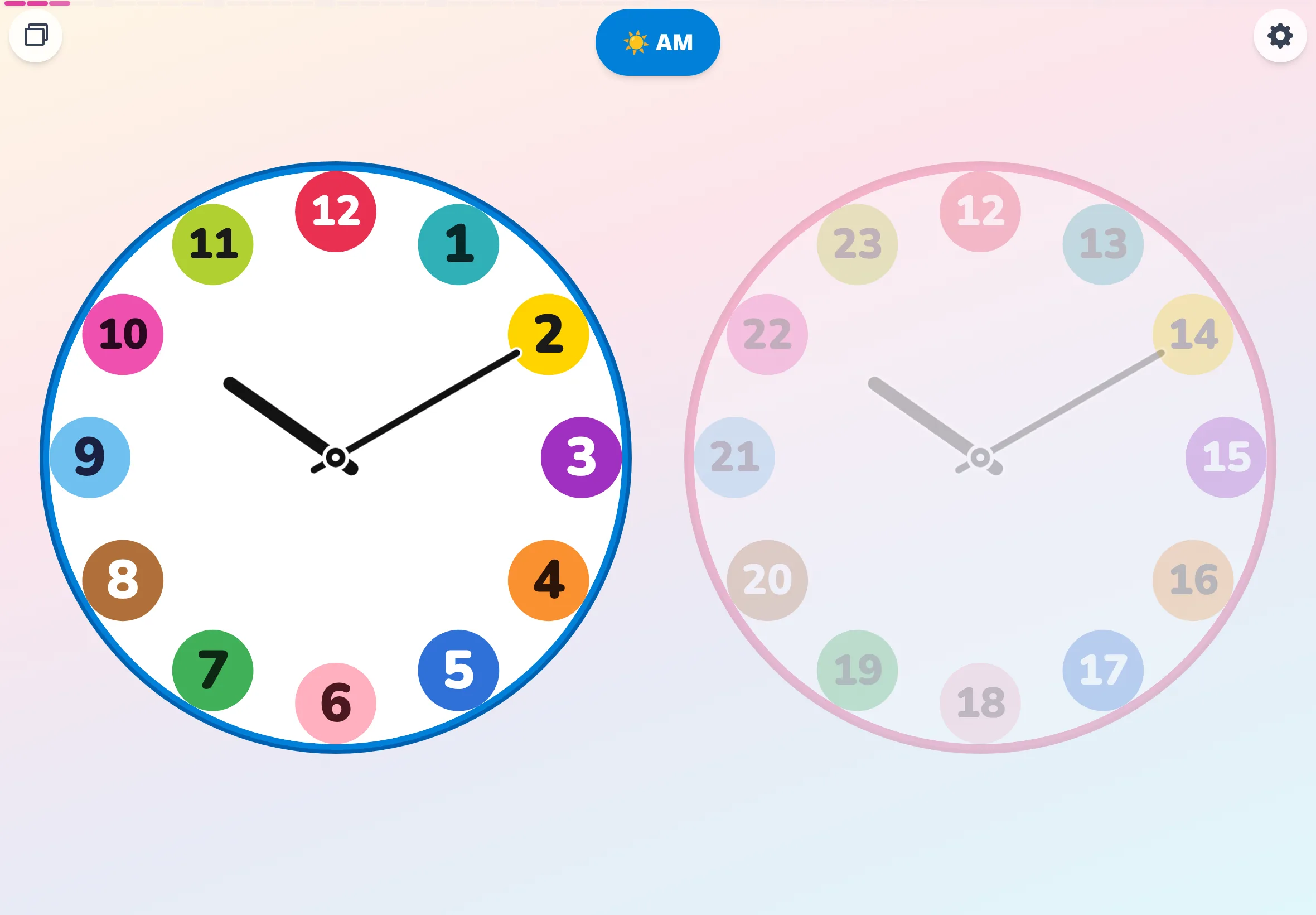
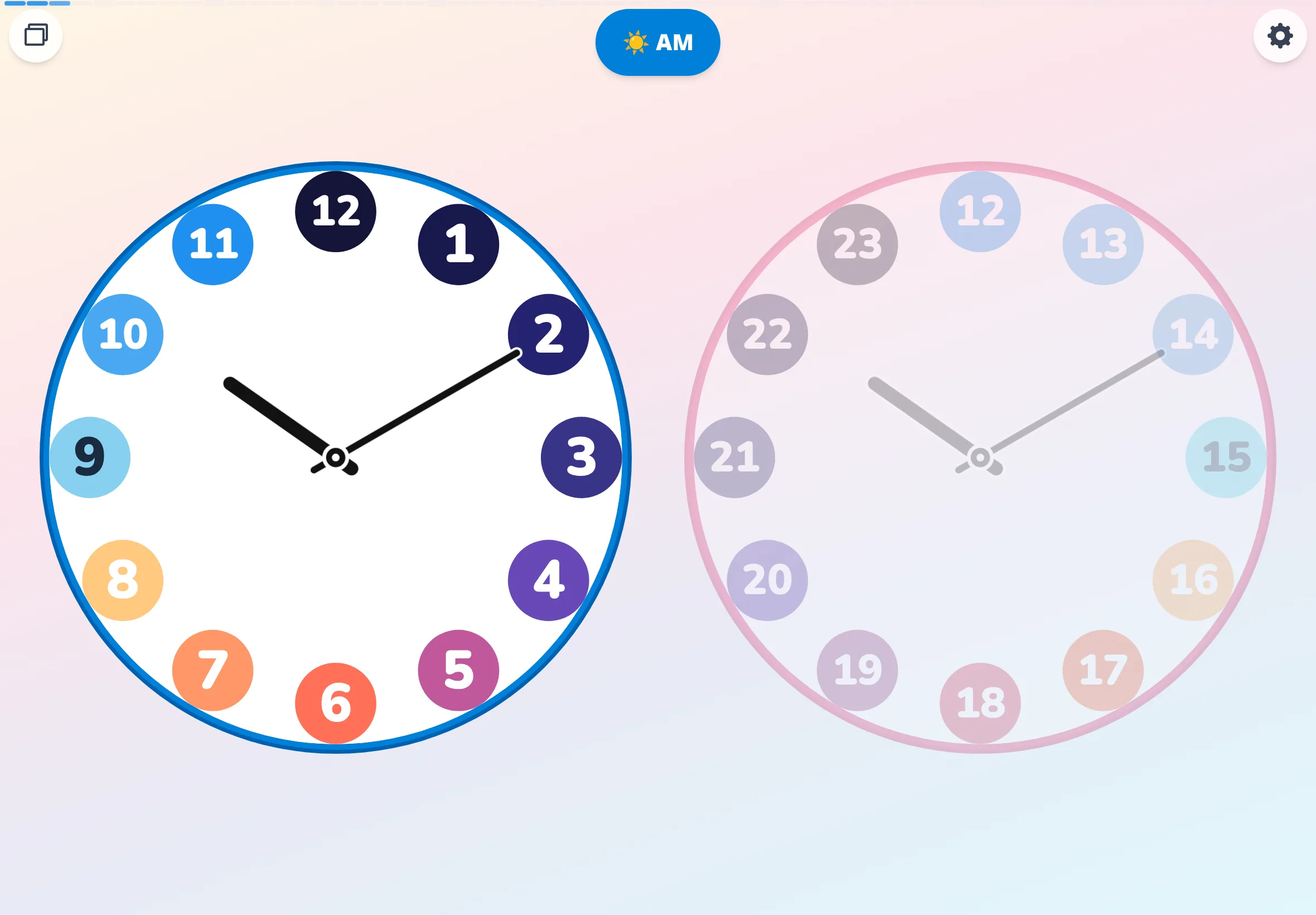
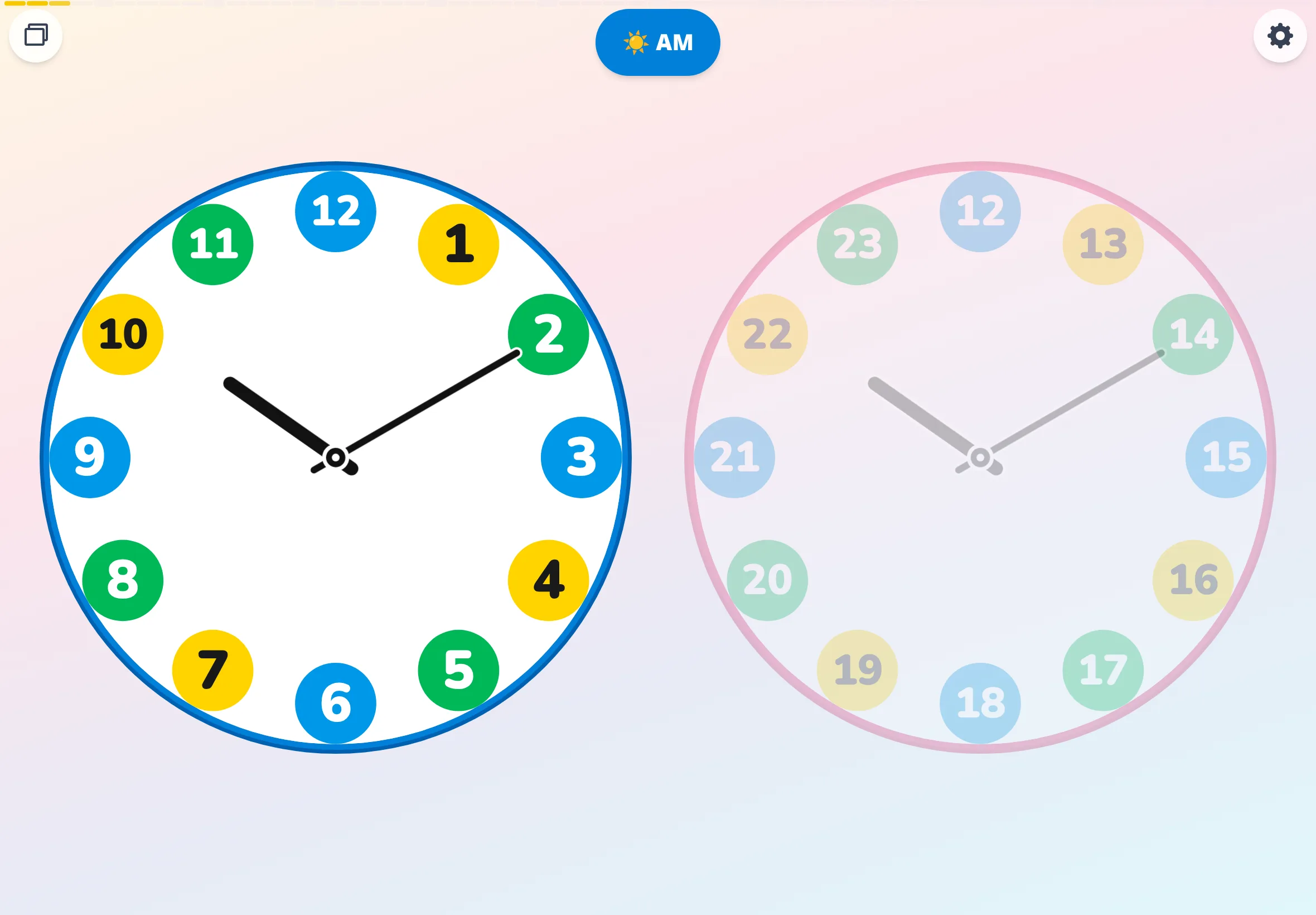
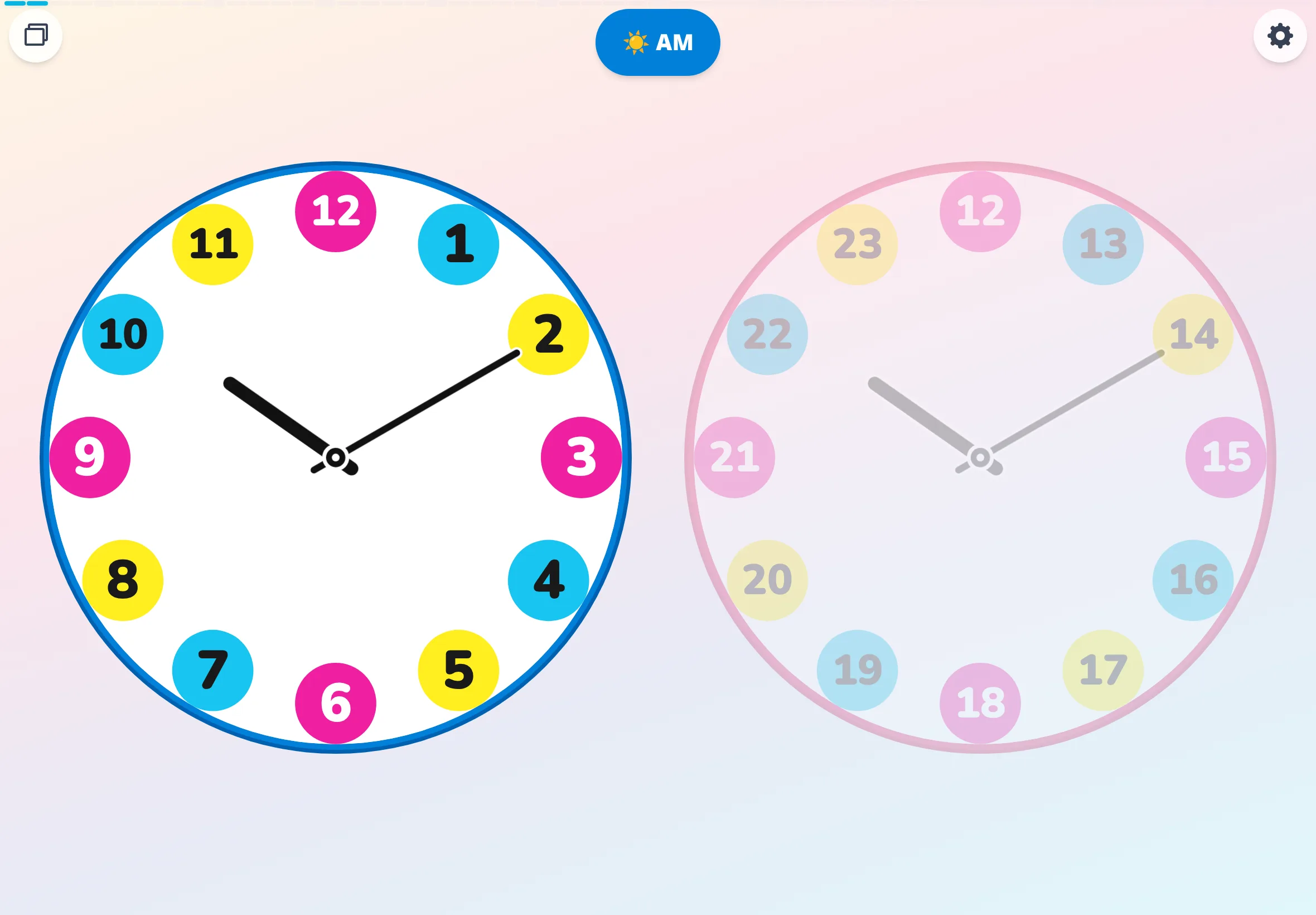
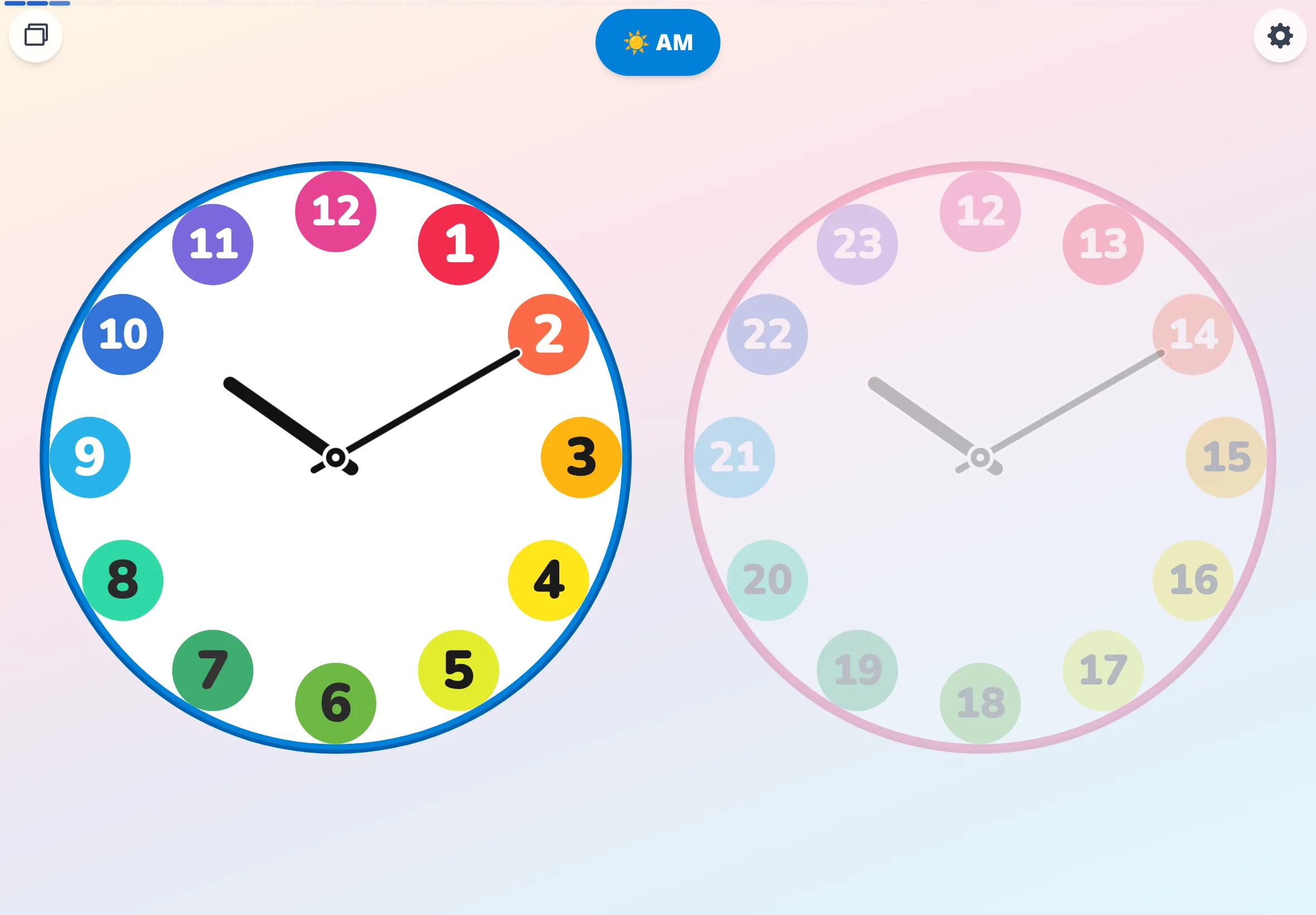
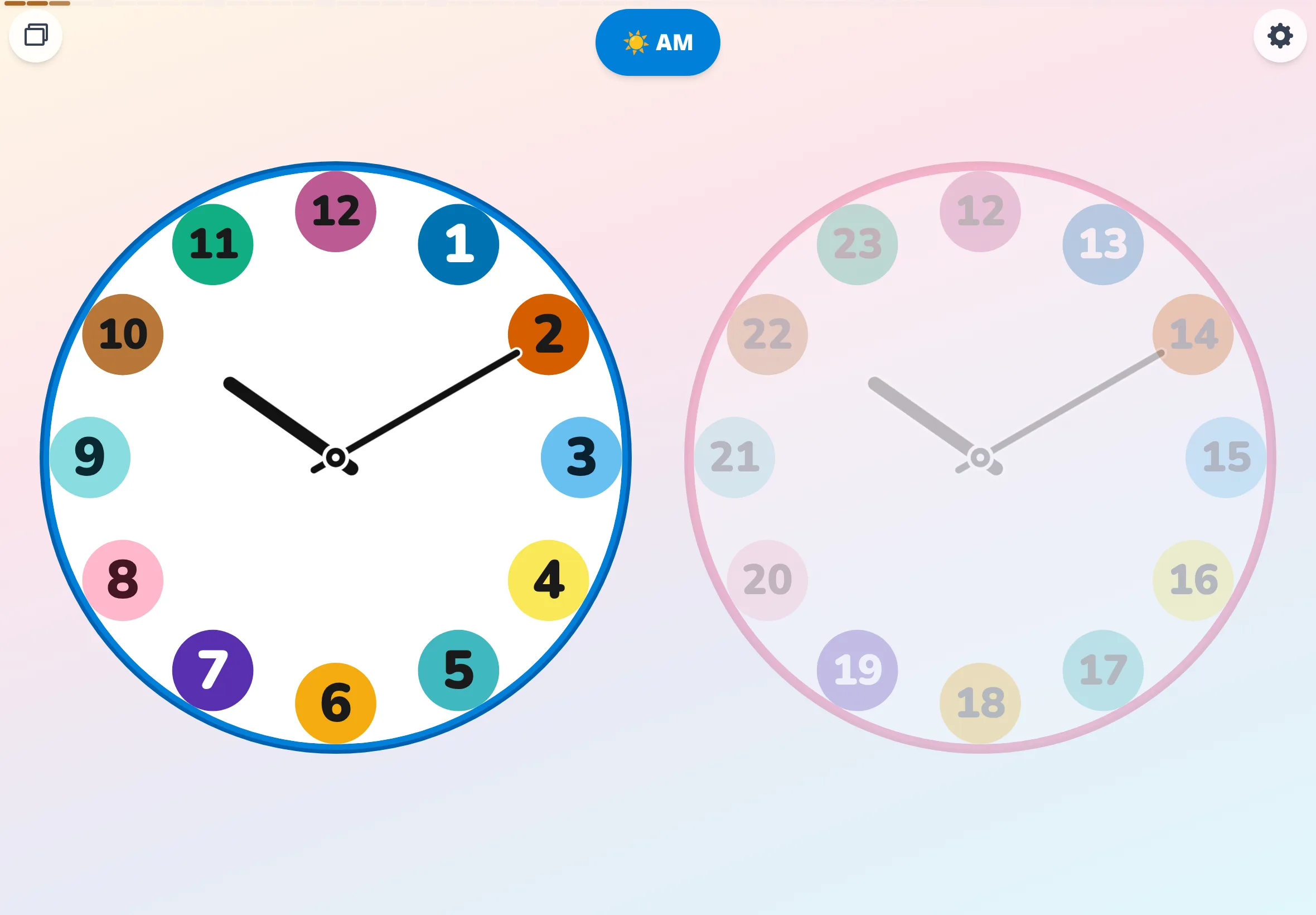
Palette comparison (circles × simple)
Same time, same mode (10:10 / circles / simple / 24h), seven palettes side by side. Color shows only on the round hour badges — the cleanest read.
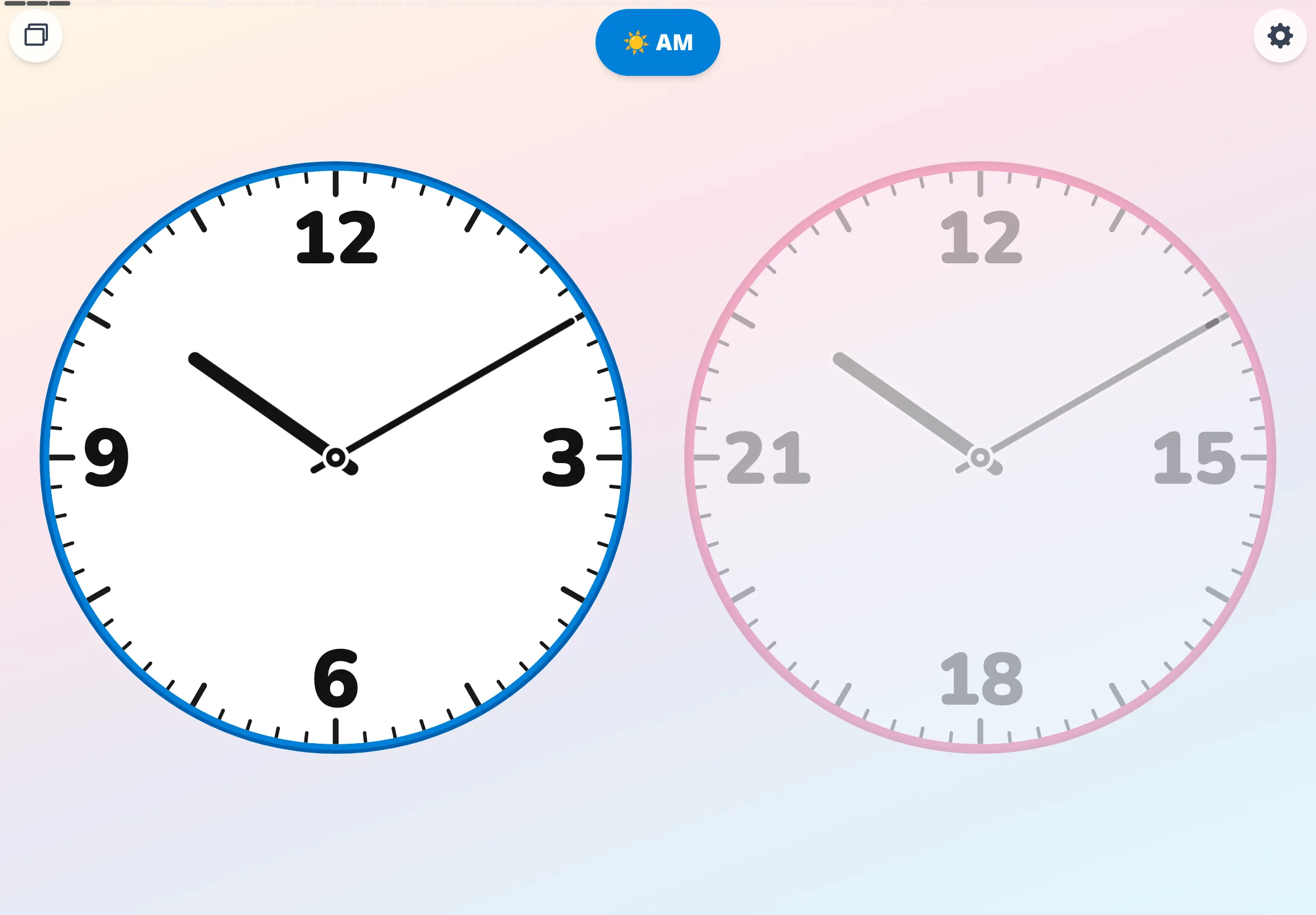
Daily-routine scenarios
Faces with schedule stamps placed on them — visualizing the rhythm of a day. For counselor's-corner pieces, classroom newsletters, SPED & OT corners. Also works as a visual schedule reference for self-management routines.
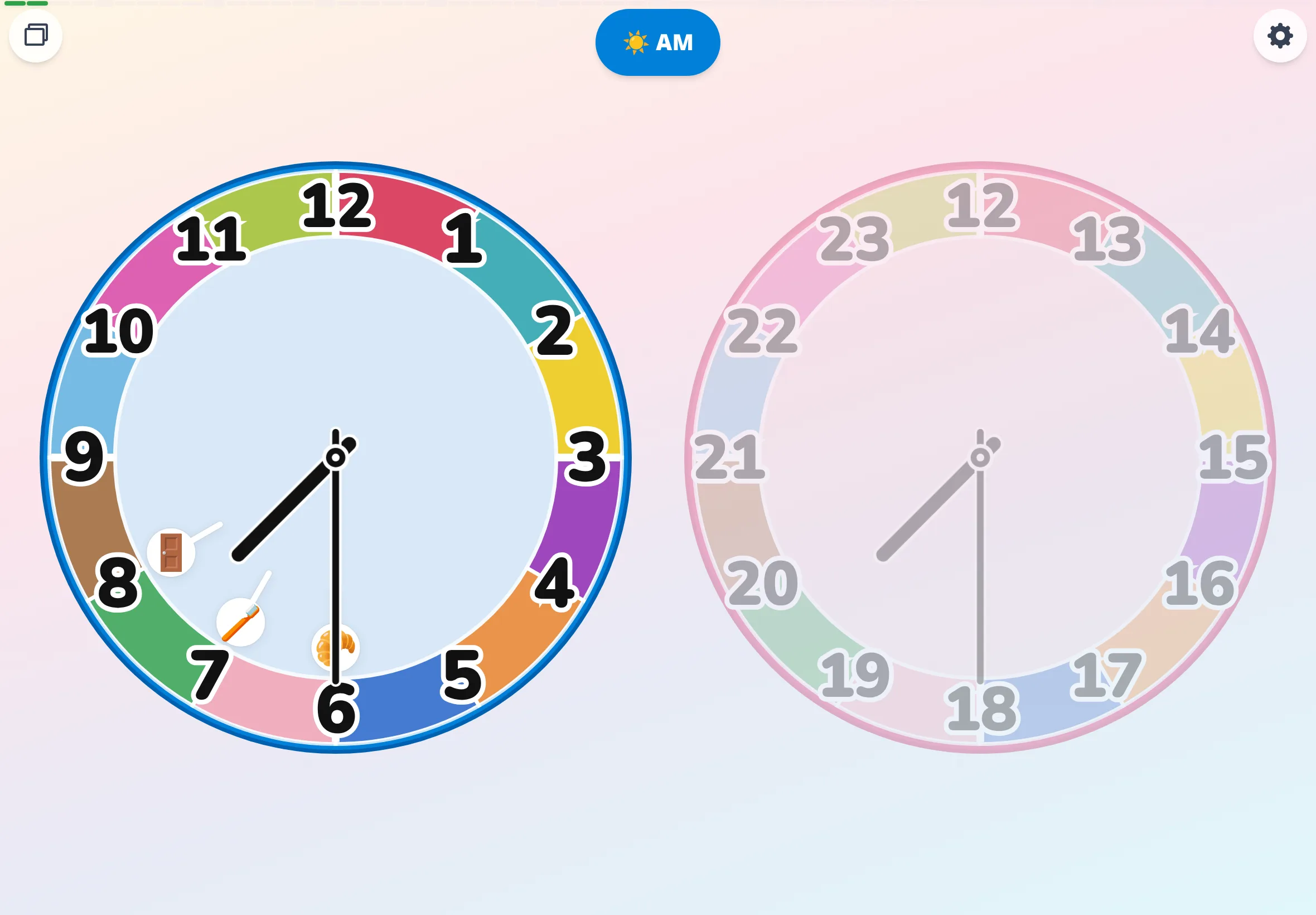
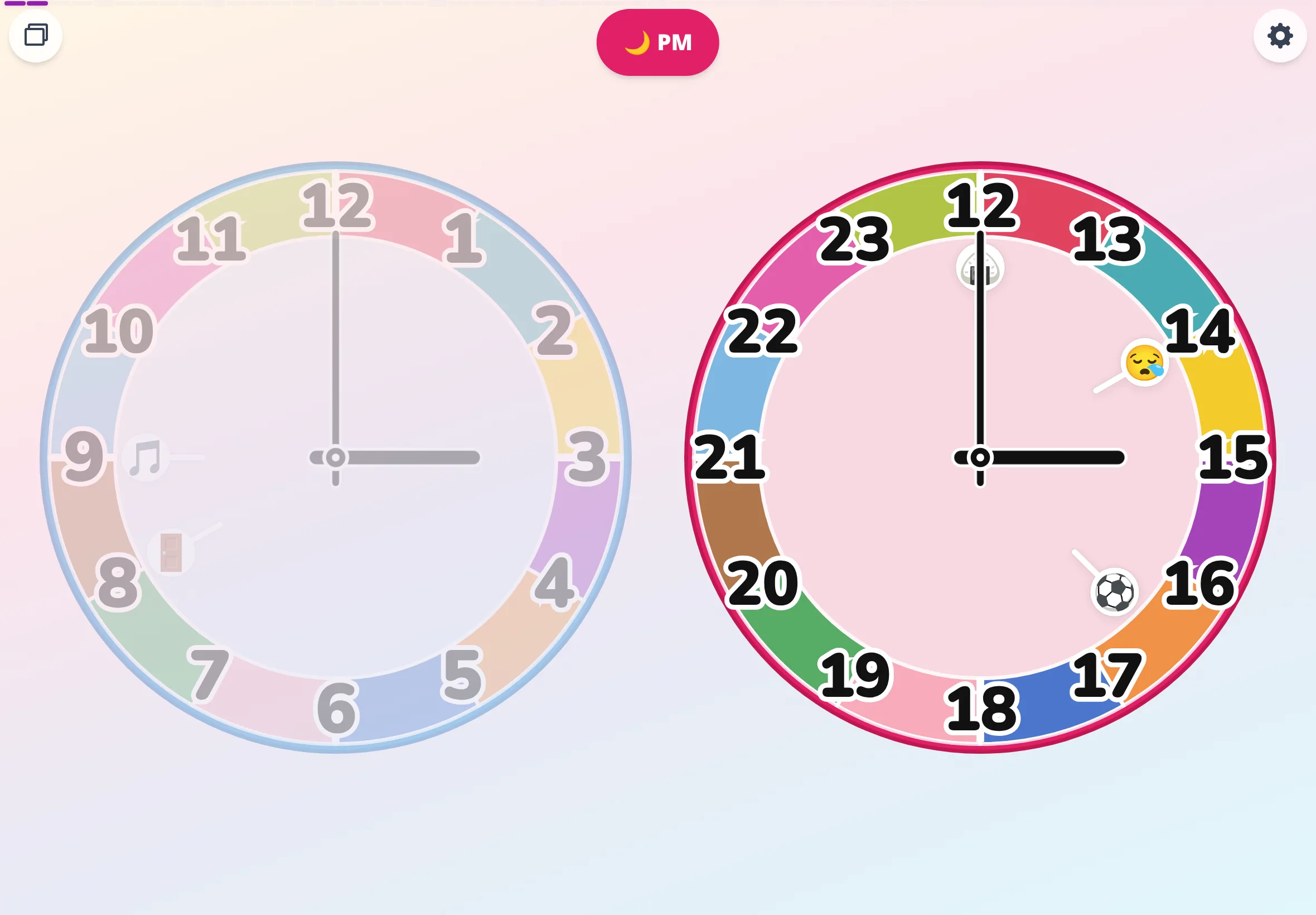
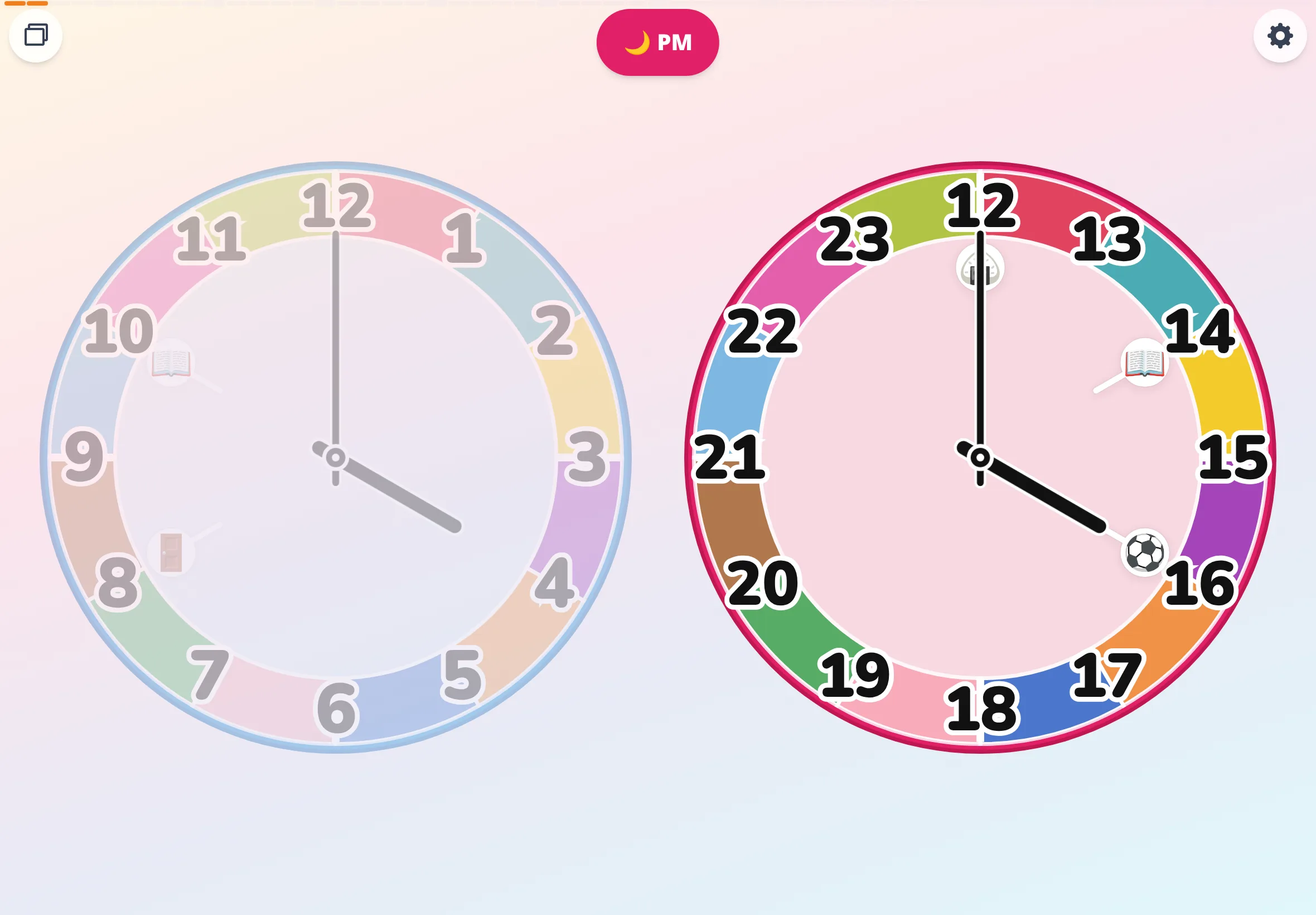
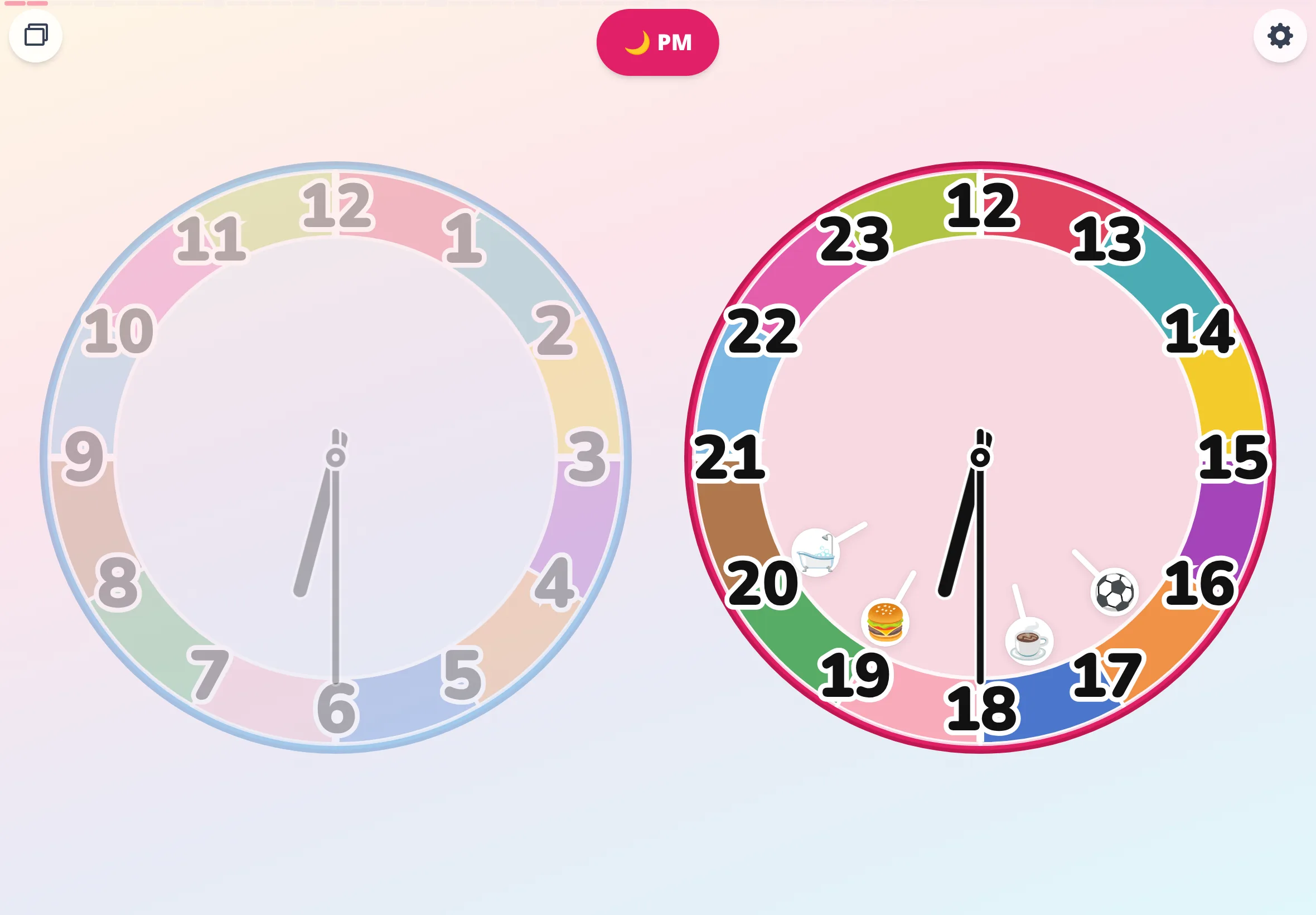
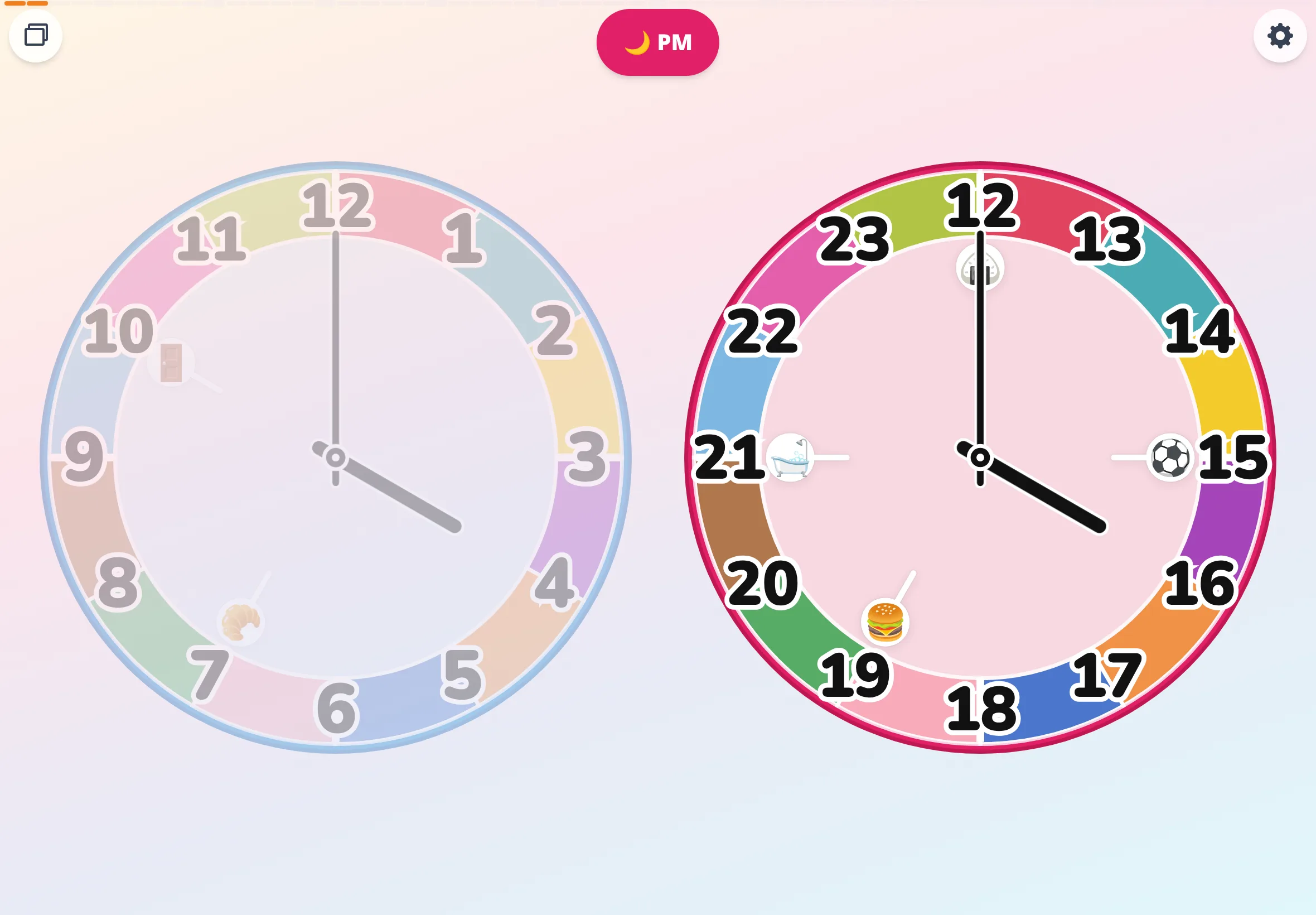
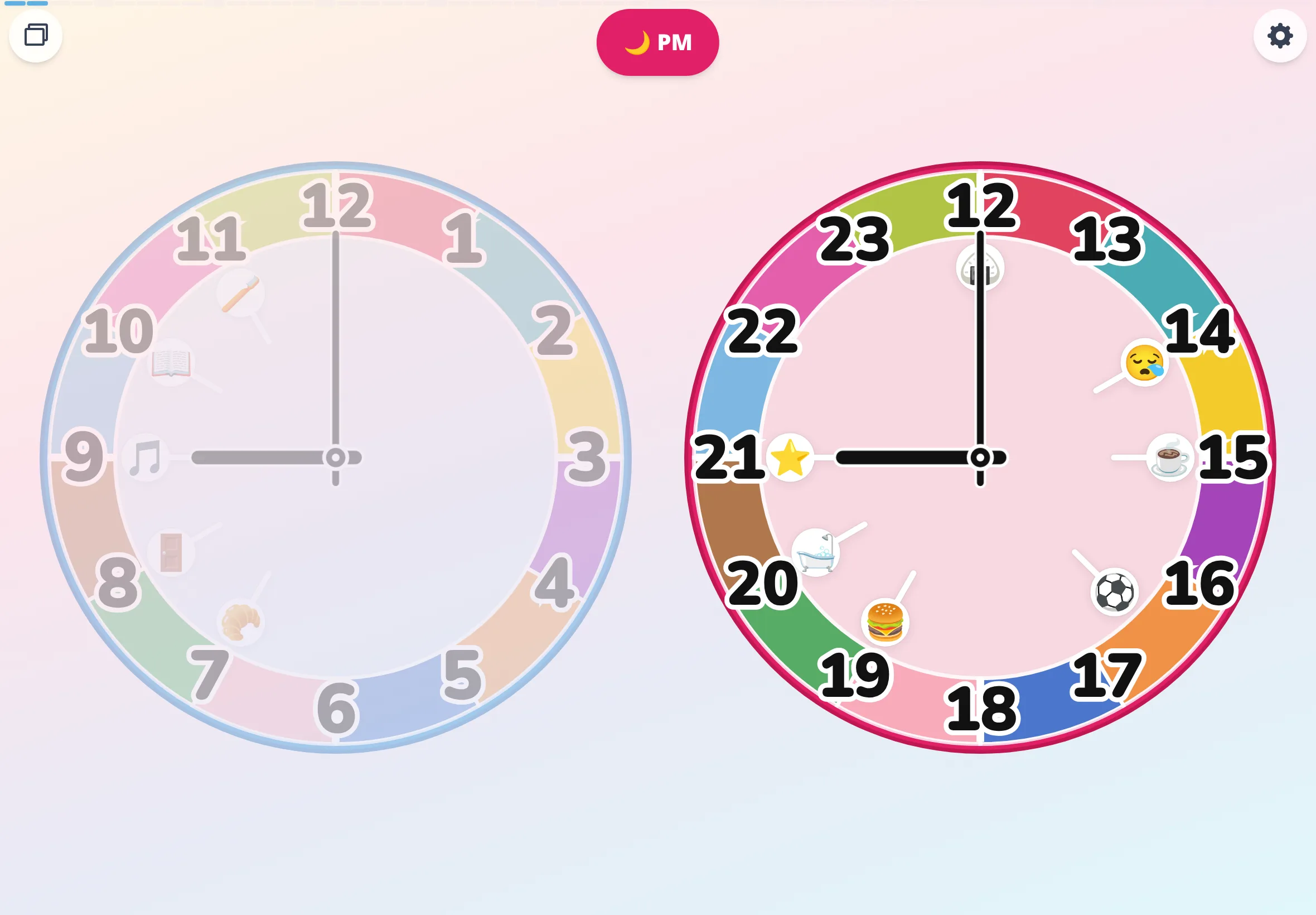
Stack ↔ split
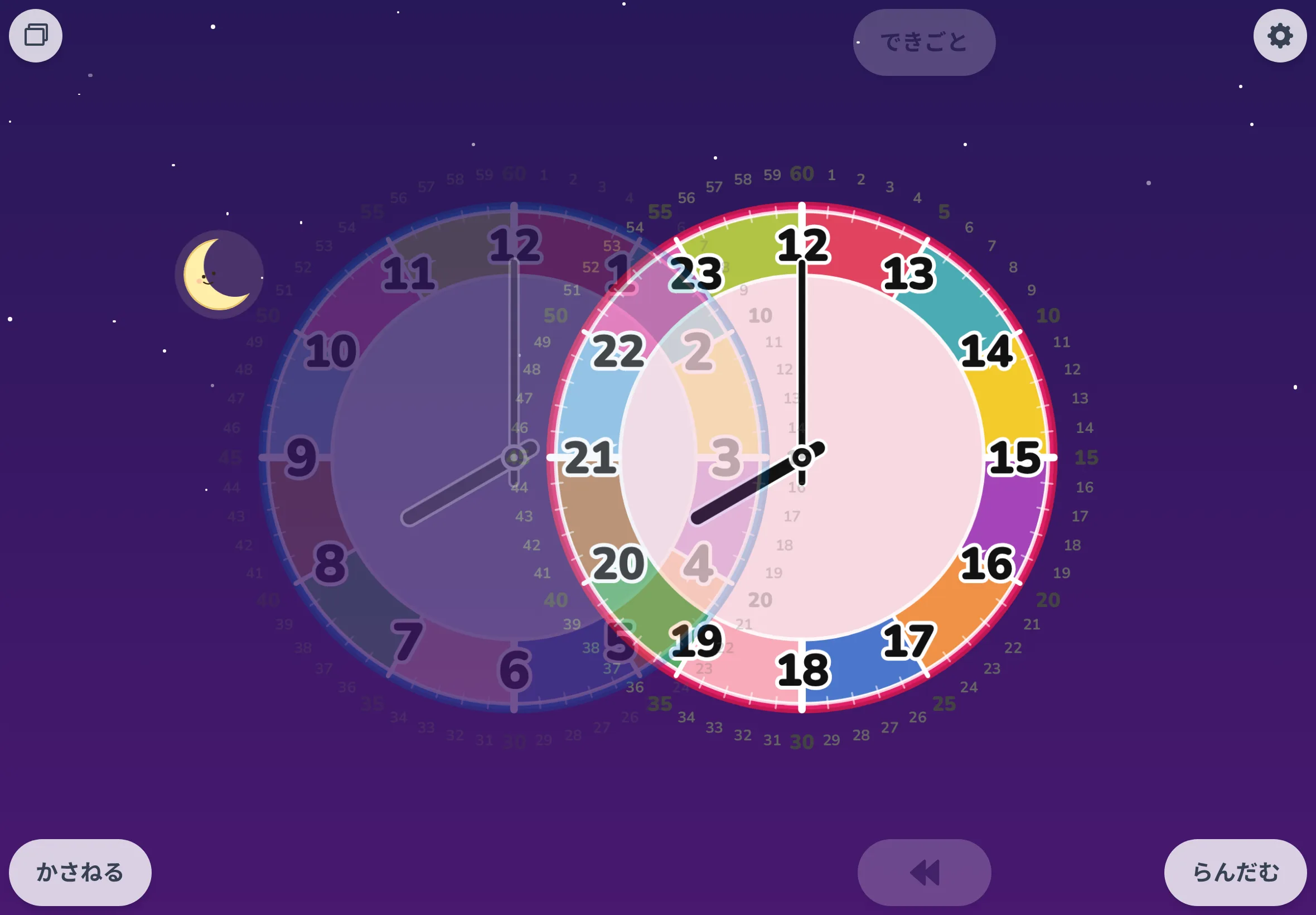
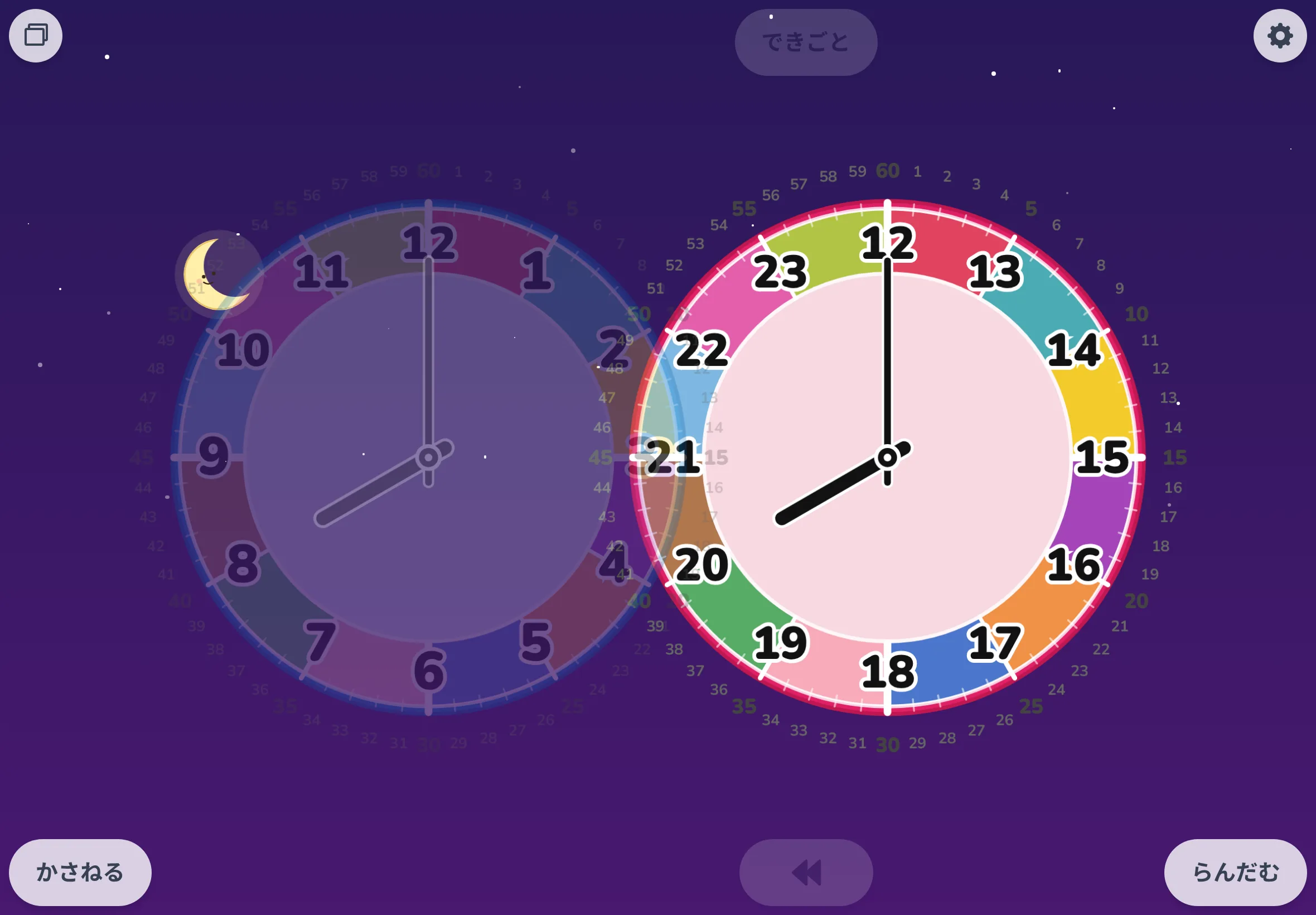
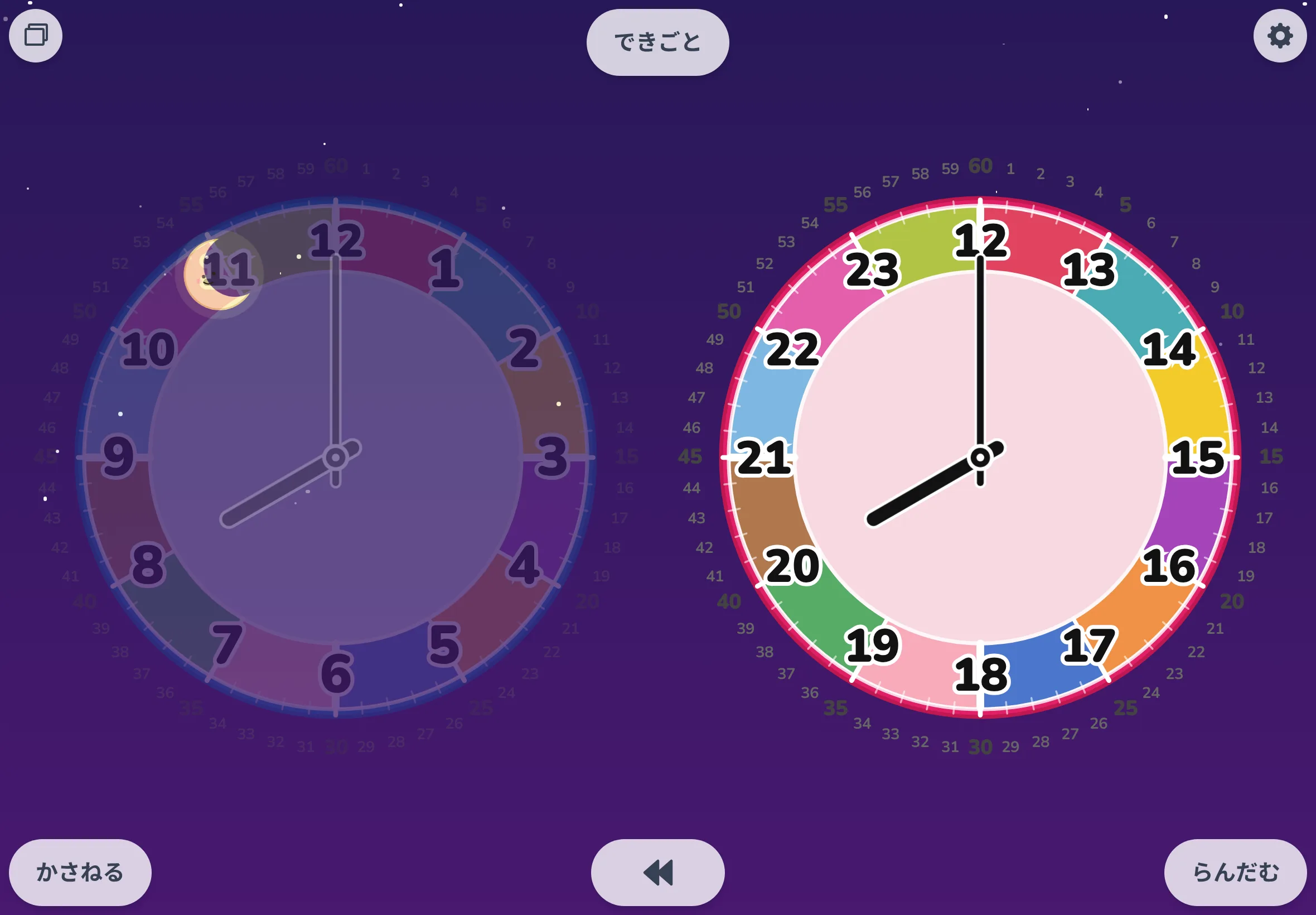
Free spin mode's "stack" (a single regular face) next to "split" (AM and PM laid out side by side). Two mid-transition frames are tucked in between, so the motion reads too.
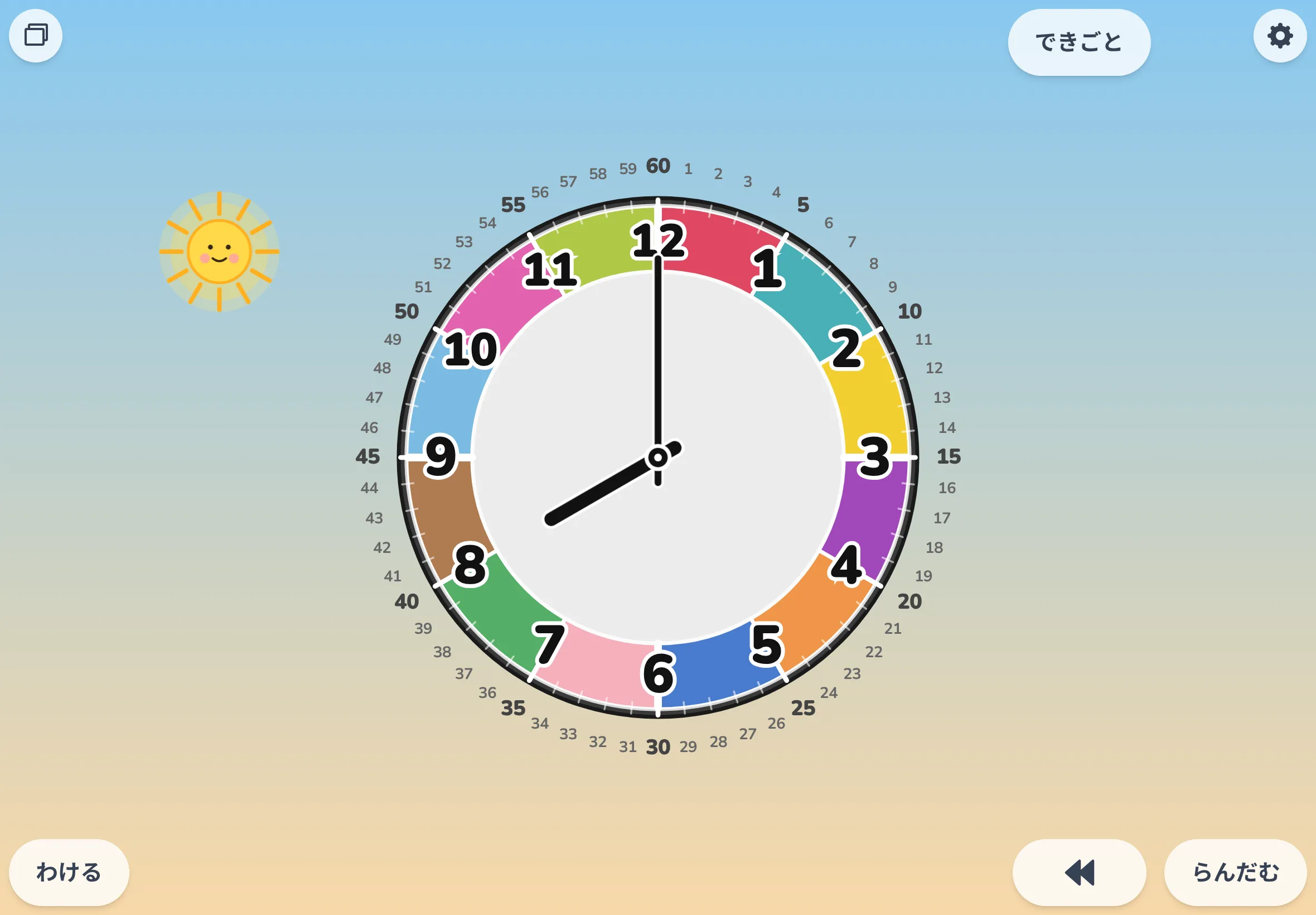
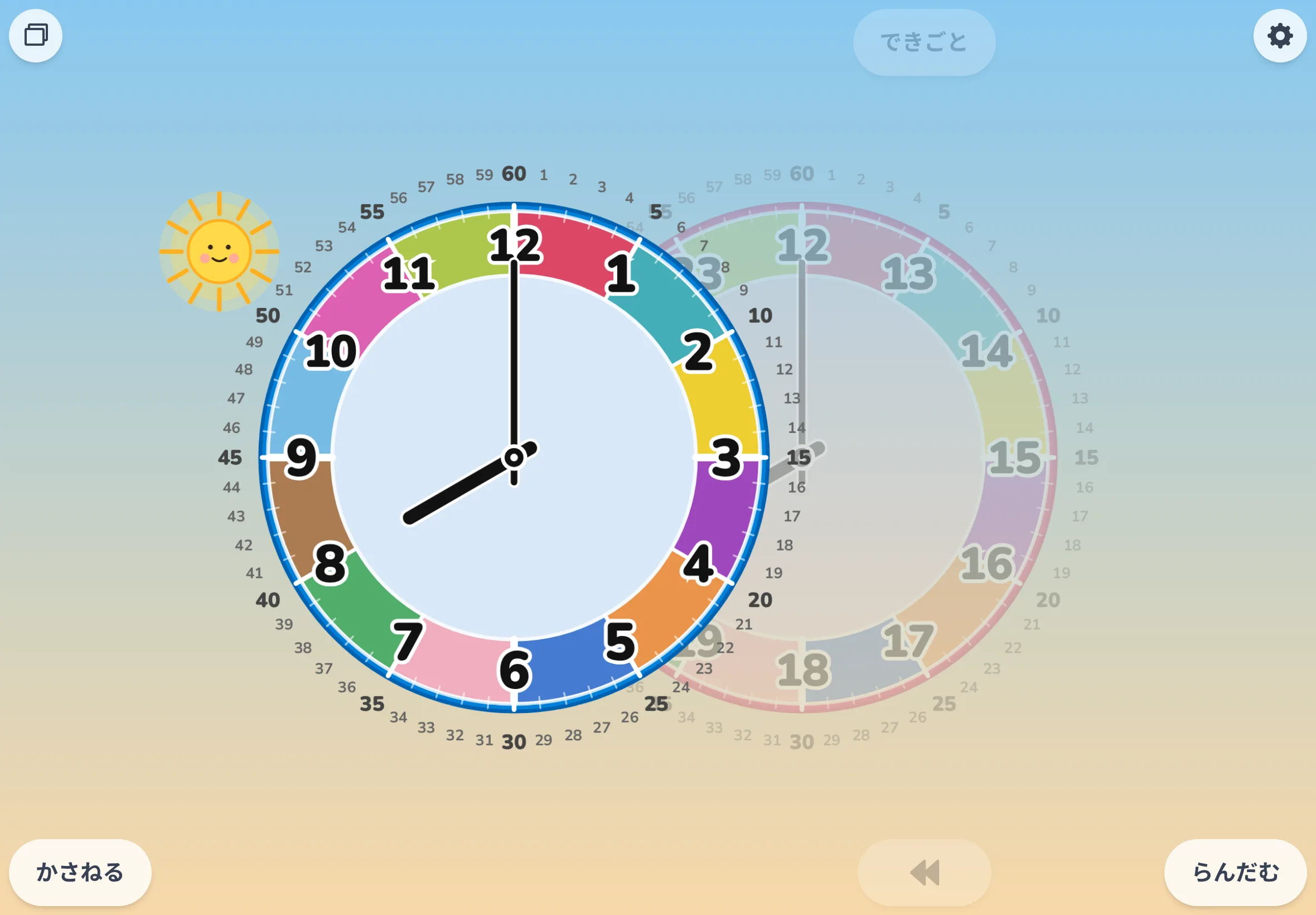
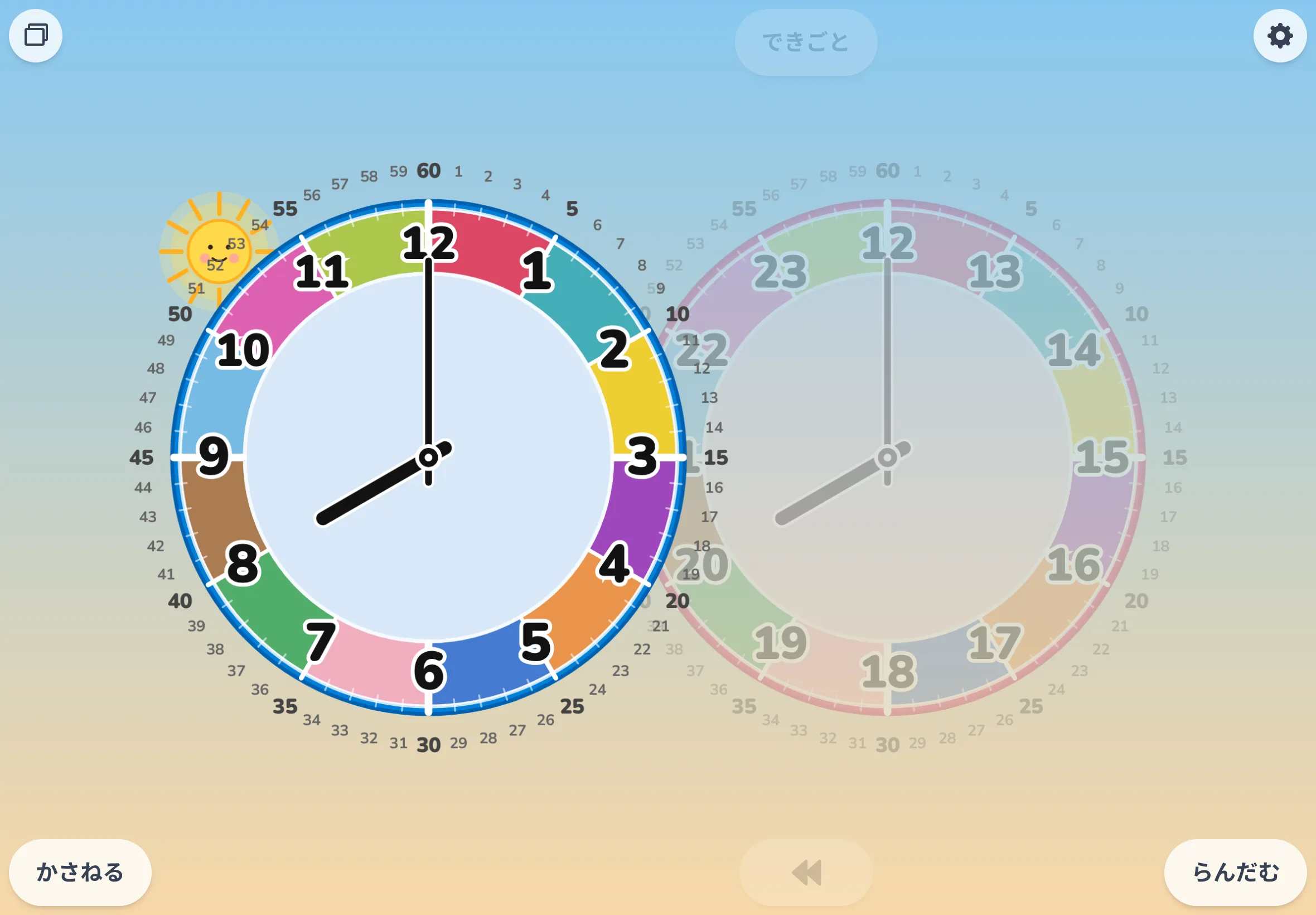
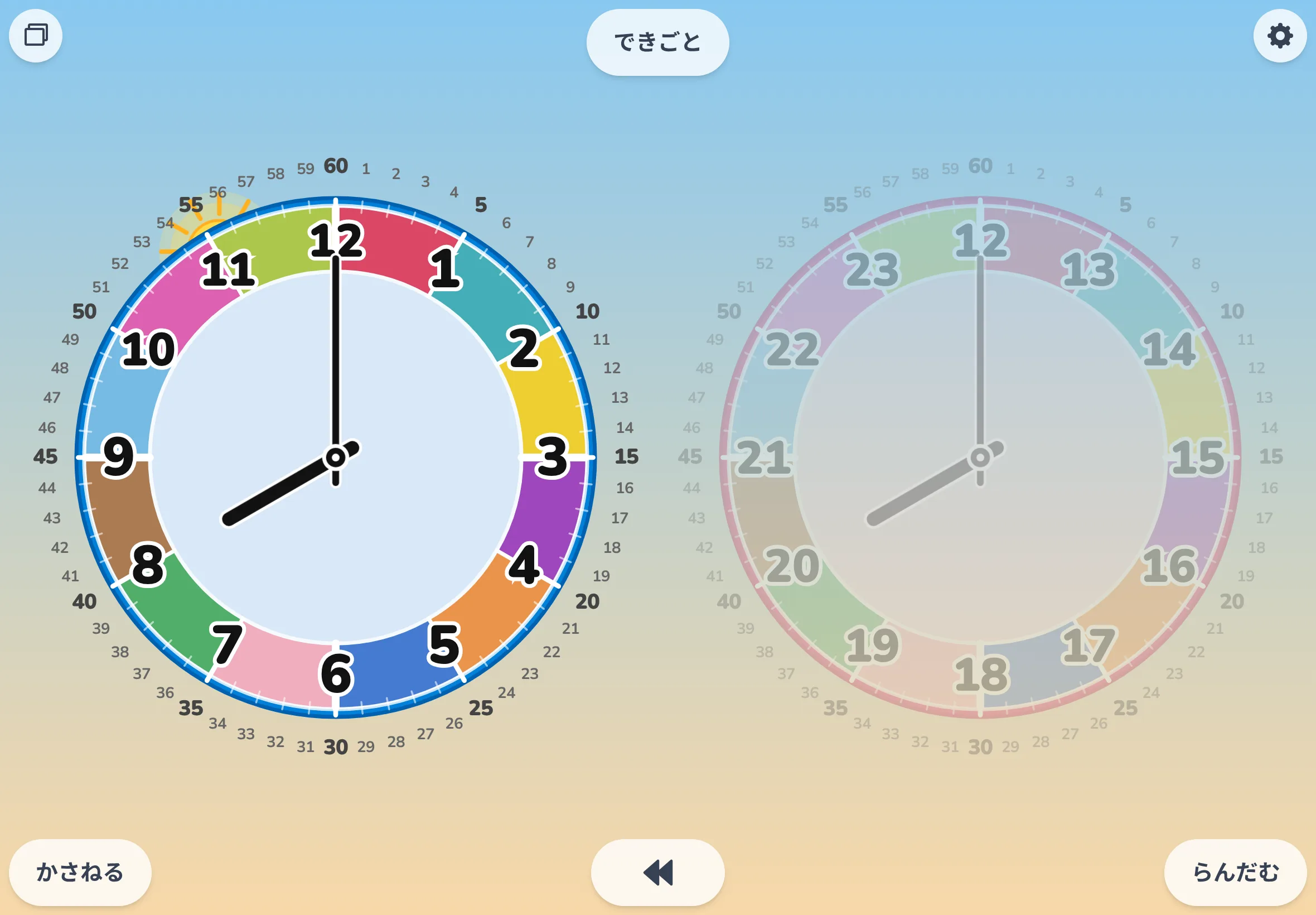
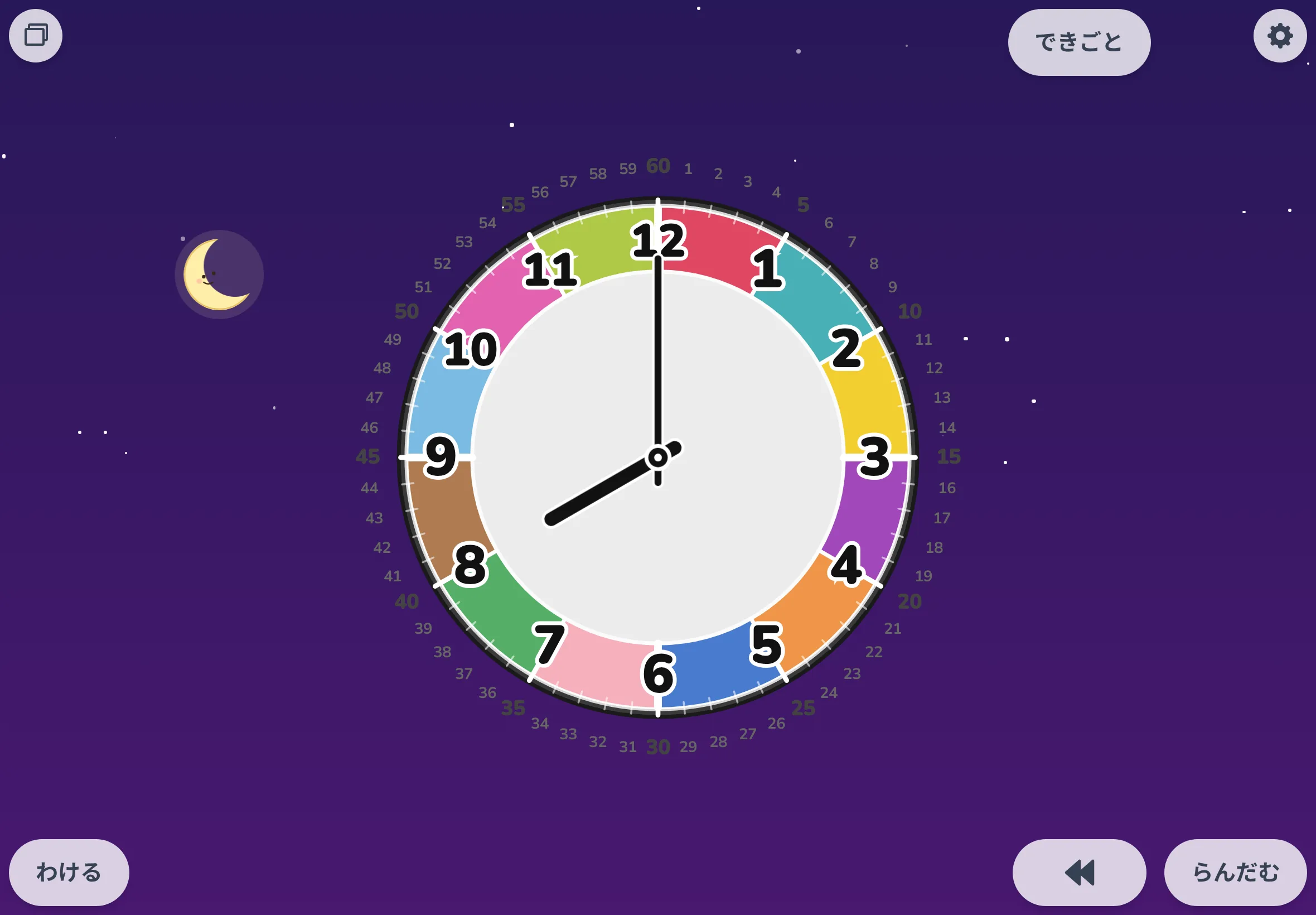
Auto spin
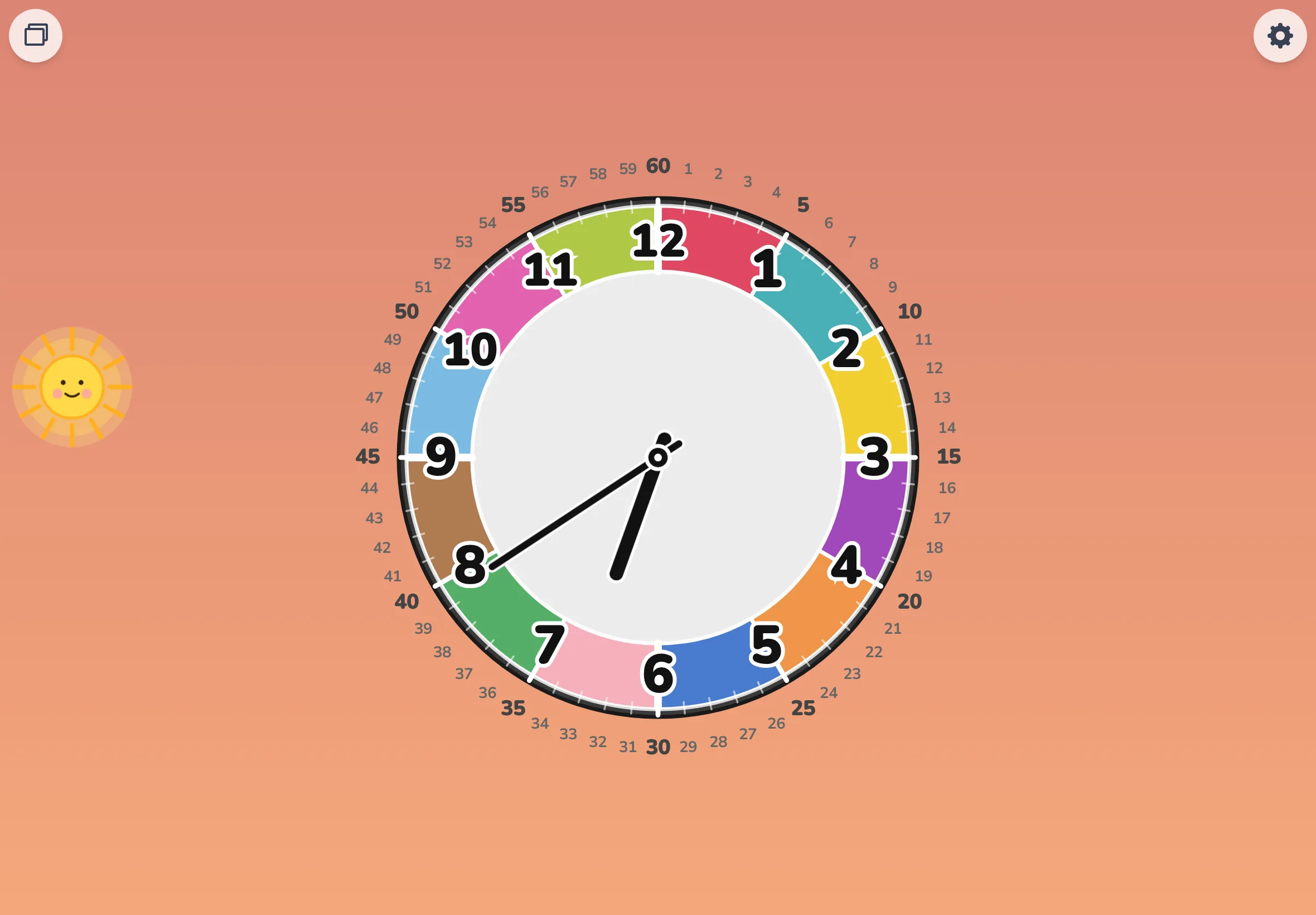
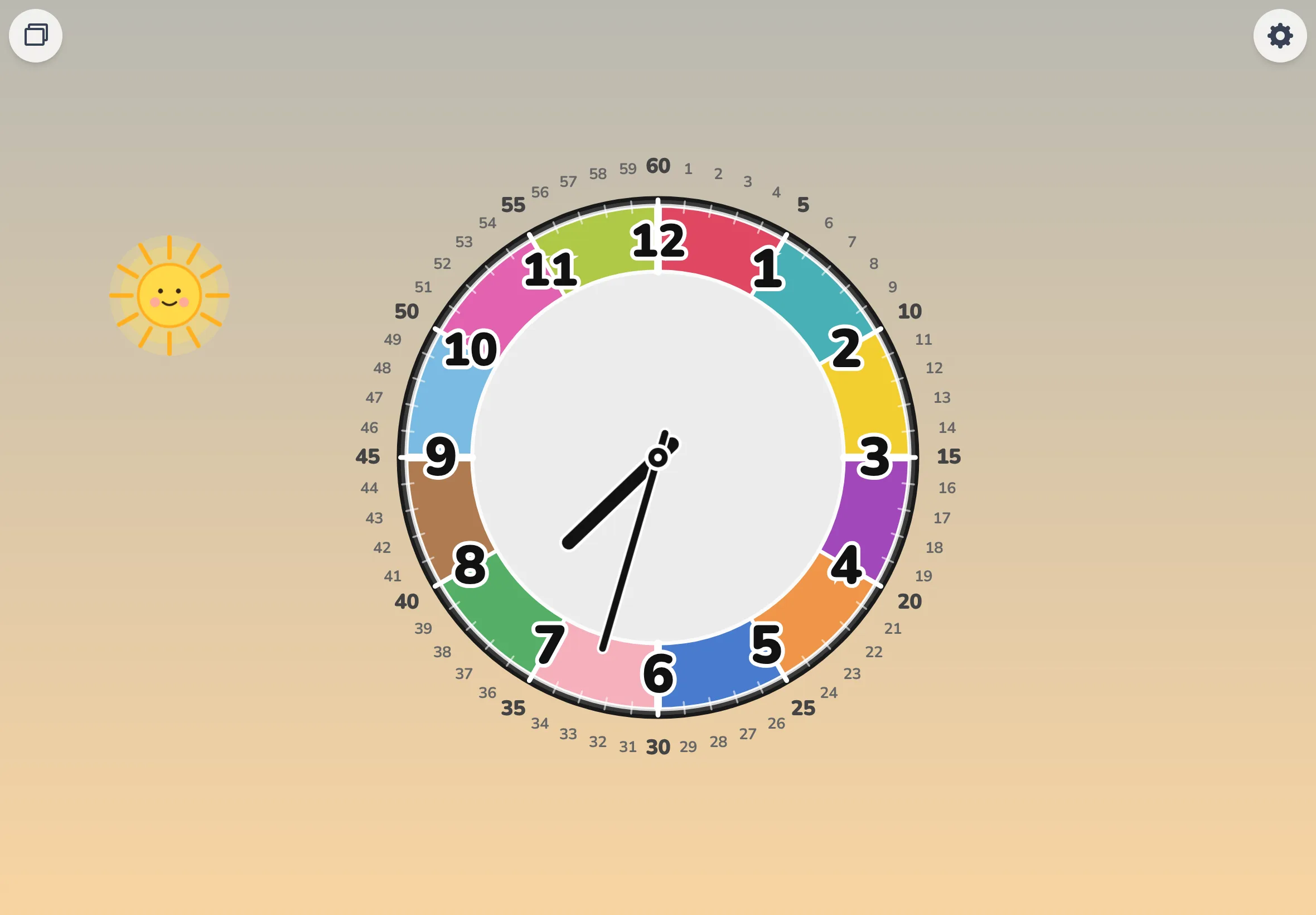
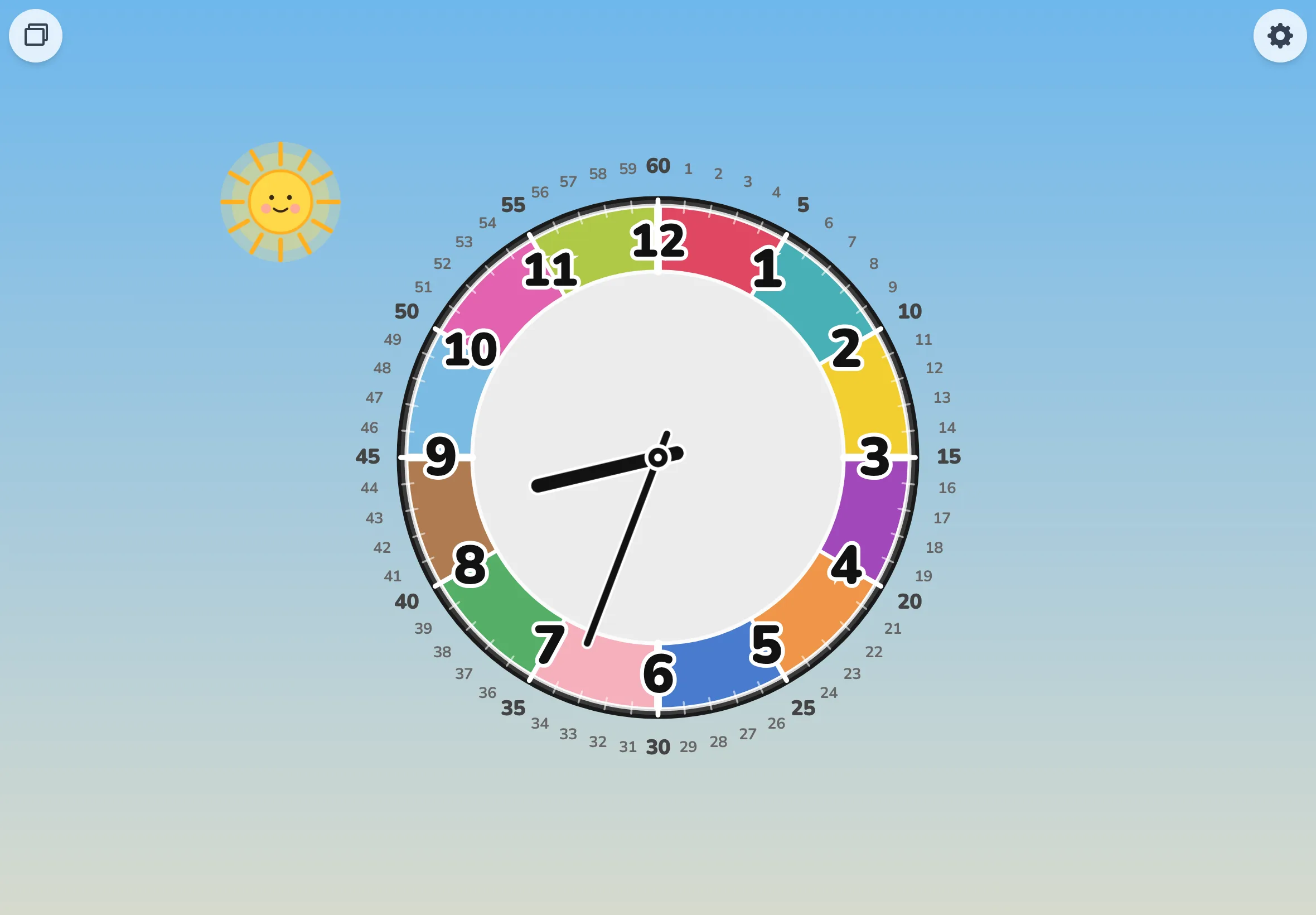
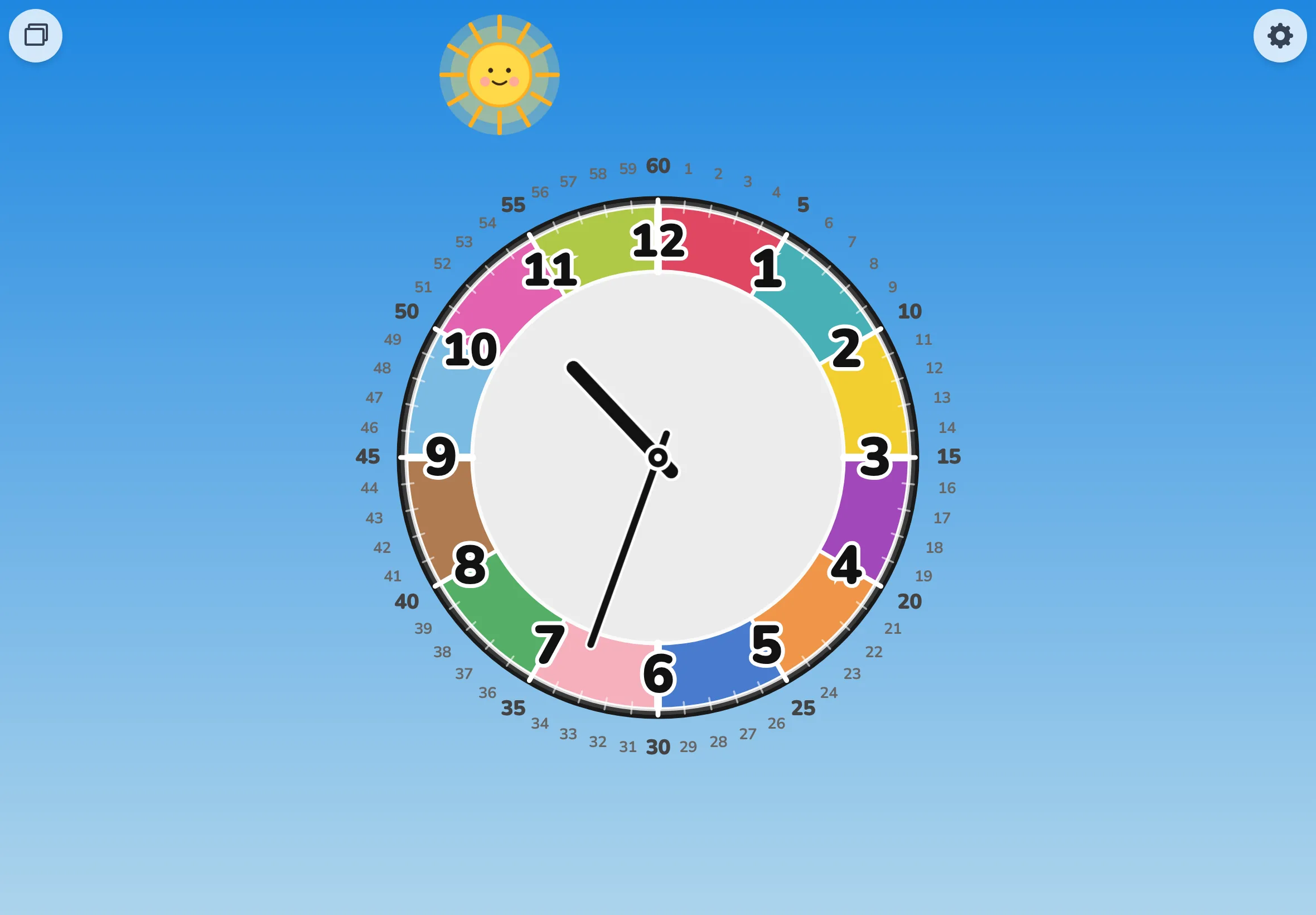
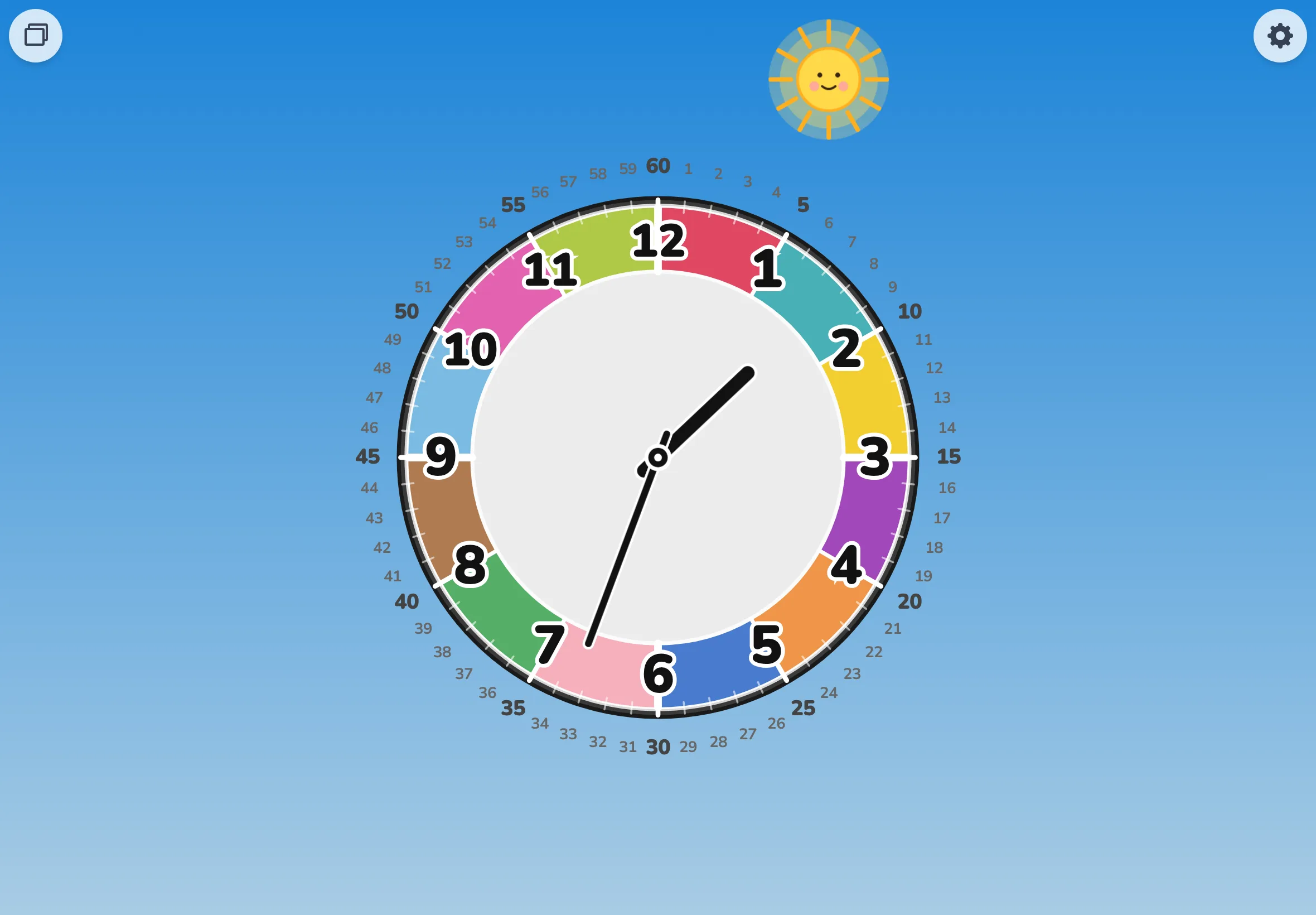
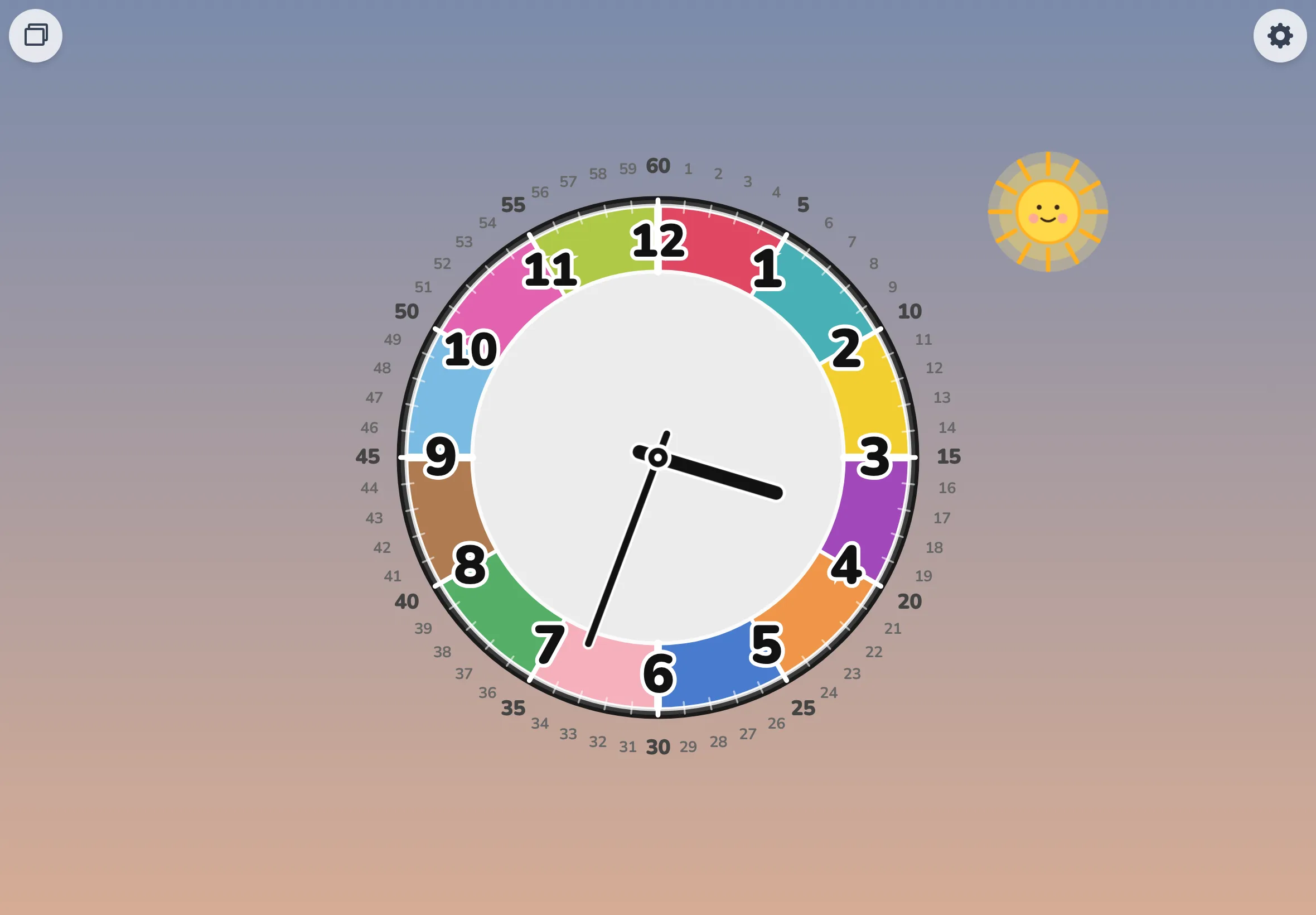
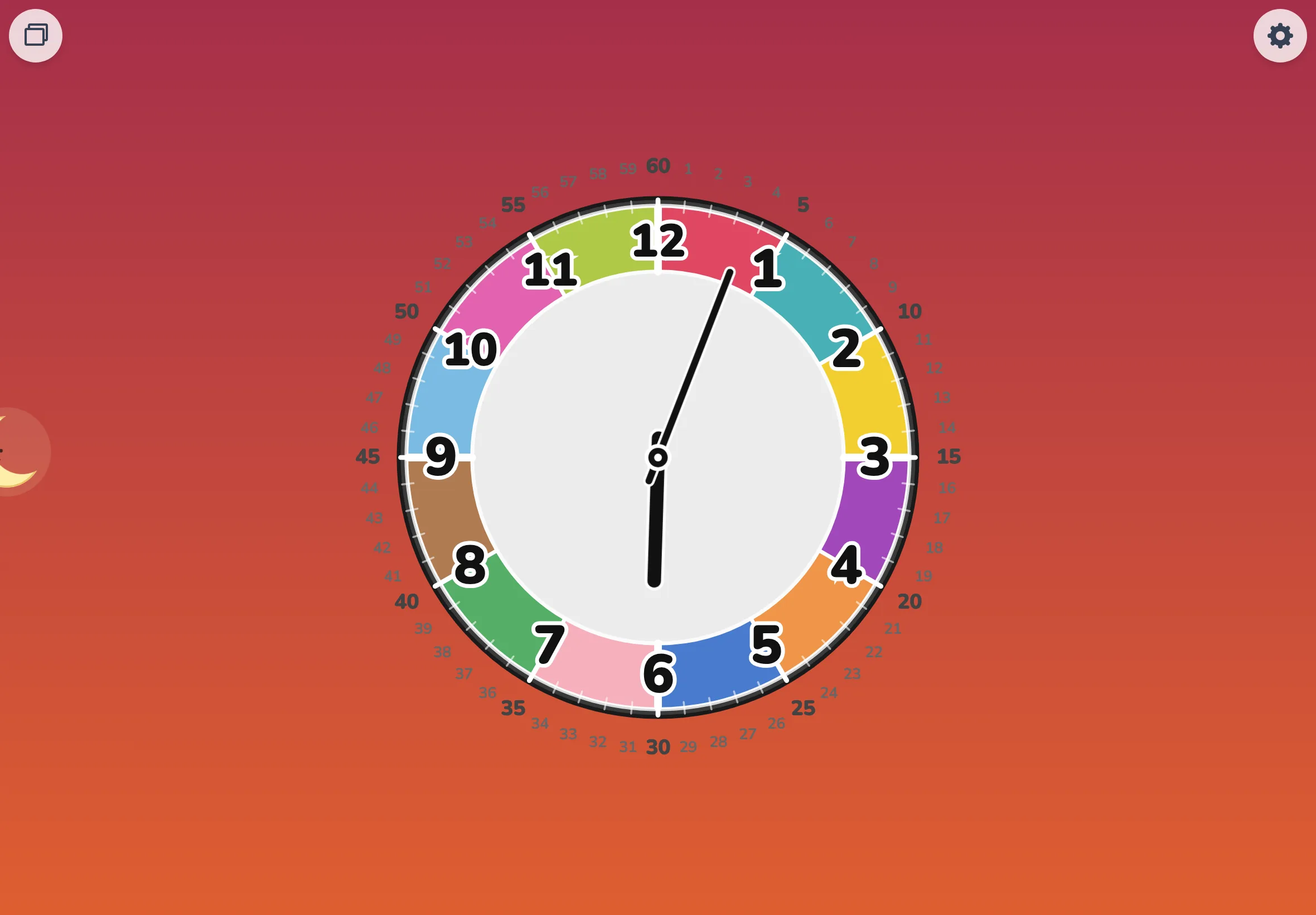
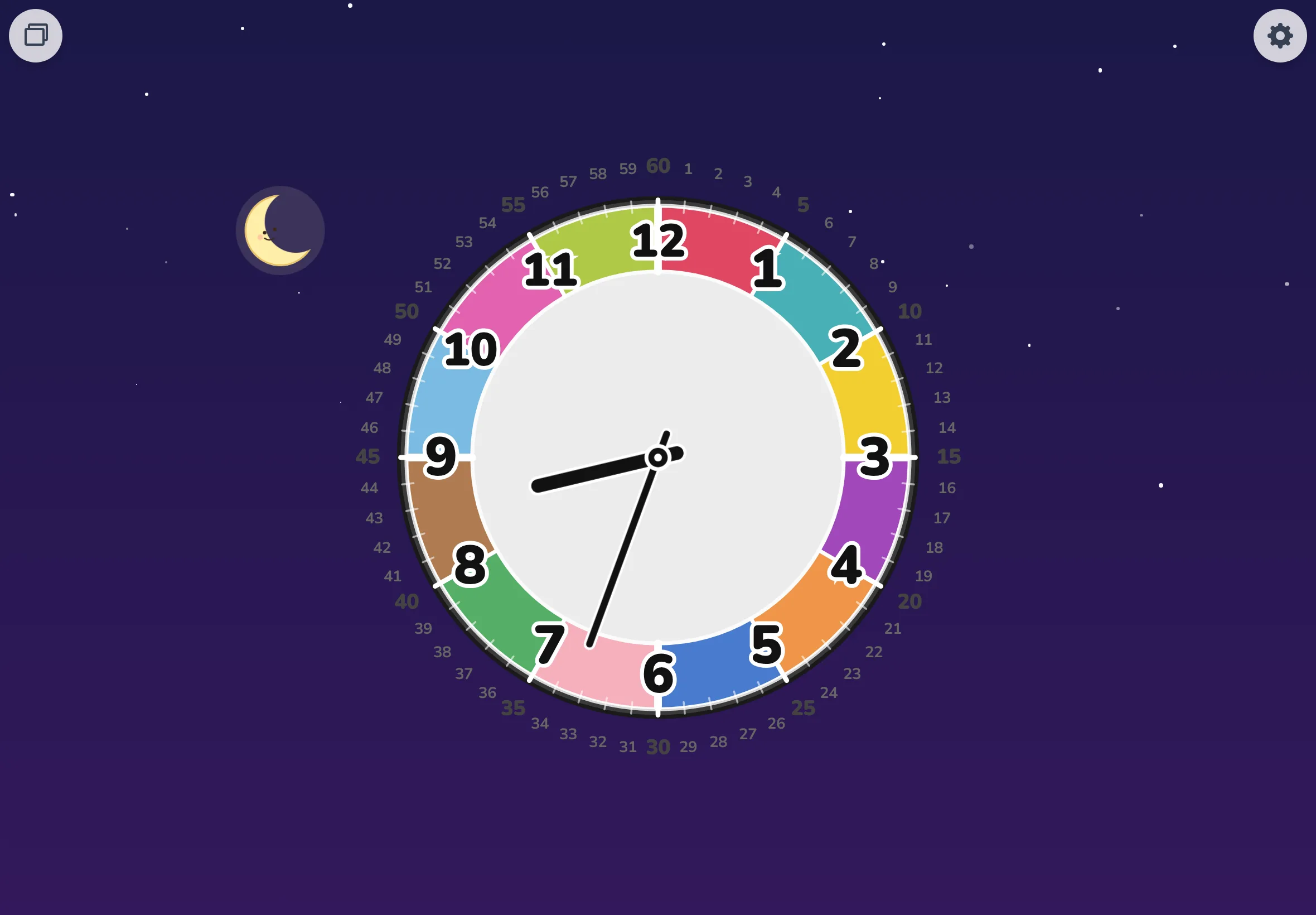
Representative frames from auto spin mode (one day in ~24 seconds). Crisp colors palette; 8 frames from after dawn through dusk, weighted toward daylight hours.
Add an activity
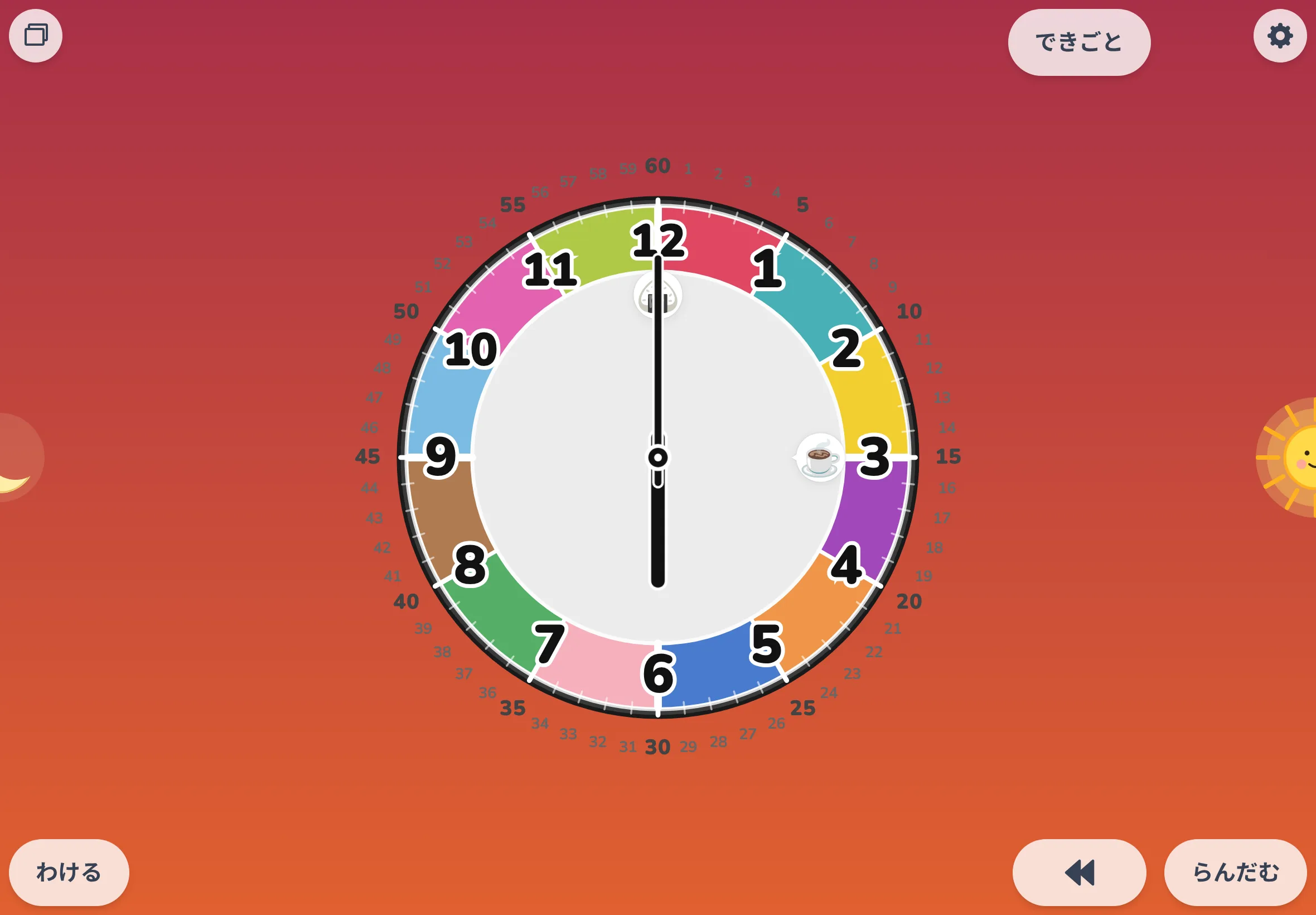
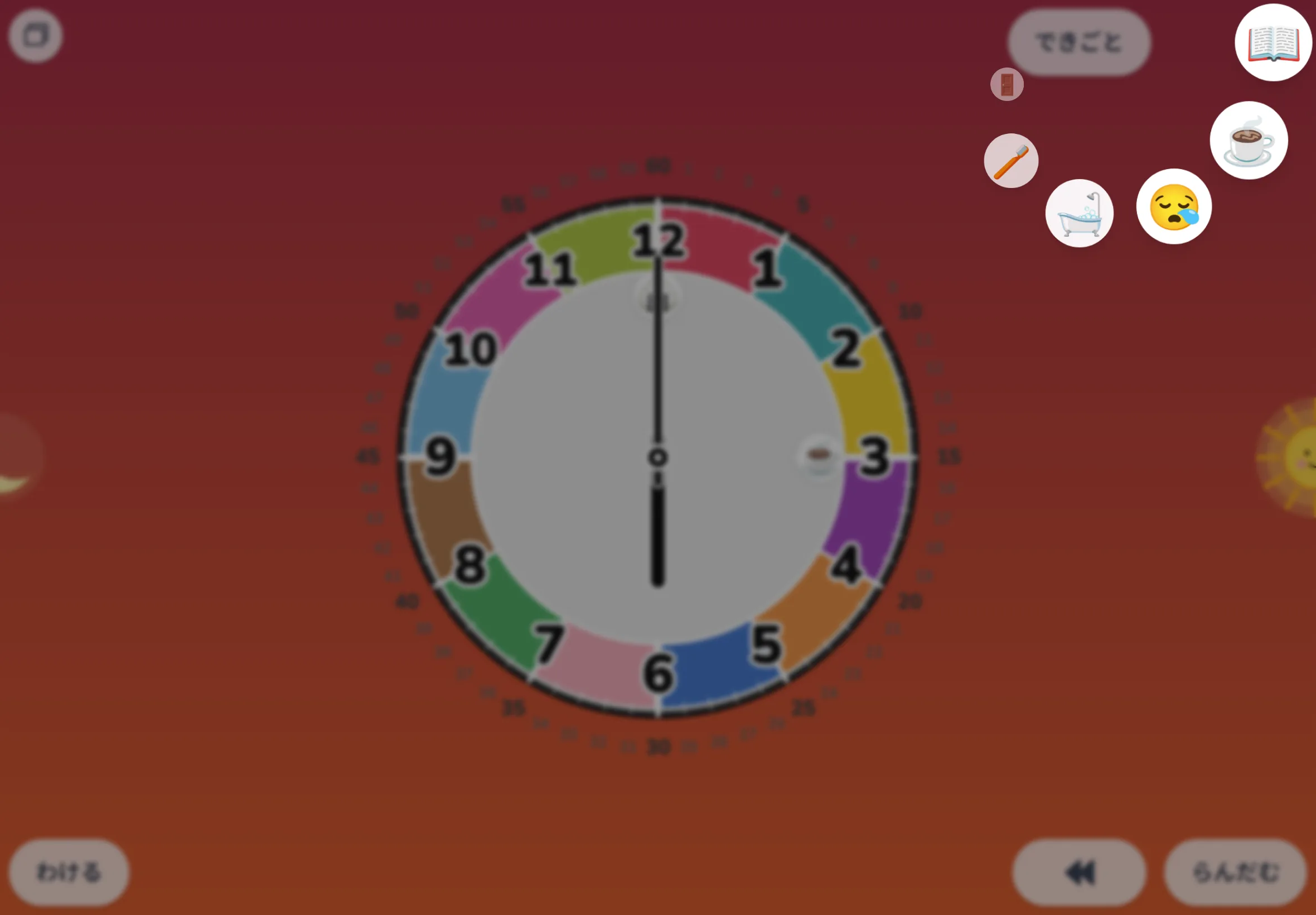
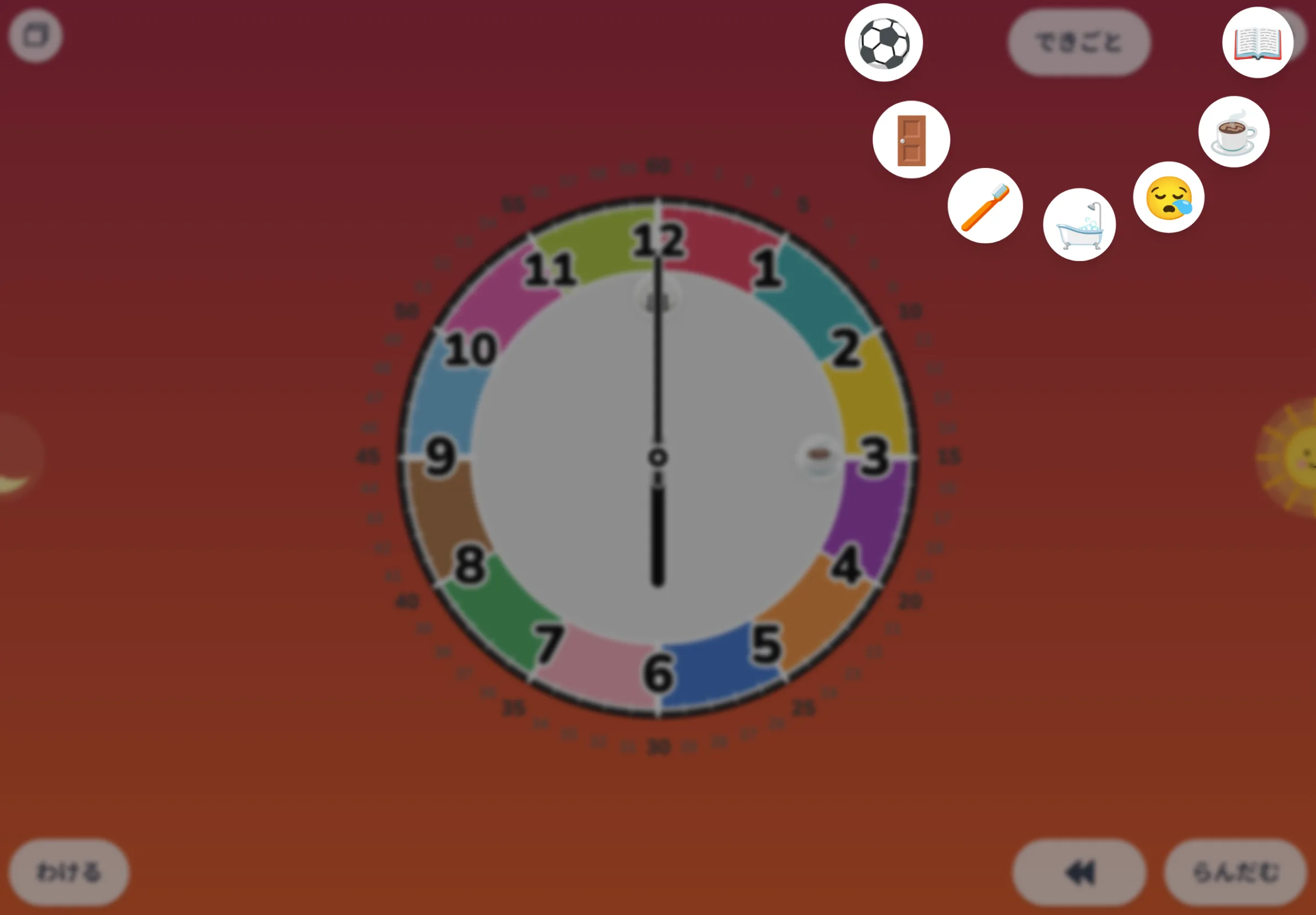
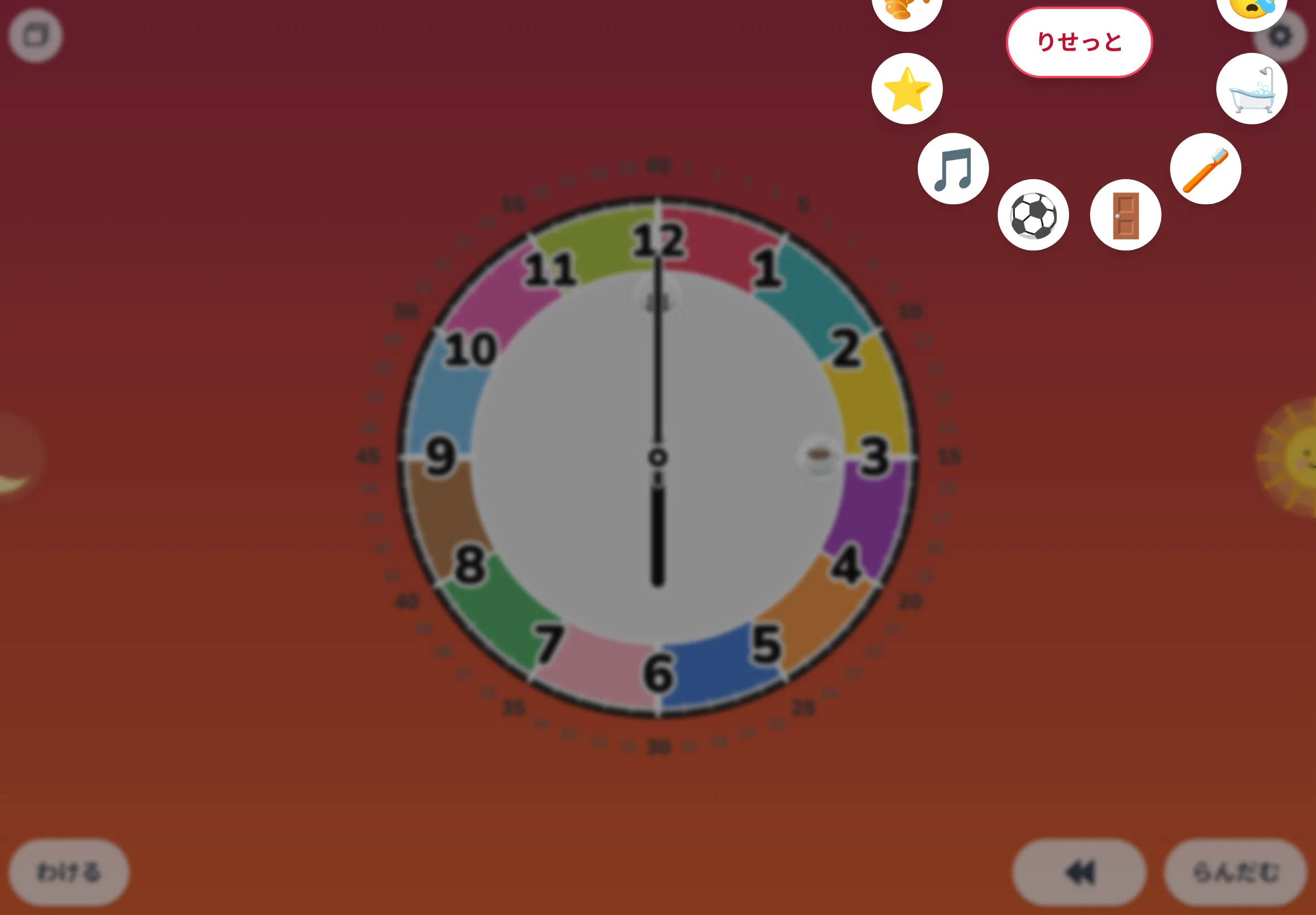
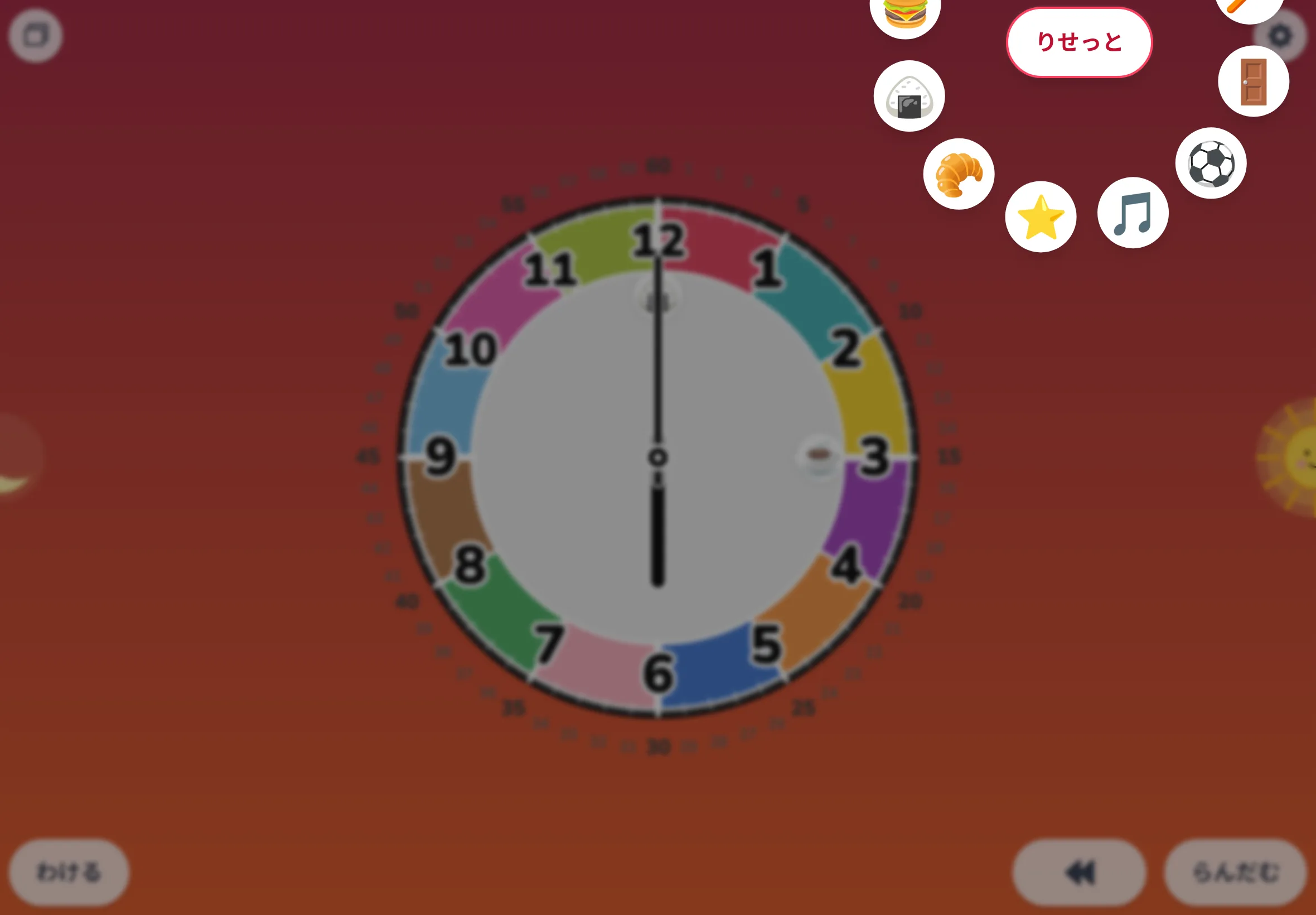
Press the "activity" button and 12 icons fan out in a ring. Six frames trace closing → opening → rotating → placing a Special-time star (⭐️) at 6:00 PM. Initial state has a rice ball 🍙 at noon and tea ☕ at 3:00 PM.
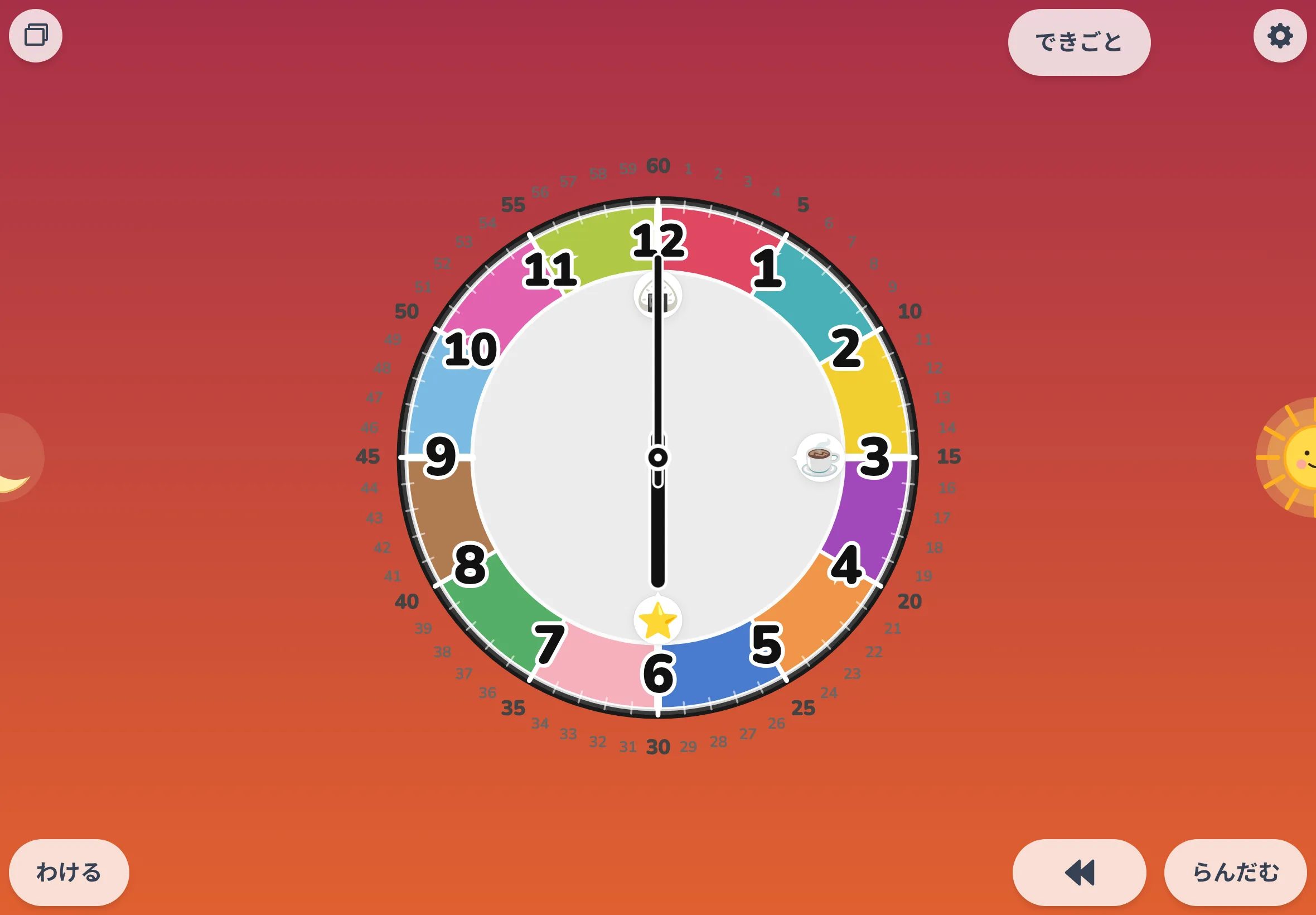
Removing a stamp
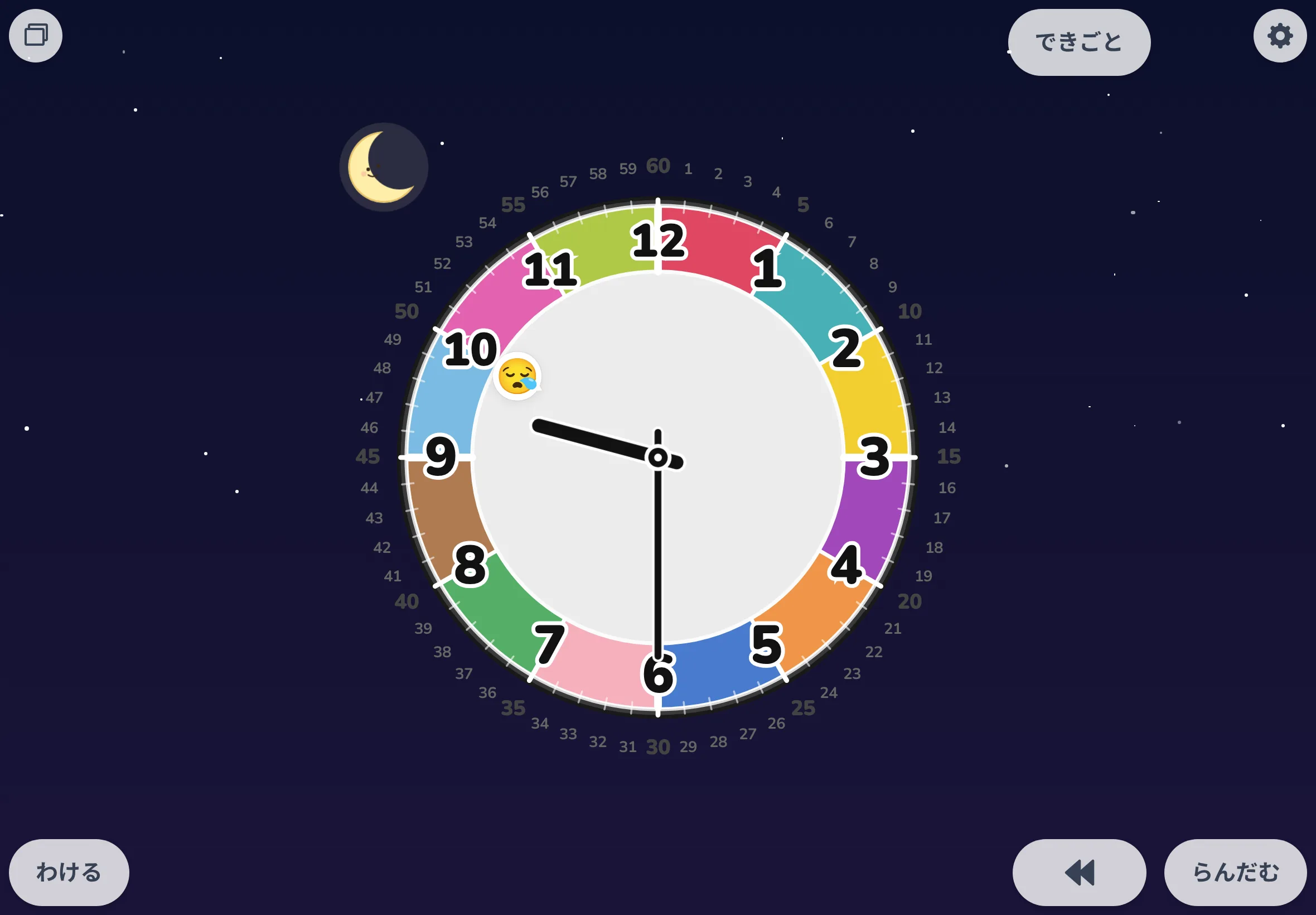
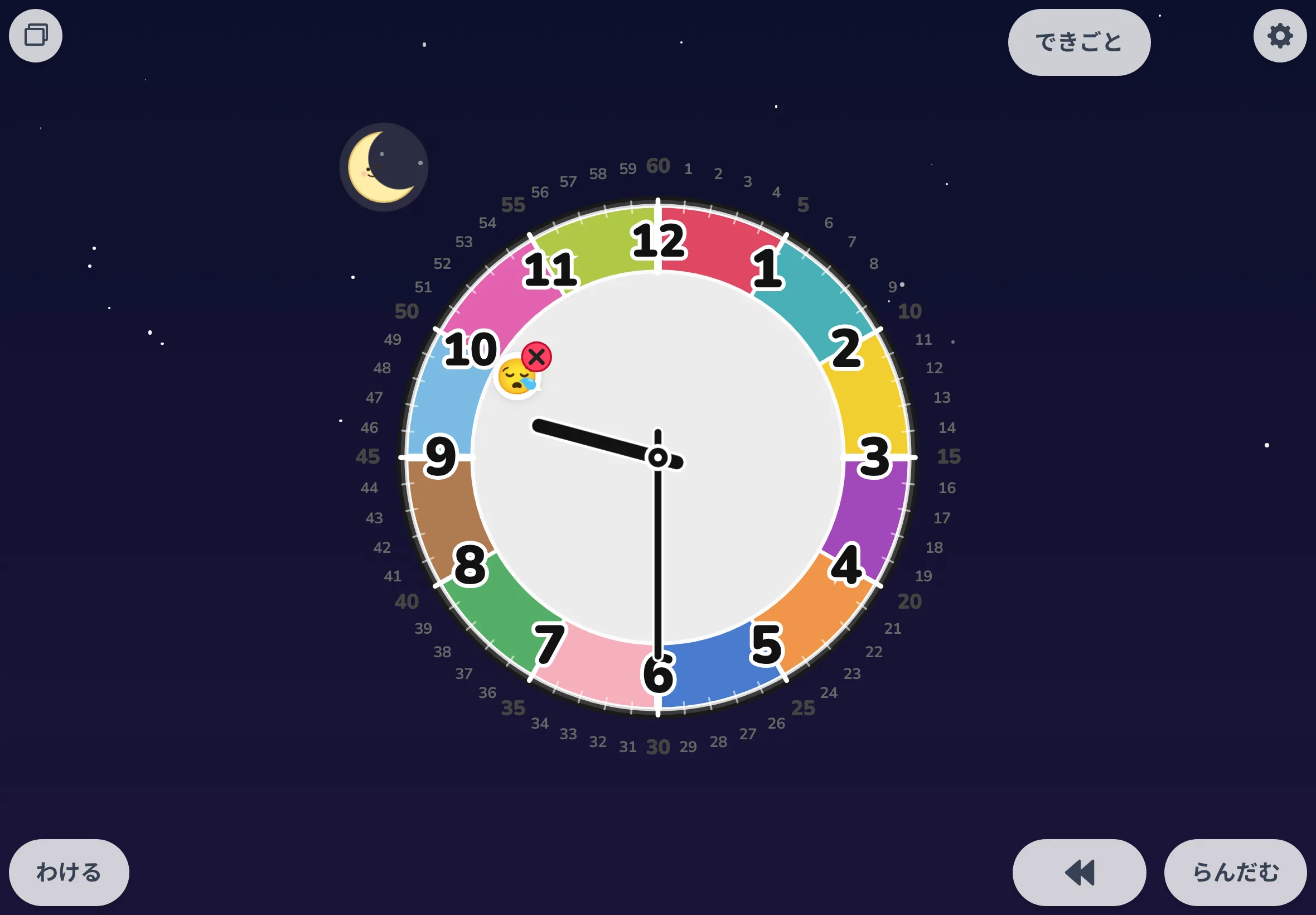
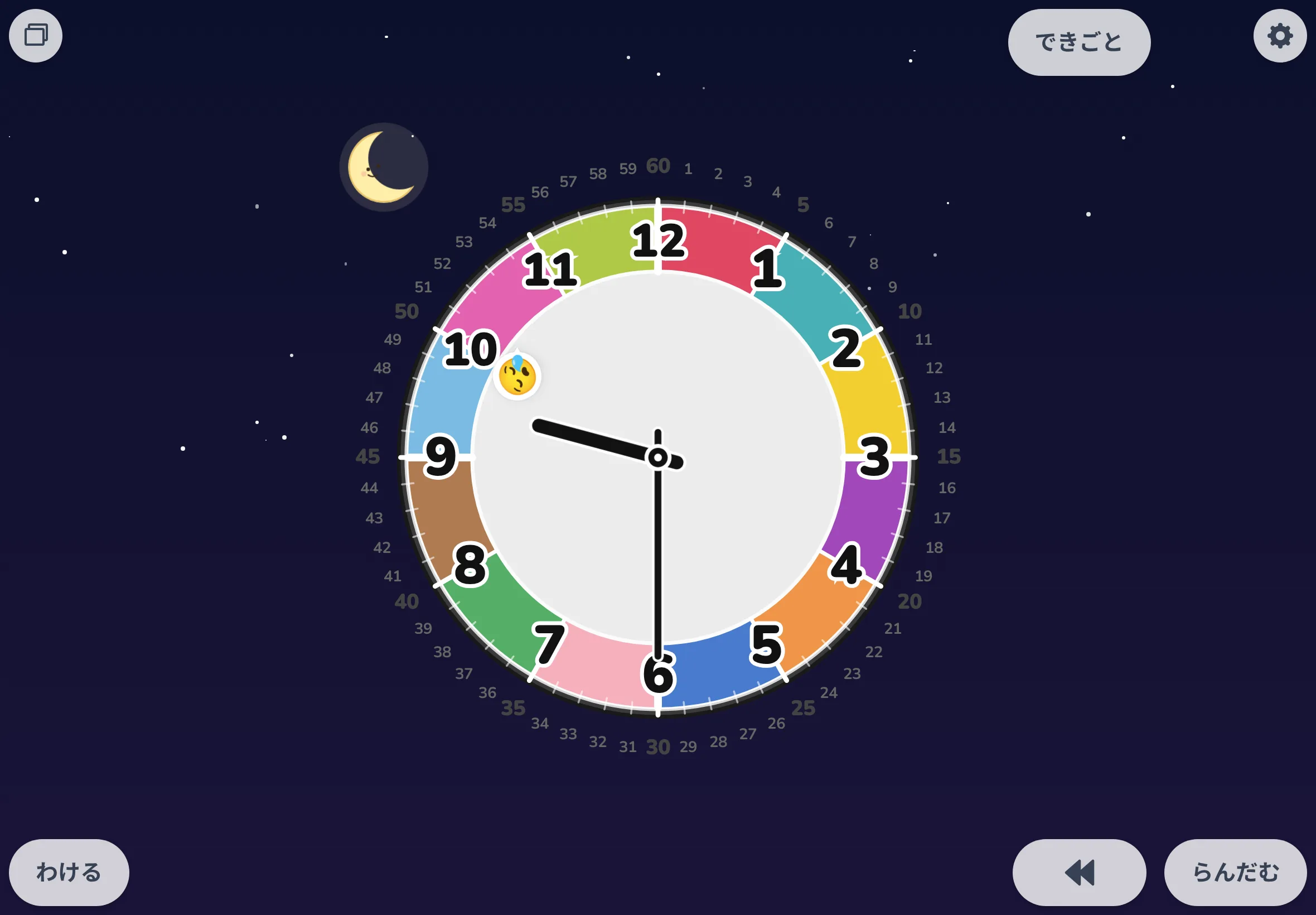
Long-press a placed icon and it shakes, with an × button. Tap × and the icon spins a few times, then disappears. Four frames remove the last item of the day (nap, 10:00 PM) before bedtime.
Timewatch mode
Press Set and pick minutes (1–60) or a target clock time. The countdown starts the moment you choose. The left face shows the current time; the right timer board fills a wedge for the time left as the current hand closes in on the black end marker. Here it traces "let's play until 5:00", from opening the timer to 5:00 (the last frame is a pause aside).
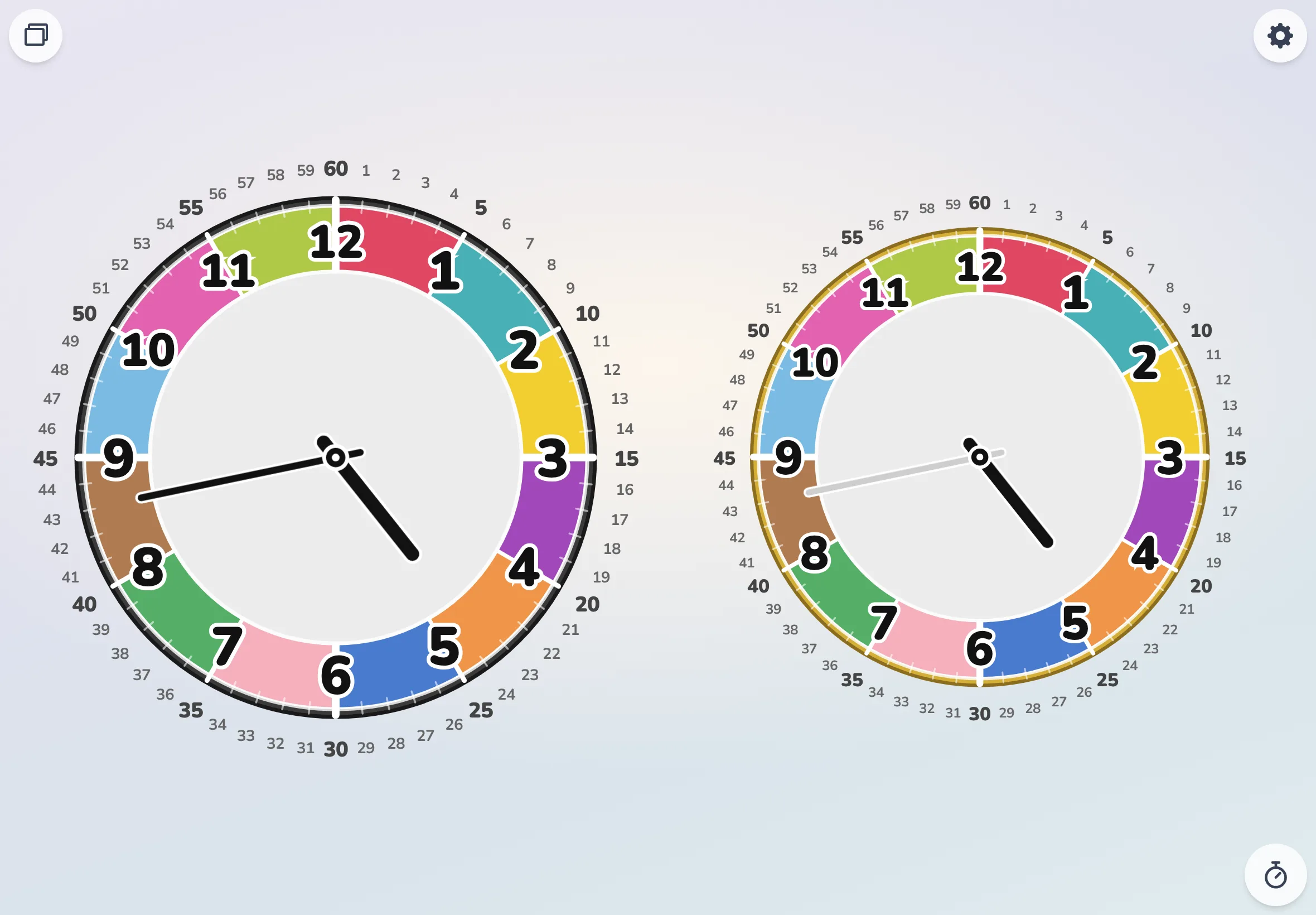
① Just opened — only the Set button
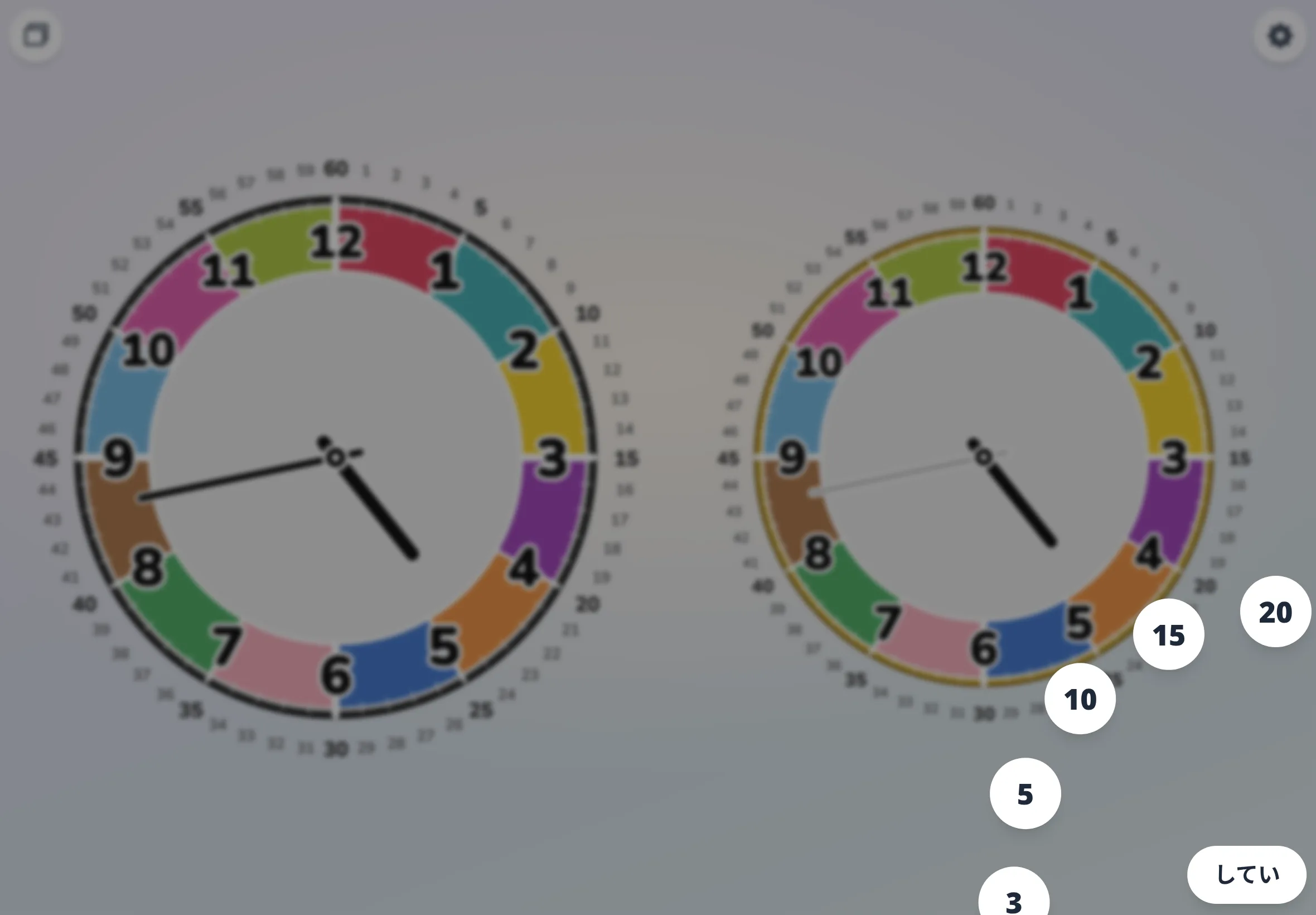
② Press Set — the minutes ring opens
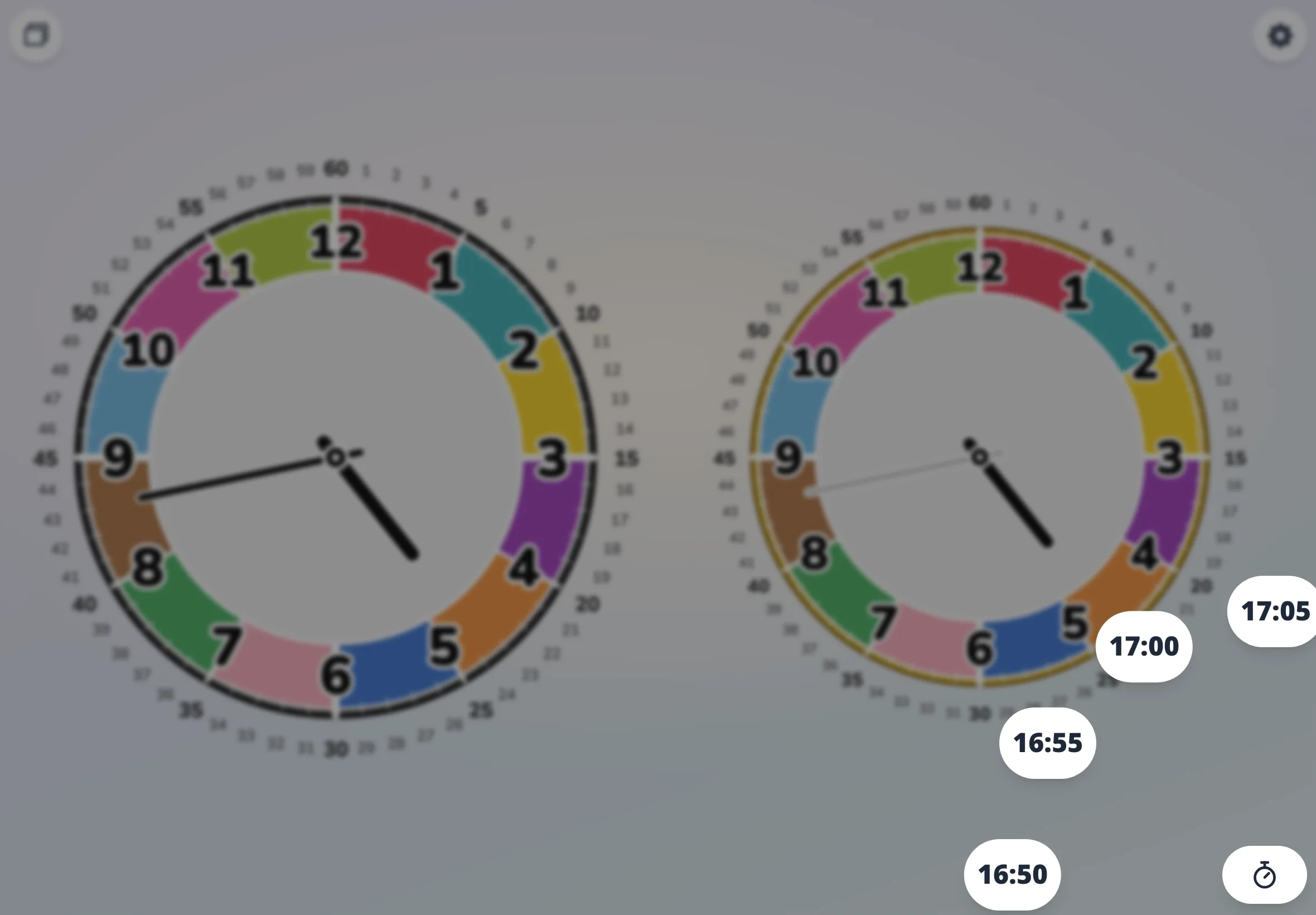
③ Tap "time" to pick a target clock time
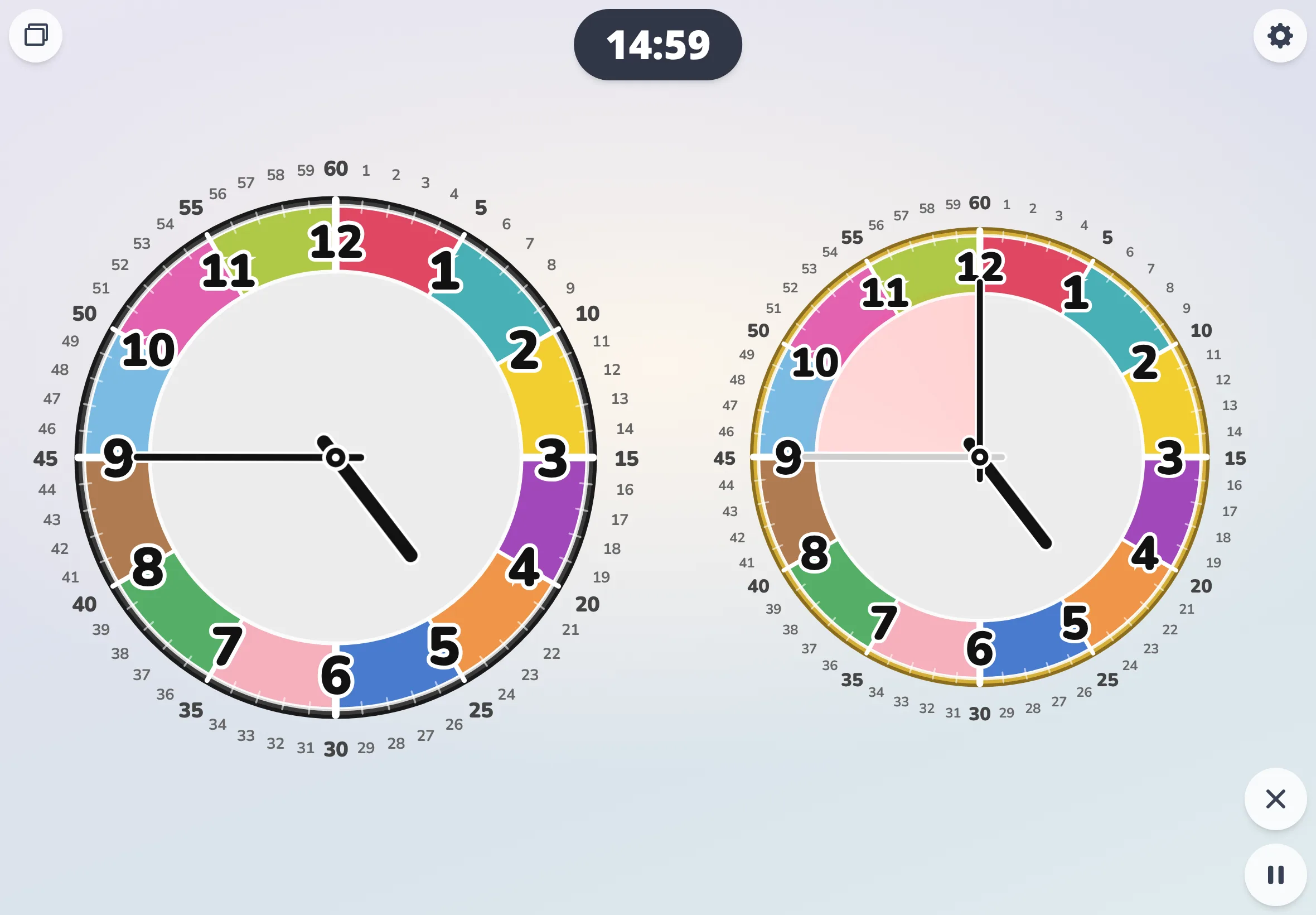
④ Counts down the instant you pick 5:00
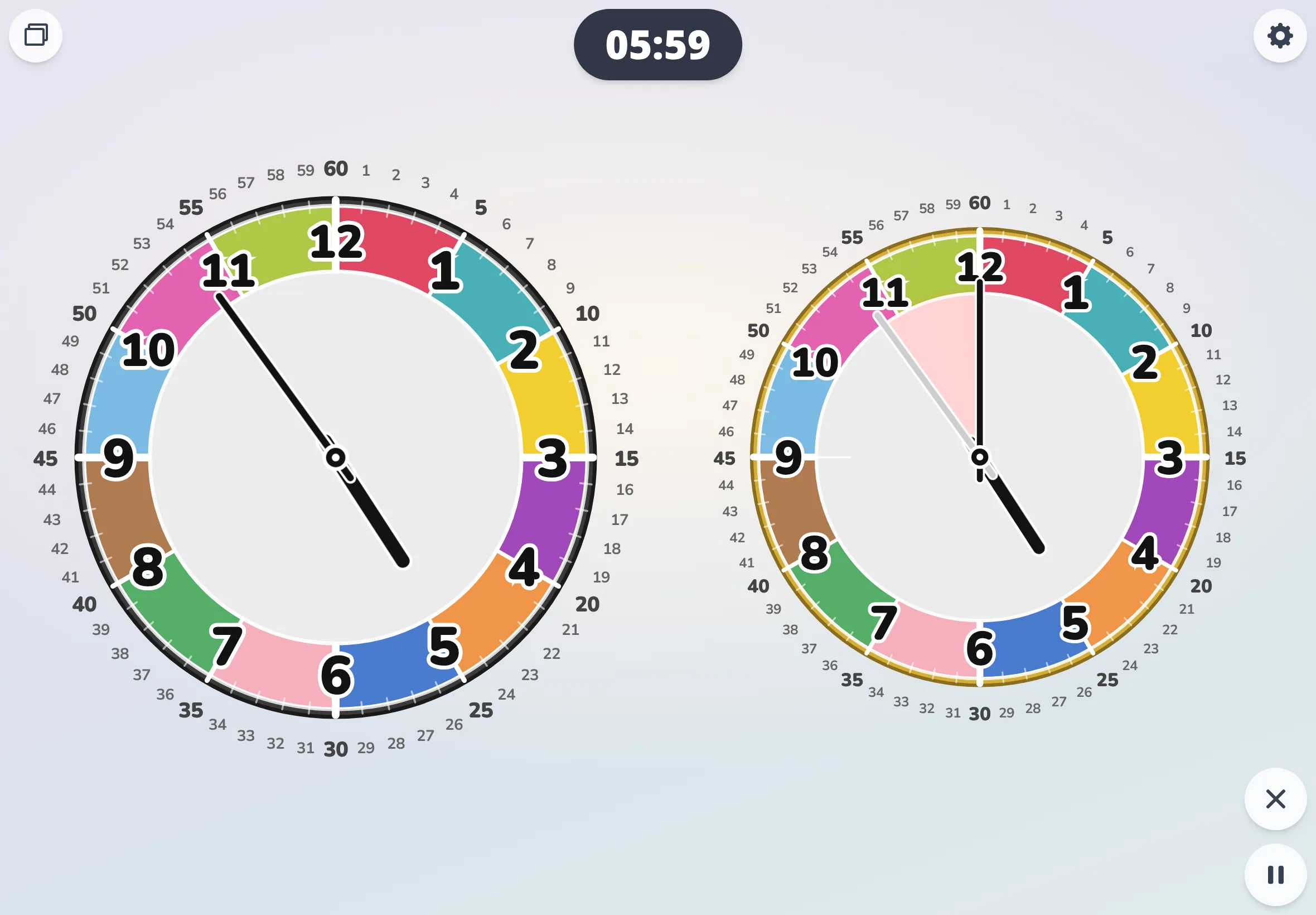
⑤ The wedge shrinks as you play
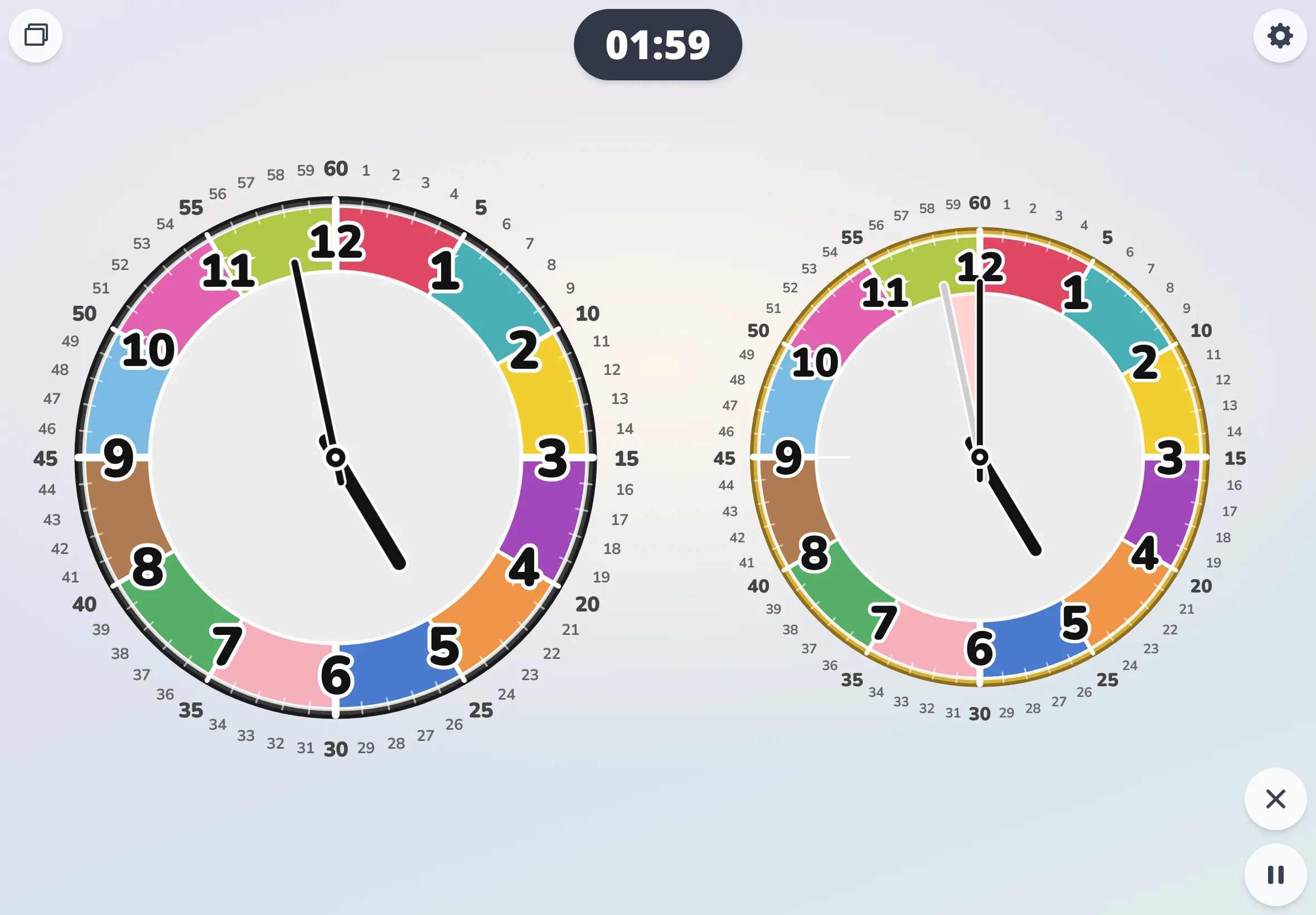
⑥ Almost 5:00
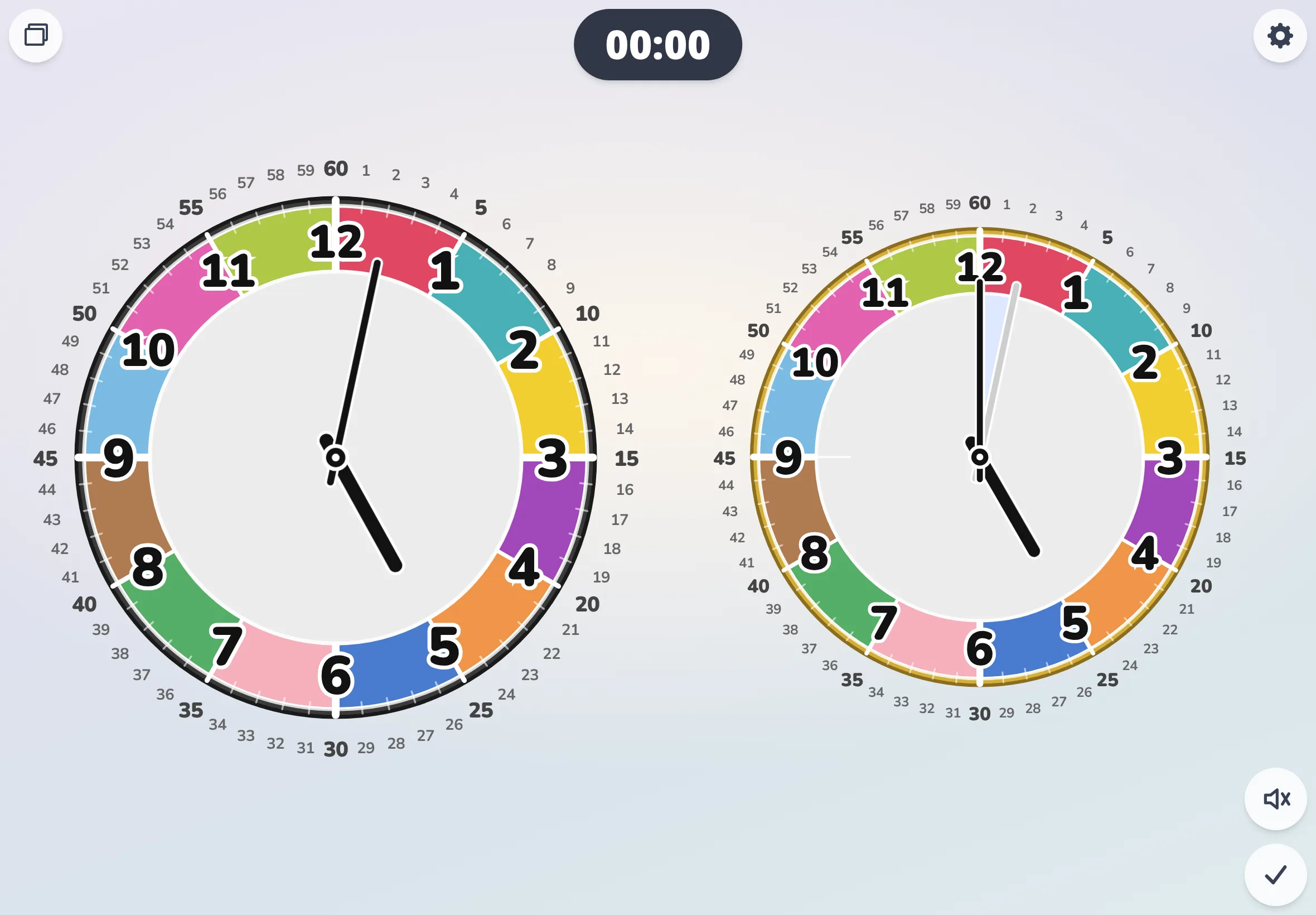
⑦ Chimes right at 5:00 (an overrun hand shows time past)
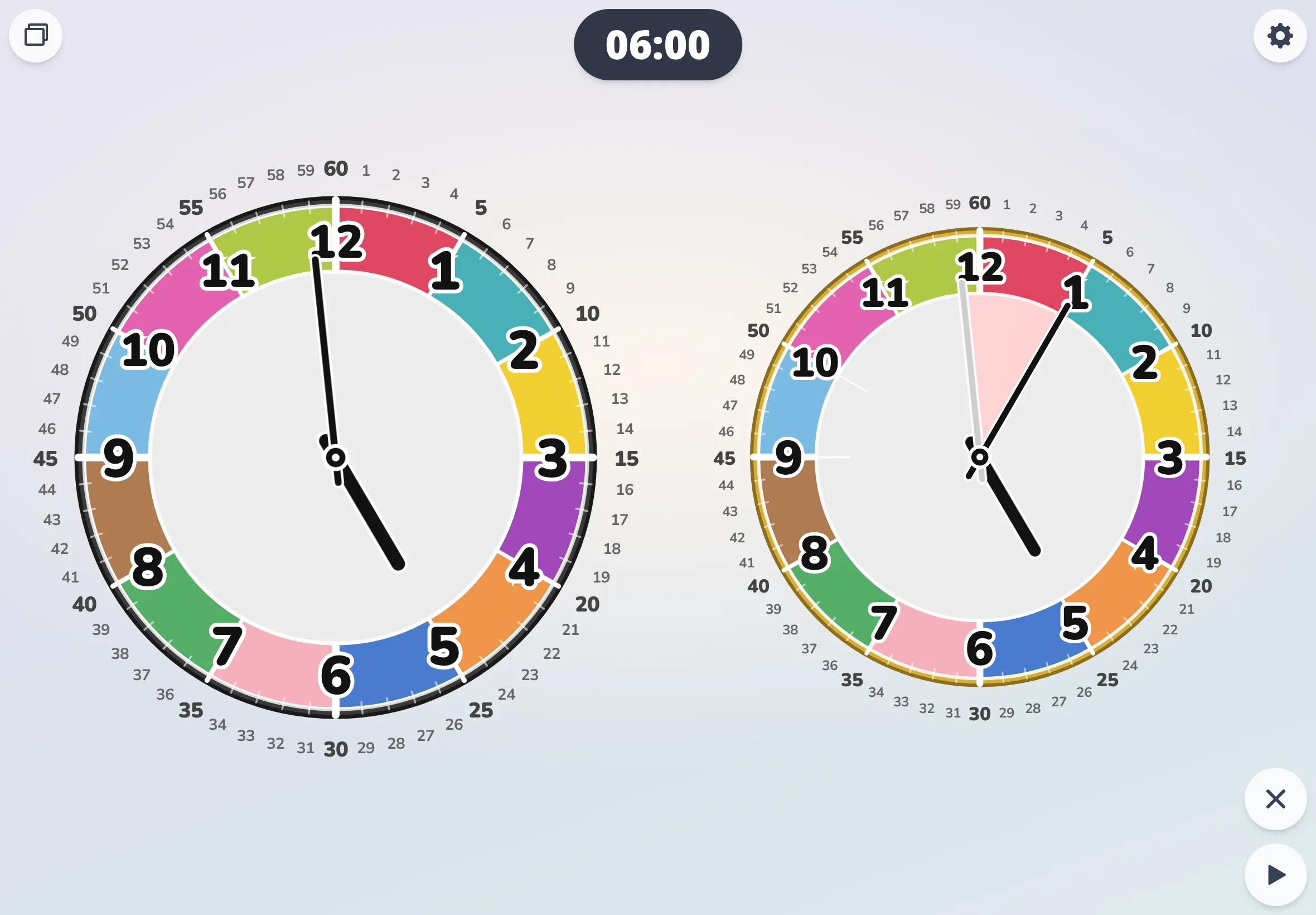
⑧ Aside: pause for 5 min and the paused stretch stays marked
Grab them all as a ZIP
If right-clicking each thumbnail is a hassle, here are bundled ZIPs. The mono version uses a brightness-based palette that survives a black-and-white photocopier; we don't surface a thumbnail grid for it, only the ZIP.
Color version (ZIP)
The same thumbnails above. Easier when you're grabbing several at once.
Download color ZIP62 images / ~5.2 MB
Mono version (ZIP)
A brightness-based palette so hands, numbers, and stamps stay legible after a black-and-white photocopy.
Download mono ZIP62 images / ~3.6 MB