Open settings
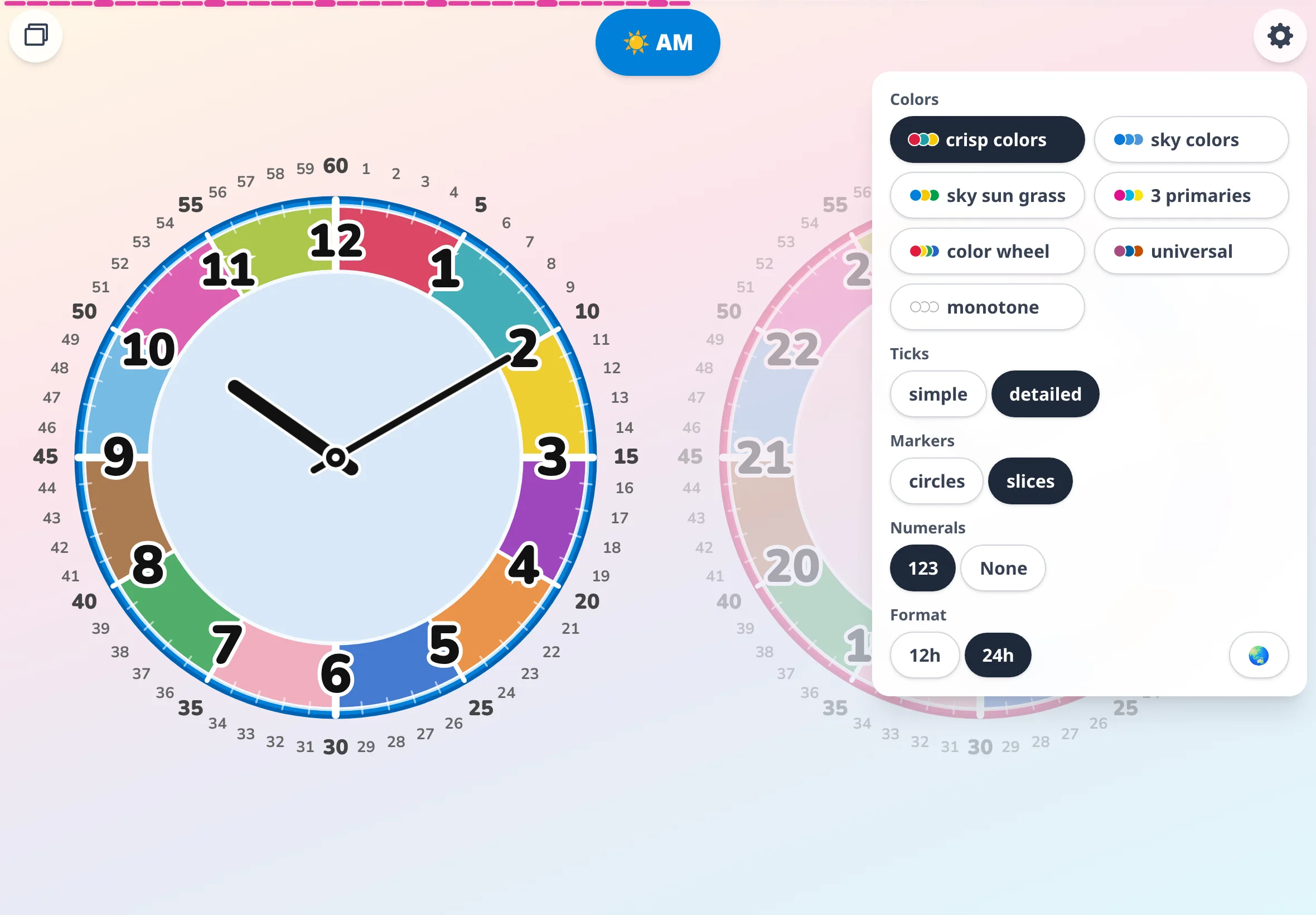
Tap the gear at the top right to open the settings panel.
Tap the gear at the top right to open the settings panel.
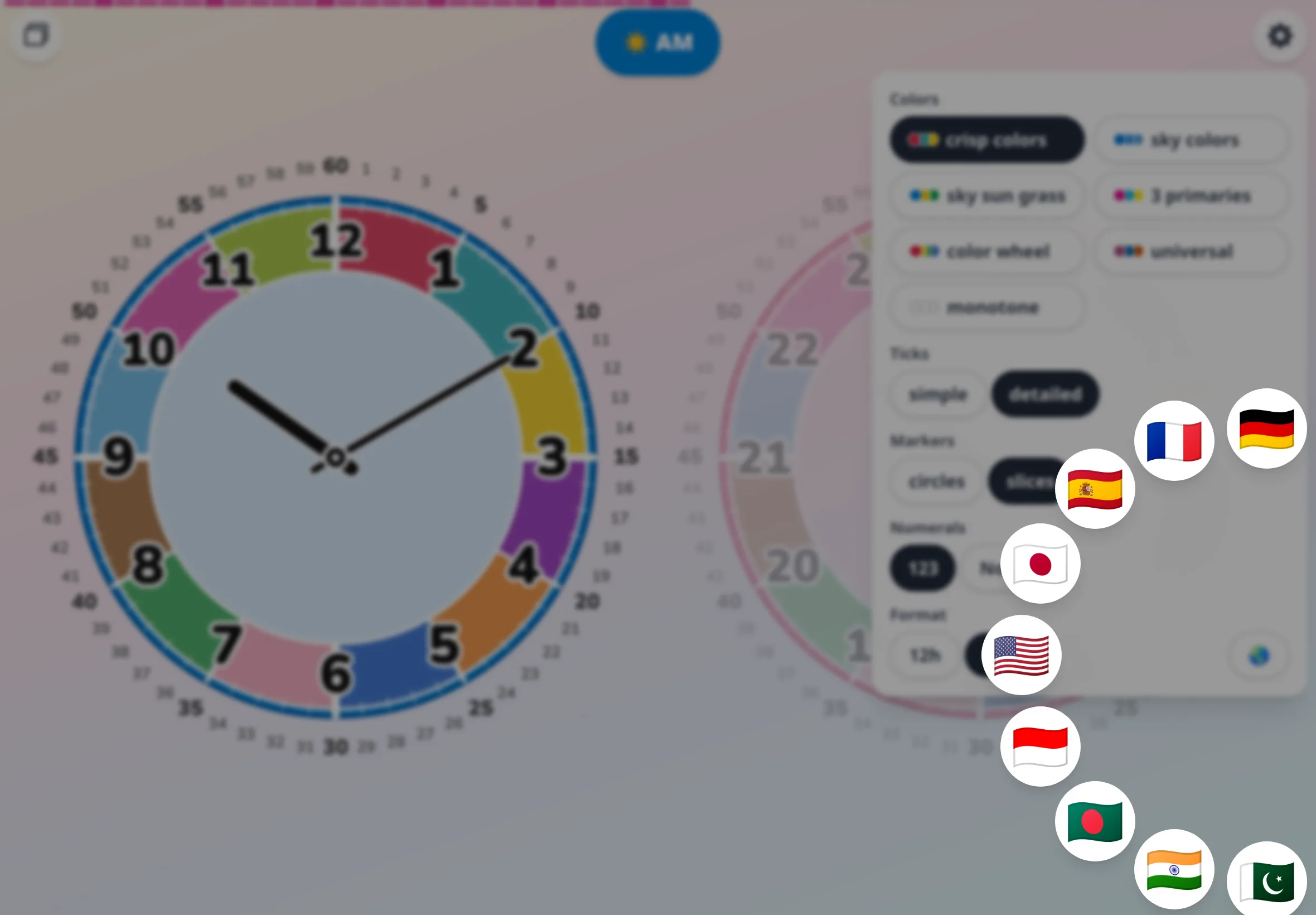
Tap the globe (🌏) at the bottom right of the panel, and a ring of flags appears.
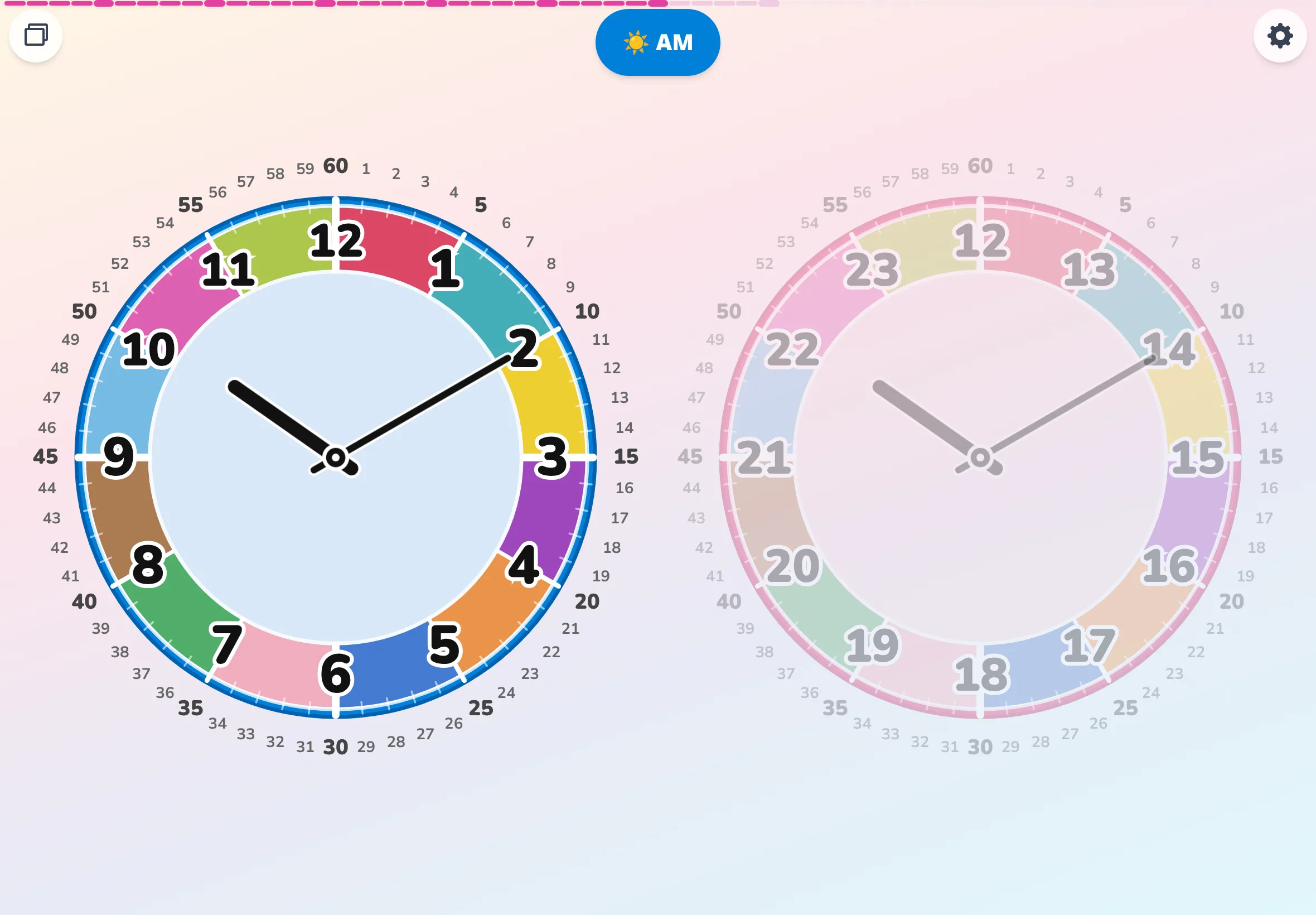
Touch anywhere on the screen and drag to spin the ring (the mouse wheel works too). Tap the flag you want, and the app reopens in that language.
It stays chosen next time.
On first launch, the app follows your browser's language setting. If none match, it opens in English — switch from settings.
One language today, a different one tomorrow. That kind of casual switching just works.